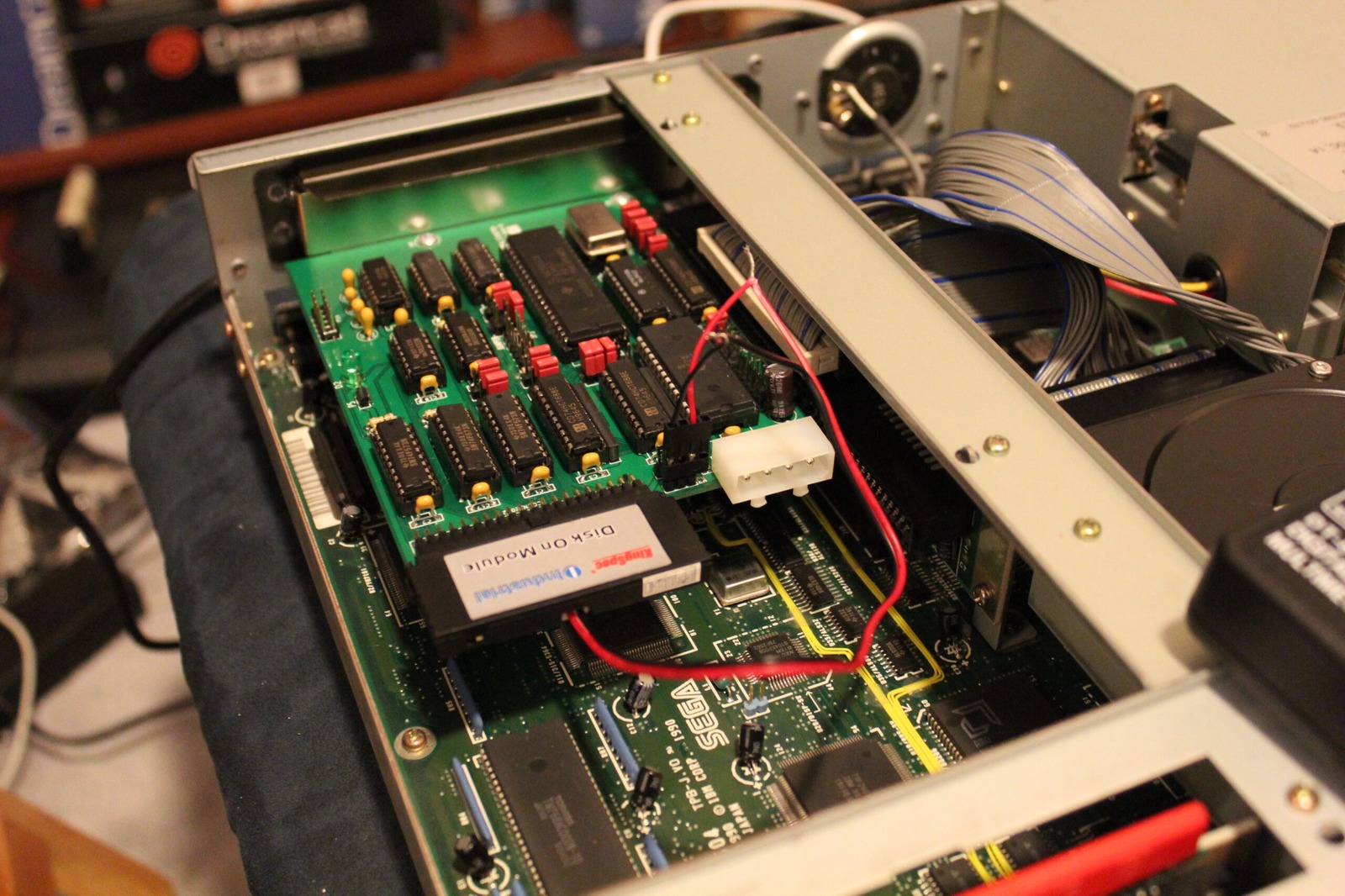
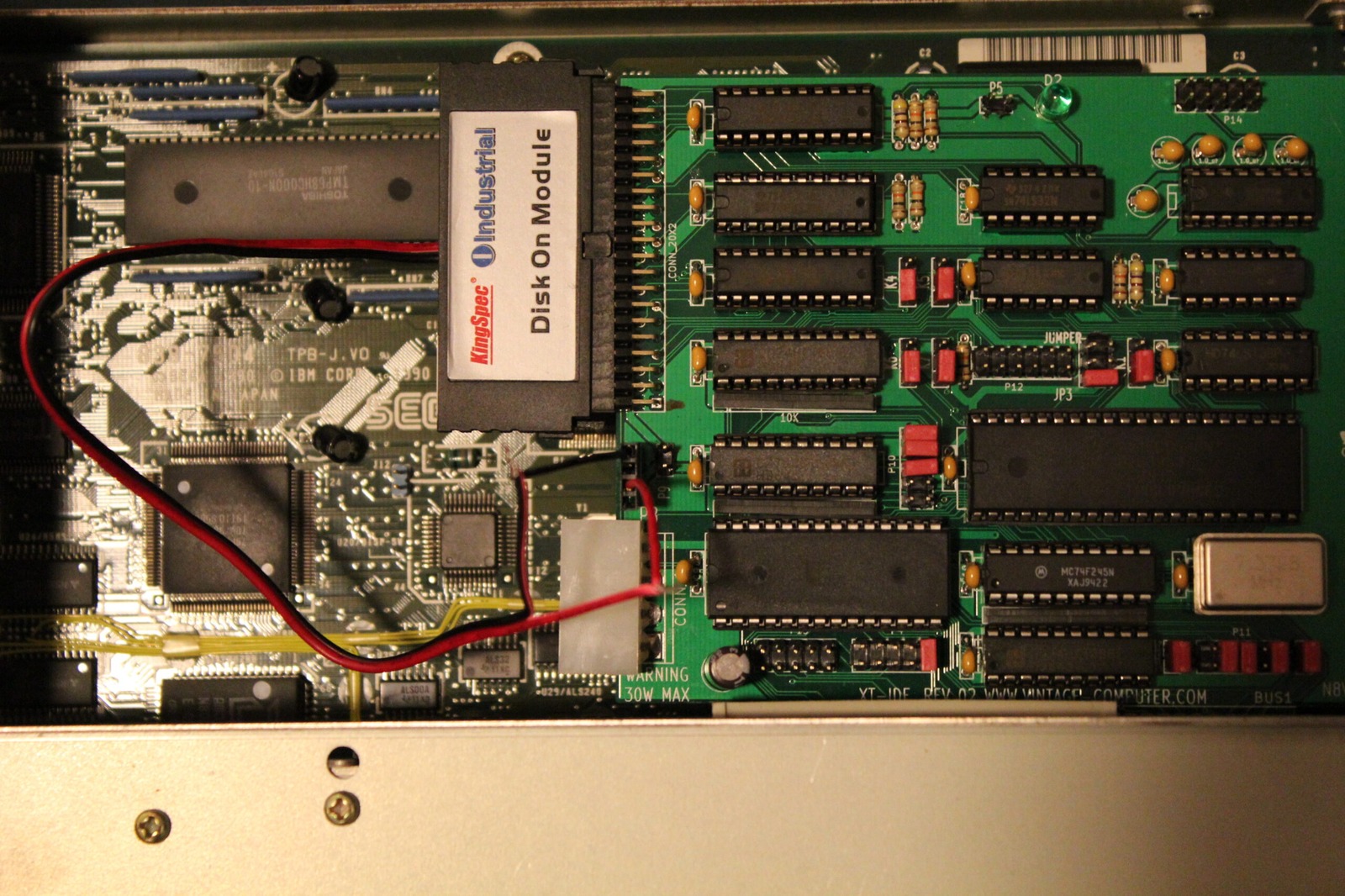
Nix McRetro
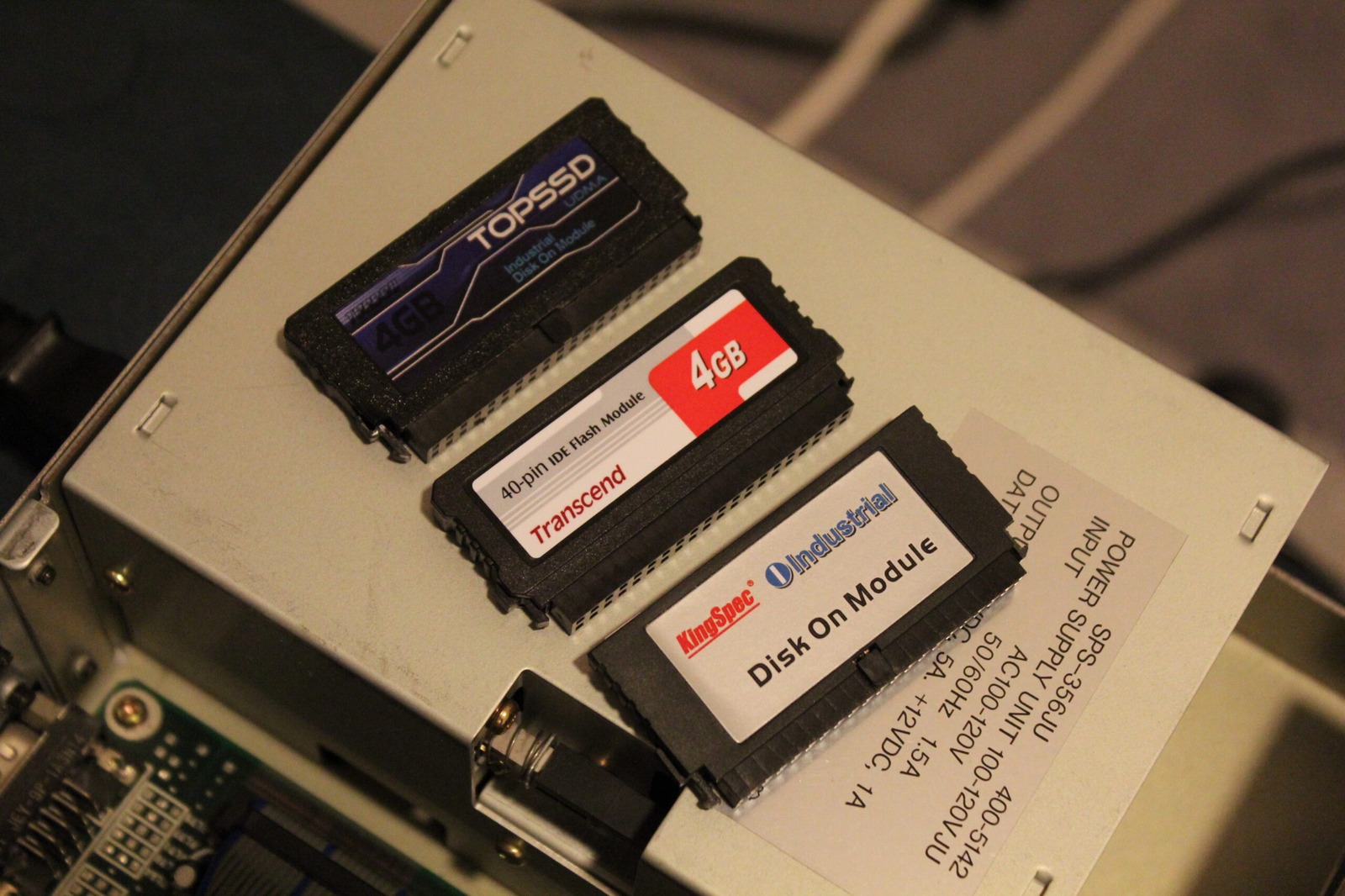
So many types of disk on modules, so little time. Found this in the XTIDE Universal BIOS v2.0.0 manual while searching.
Some CF cards and microdrives do not work properly with IBM 5150/5160 when using XTIDE rev 1 or rev 2. Some of the symptoms are improperly displayed drive name on boot menu or the drive appears to work on some occasions and sometimes not. This is a hardware related problem and cannot be fixed by software.
So far I’ve gone through three types / brands of disk on modules. I was after one that was powered on pin 20 for 5V and preferably around 2GB in size. That is a convenient ceiling for a single FAT16 partition under the MS-DOS versions I was using, where 2GB is the normal maximum partition size. It’s plenty of room for a 286-class machine as well.
Transcend 4GB 5V on Pin 20: YES Recognised with XTIDE: NO
KingSpec 2GB 5V on Pin 20: NO Recognised with XTIDE: YES
TopSSD 4GB 5V on Pin 20: YES Recognised with XTIDE: YES
Unfortunately, I can’t track down these TopSSD drives anywhere. I was hoping the Transcend ones would work best, but they didn’t. They had voltage, but weren’t recognised correctly with the XTIDE software. Limitations or issues with the Transcends sure is harsh. But at least I have now seen all three possible scenarios these DOMs provide. There can’t be any more ways to fail, right? RIGHT?!?!?! :D
The XTIDE warning quoted above specifically concerns CompactFlash cards and Microdrives, so it should not be taken as proof of why this particular Transcend DOM failed detection. All I established here was that the Transcend unit had power but was not recognised correctly in my setup. Current XTIDE documentation still notes compatibility quirks with some CF cards and Microdrives.