 Nix McRetro
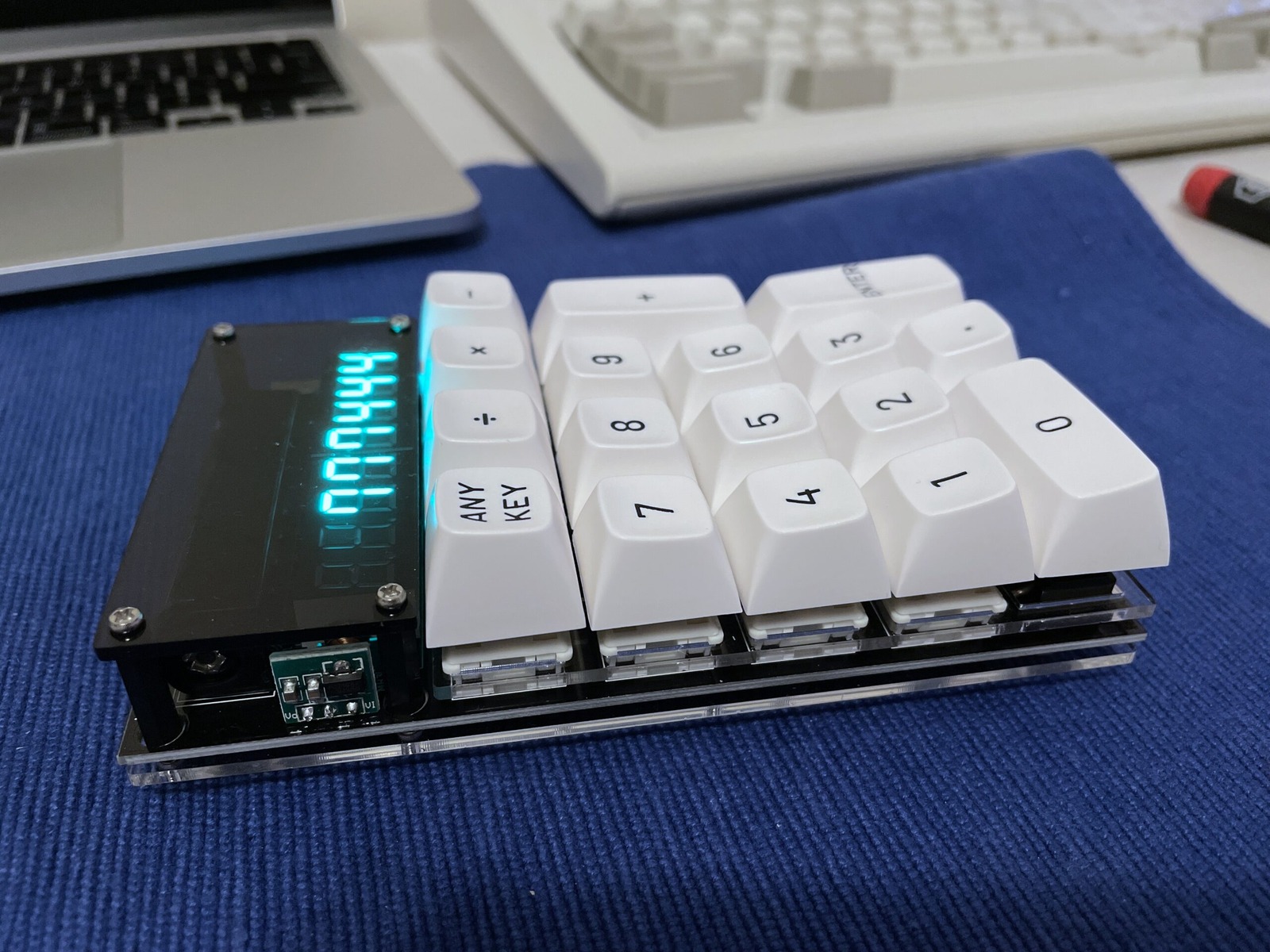
The finished Tentaku with white keycaps and glowing digits. Mechanical switches do make even arithmetic more satisfying.
This is A&N Laboratory’s Tentaku Mechanical Calculator DIY Kit which I recently picked up from Switchkeys in Australia.
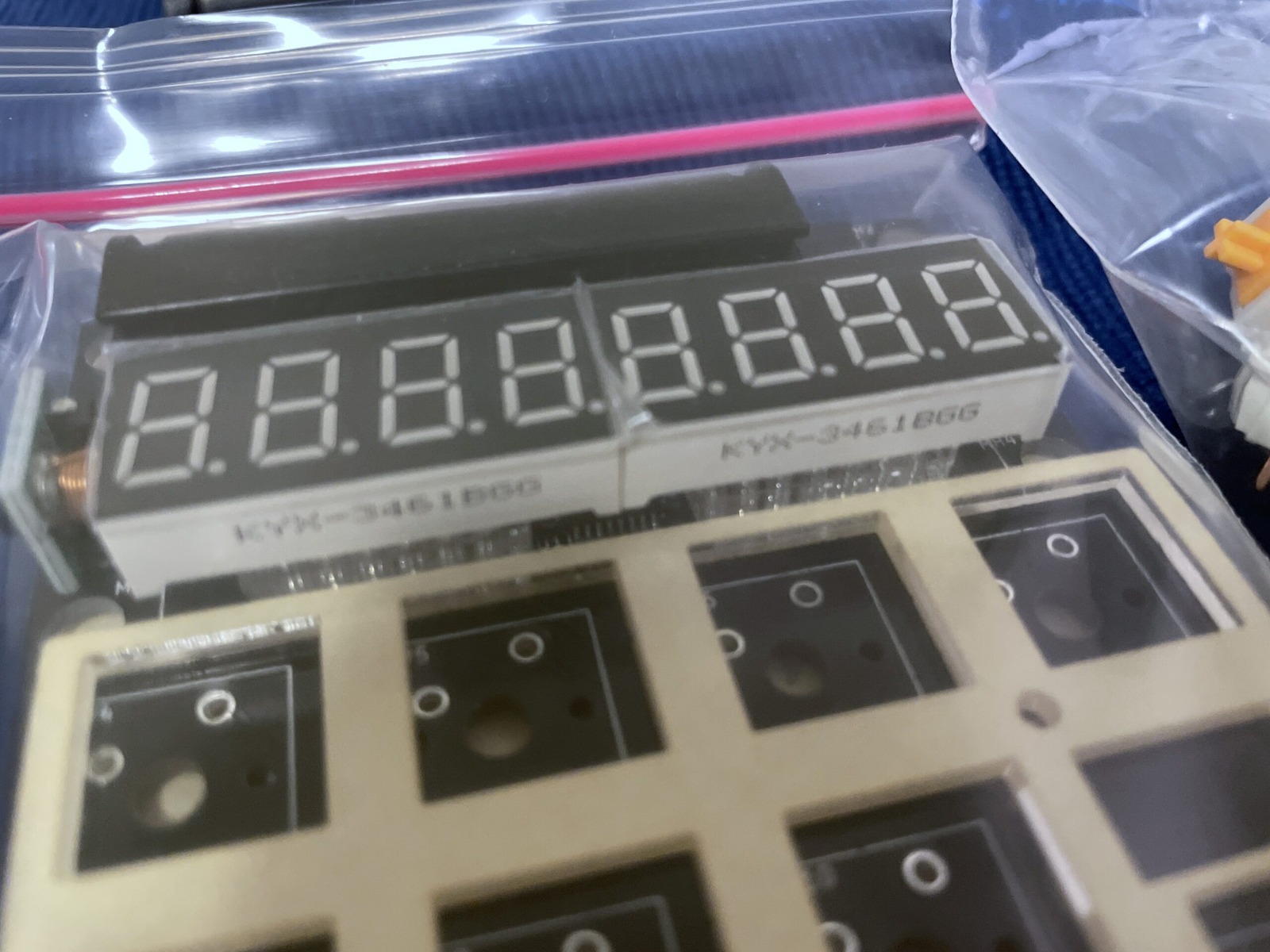
Two enormous seven-segment modules waiting to become a calculator. It’s not every day a maths project needs keyboard switches.
With two beefy seven-segment LED display modules and a tiny bit of circuitry, it makes calculating fun. My build is equipped with Glorious Pandas (non-lubed). I am planning on getting a Glorious PC Gaming Race GMMK Pro 75% Barebone keyboard and wanted to see how well Glorious Pandas thock before getting a full set of key switches.
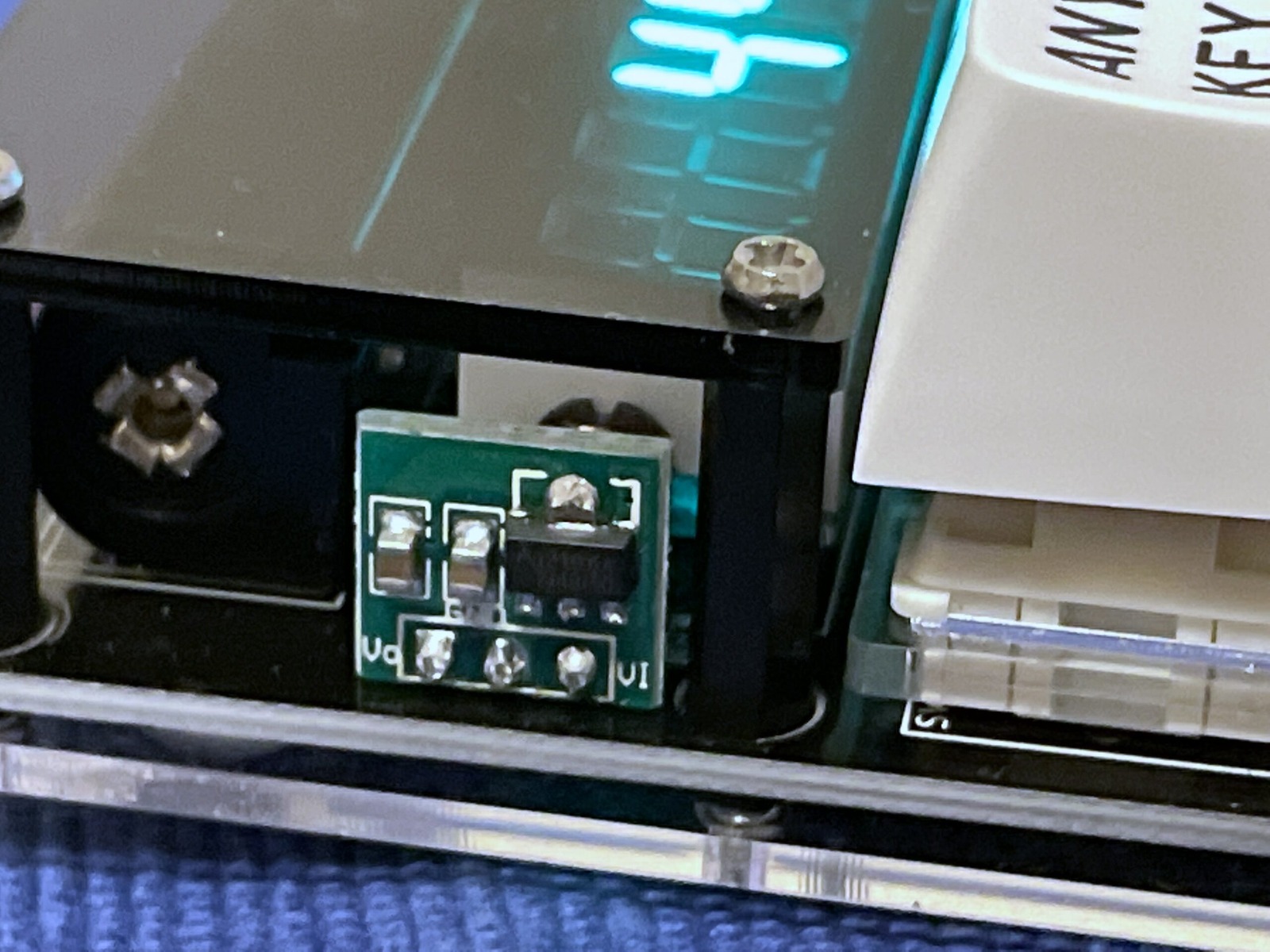
A little bit of circuitry tucked underneath the Tentaku’s display. Nice and simple, just how I like a kit.
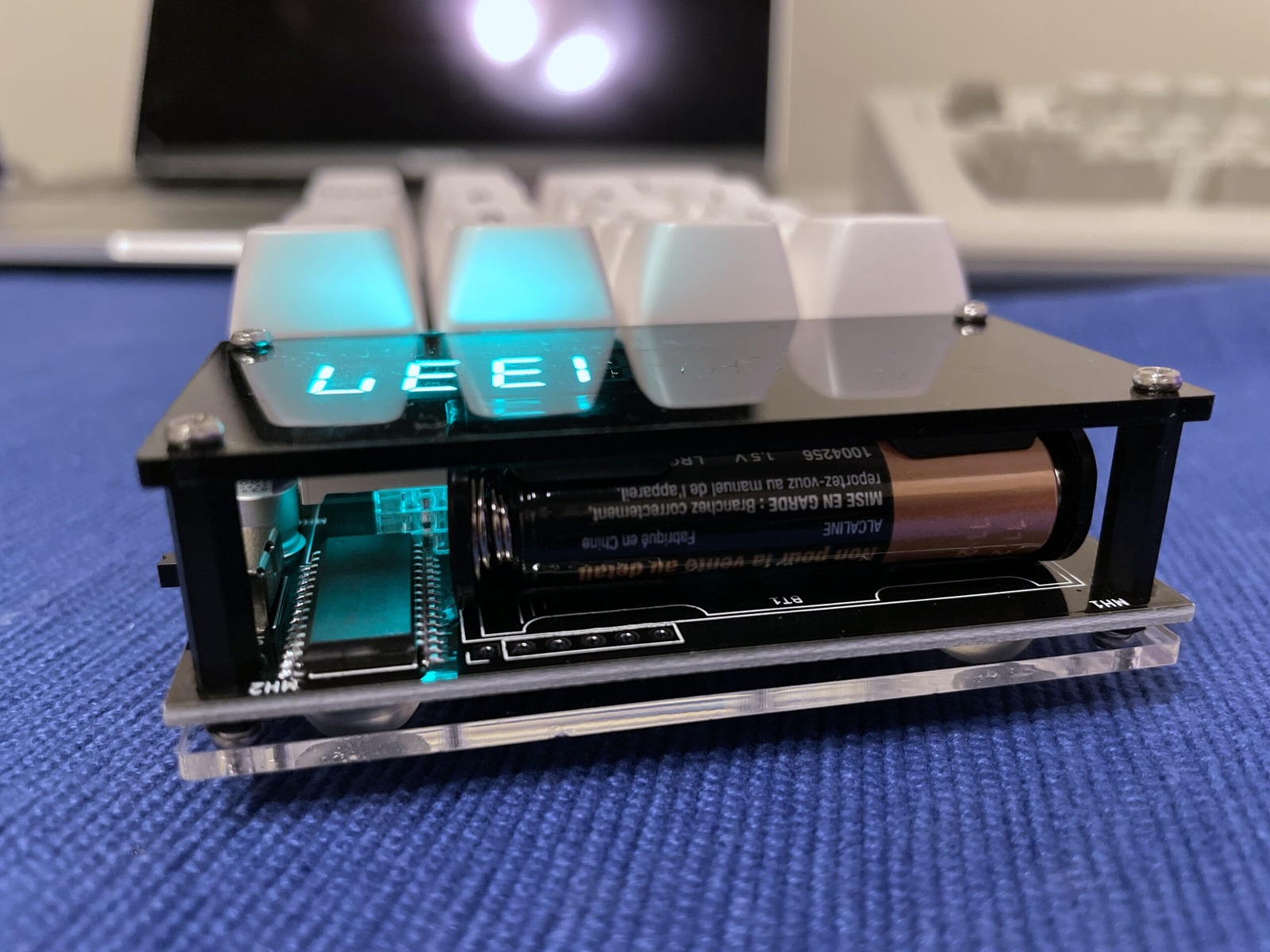
A single AAA keeps the Tentaku going. Best remember to take it out when I’m finished.
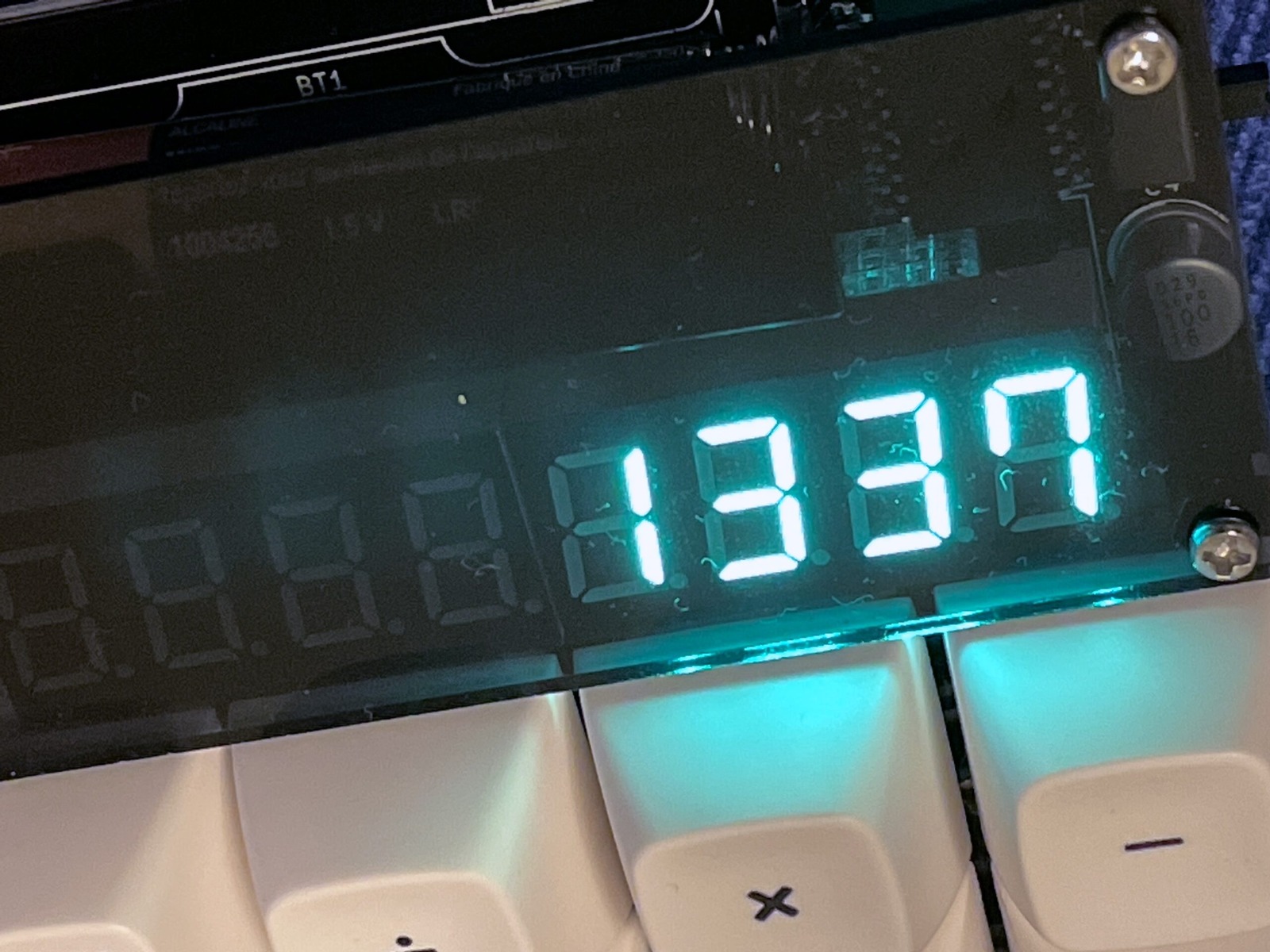
Obligatory 1337. It would have been a terrible waste of a calculator not to try it.
The calculator has a six-digit display. So while I couldn’t fit 8008135 onto it…
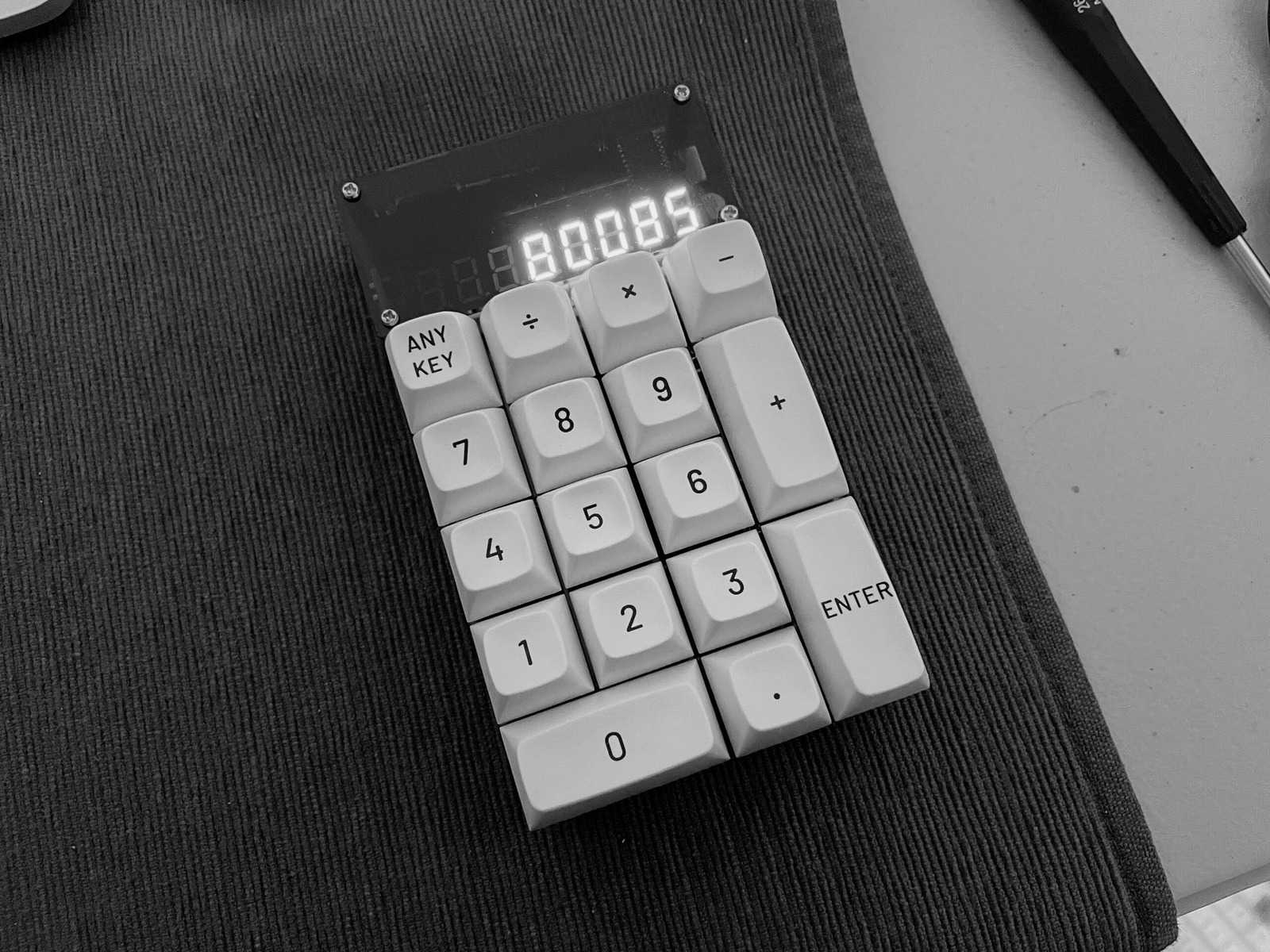
The Tentaku calculator displays 80085, just another number in a sea of numbers.
I was able to get 80085 loaded in. It’s in black and white to be art. Loaded with class and certainly not tasteless.
Assembly was straightforward. A&N Laboratory’s build video above goes through the whole thing.
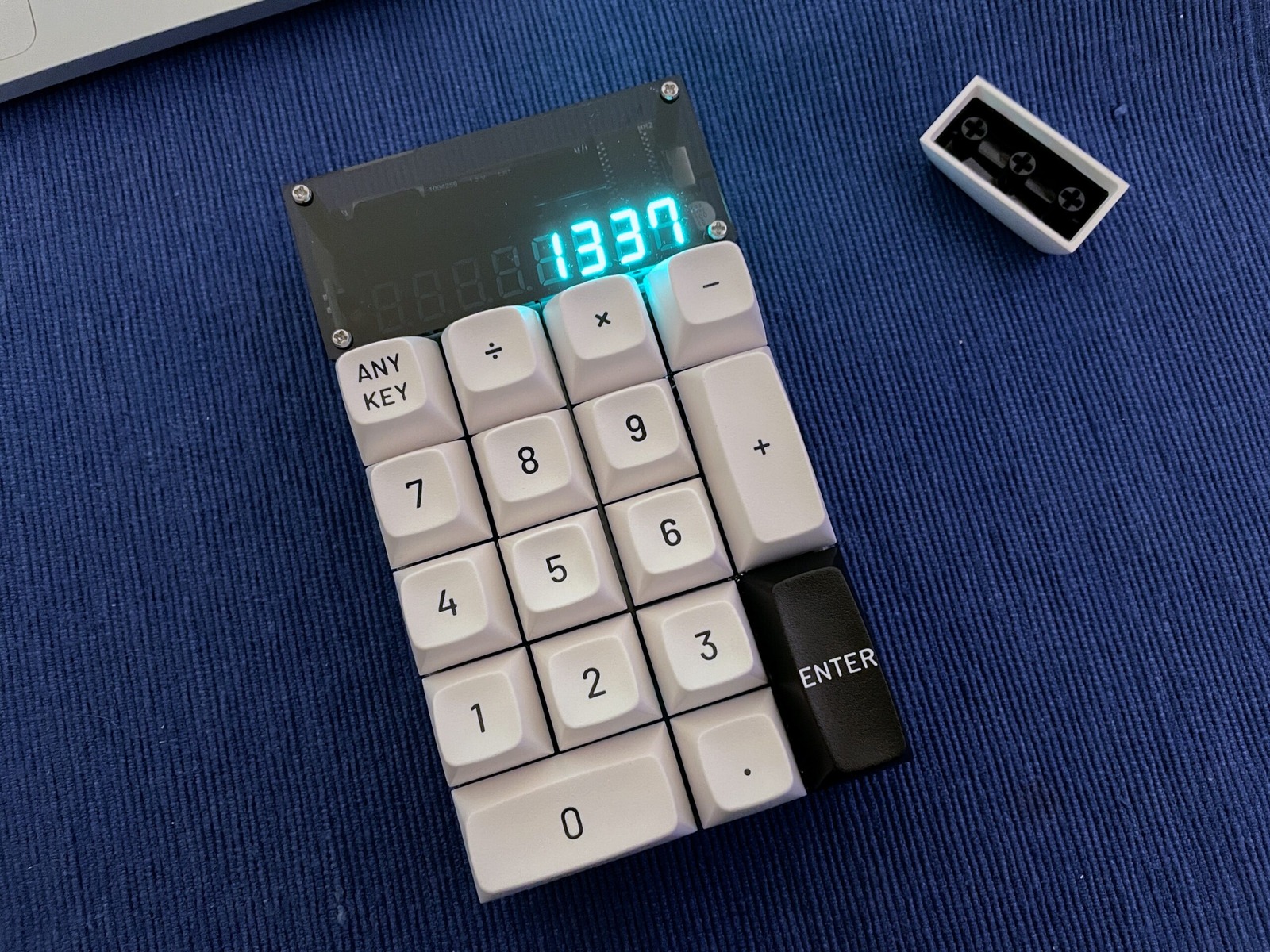
1337 returns, this time with the alternate black ENTER key. The keycap obsession was clearly not over.
The keycaps installed are the Drop MT3 Black-on-White Keycap Set. I’ll be installing these onto my GMMK Pro. I must admit though the Drop ALT keyboard looks very nice… expensive, but nice. In other news, I’ve also been working on a device known as the YamPAD. More on that in a future post!