 Nix McRetro
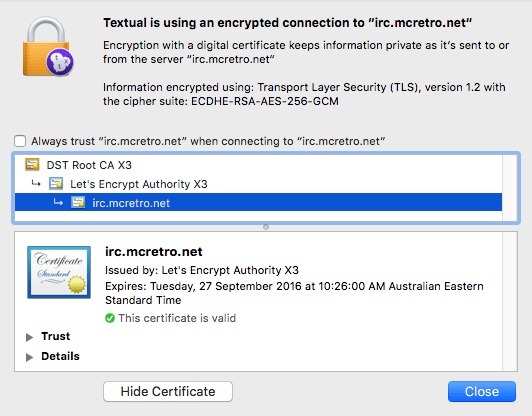
Textual connected to McRetroNet with a valid Let’s Encrypt certificate. Finally, encrypted IRC without all that certificate nonsense!
Nailed it! I knew I could work out how to get a darned IRC server up and running. Now you can spam my name into the chat and it will alert me like mad that you’re trying to chat, unless I’ve turned off the volume or remembered to type /away.
The IRC server now supports TLS using a Let’s Encrypt certificate, so IRC clients configured to use the TLS listener can encrypt their connection to the server. I found it much easier to configure than CAcert.org, and just as cheap (free). But what’s this?
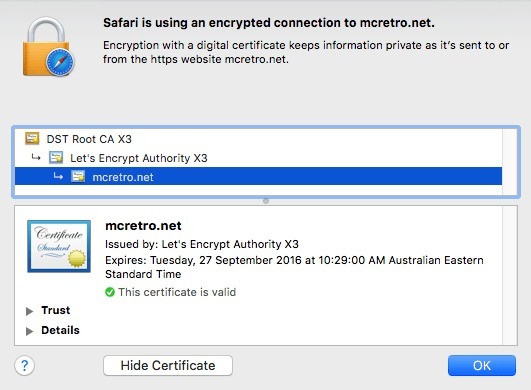
Safari confirmed that McRetro.net had a valid certificate too. Getting HTTPS working on the site was a nice bonus.
As a side effect of getting the IRC server encrypted and prettied up, I ended up getting a certificate for McRetro.net as well. Just in time for the shop to open. Unfortunately, OpenCart is overcomplicated for what I need it to do, which is sell two or three products. So I’ve moved back to WooCommerce. One of the big problems I couldn’t get over was losing the admin interface of OpenCart when TLS was enabled. Sort of a showstopper.
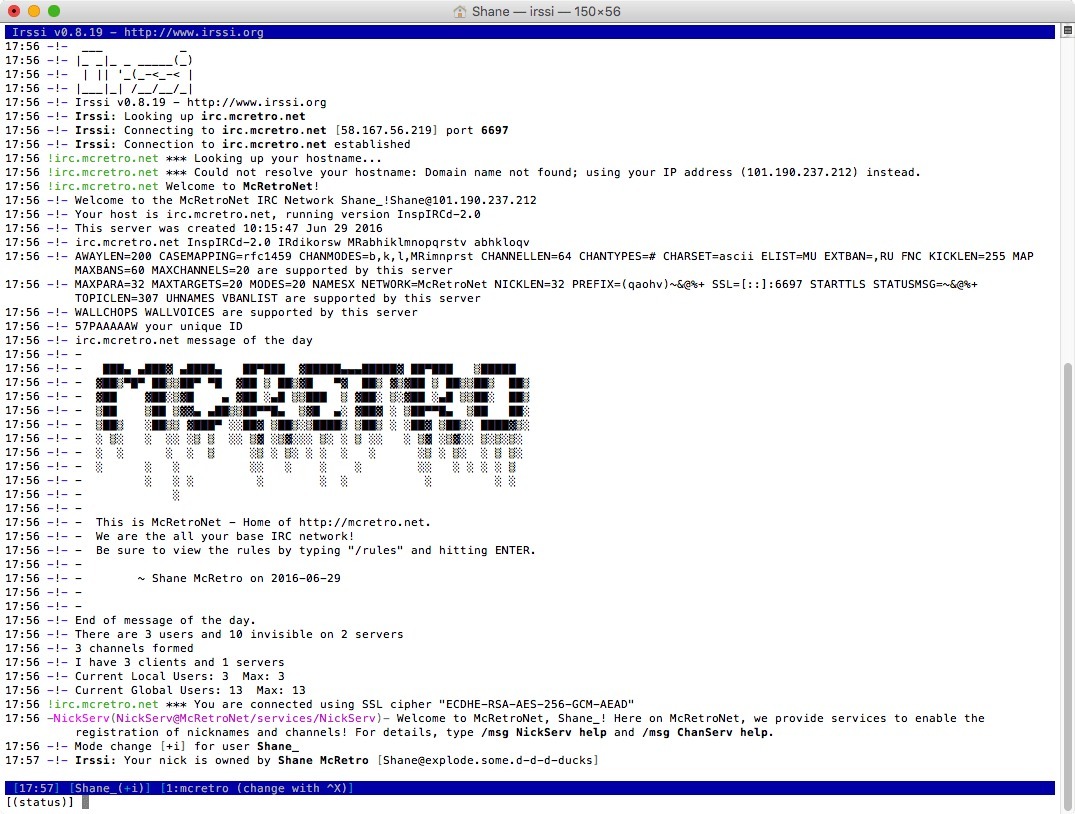
Irssi chatting away to McRetroNet over port 6697, complete with its welcome banner and NickServ. It’s alive!
But right now the new shop is looking promising and I’ve even worked out that I can ship to New Zealand with relative ease and for the right price too. So update your links, the shop has moved to /shop/ and will probably be live early August if all goes well. Might even have a few more items to put in there too. :)
Sources
- InspIRCd Documentation - How to enable TLS on your IRC network
- Dynamic DNS ddclient with Namecheap
- Namecheap - Configuring Host for DynDNS
- Namecheap - Configuring ddclient