 Nix McRetro
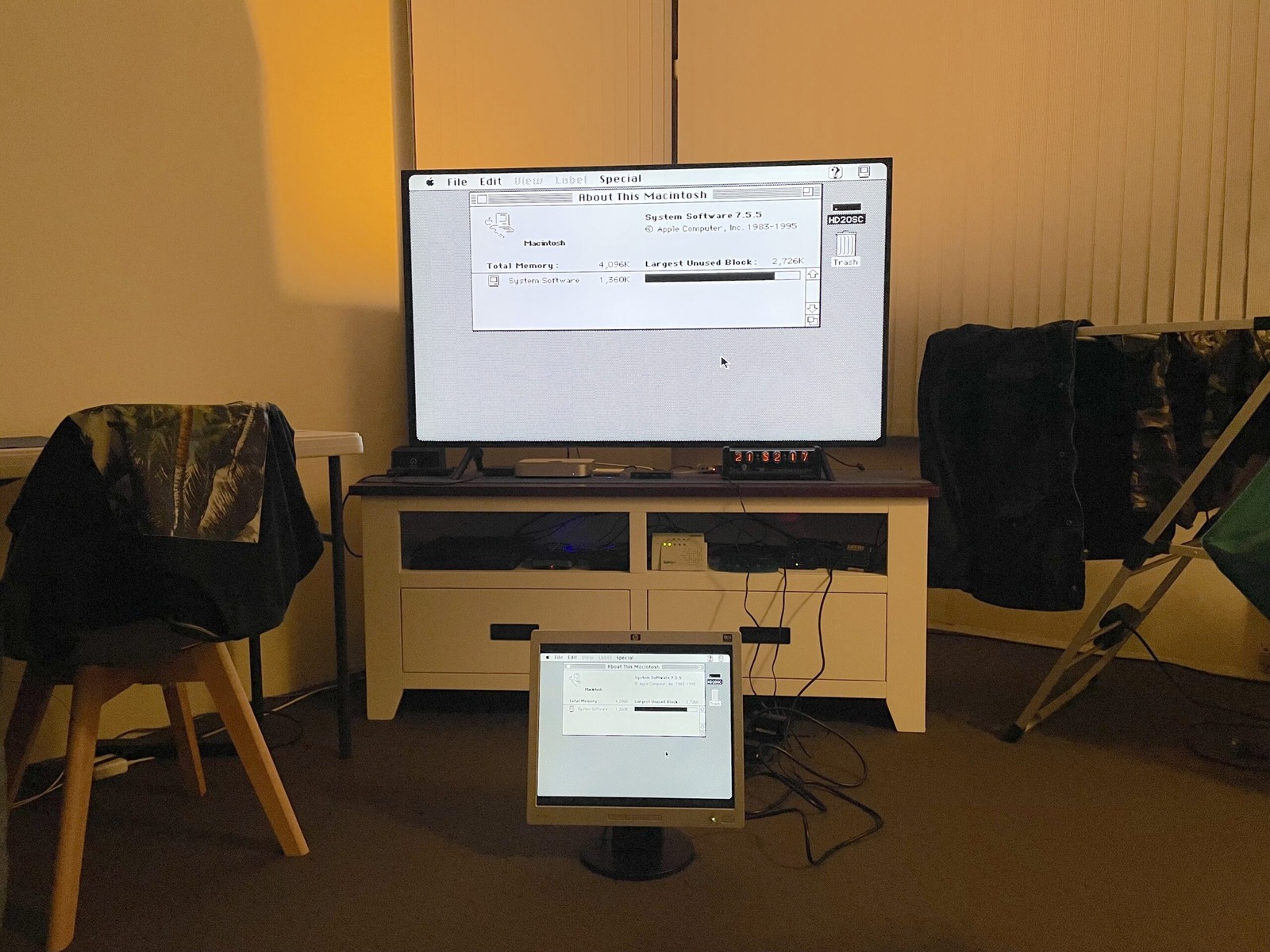
Last year we were playing around with the Macintosh Classic, thanks to Tim. We wanted to get it internet-ready, but the old browsers were fighting my modern hosting setup. At the time I blamed HTTP/0.9; later testing showed MacWeb, Mosaic, and Netscape reaching Apache as HTTP/1.0. The MiSTer has a Mac Plus core, and the original Plus gives us the right sort of starting point: Motorola 68000 at a whopping 8 MHz, up to 4 MB RAM, with System 7.5.5 as the last supported system version.
This time I decided to try connecting through an actual dial-up modem. I’d never really done that on an old Macintosh before, so this was a bit of an experiment.
The modem was my NetComm Roadster II Ultra 56, which dialled through a Banksia modem, a Cisco SPA112, and my Asterisk setup. Quite a lot of equipment to recreate something we used to do with a phone line and an increasingly alarming telephone bill.
For networking, I used MacTCP 2.1 and Config PPP. MacTCP handled the IP configuration, while Config PPP looked after the dialling, modem settings, and login script. The modem was connected through MiSTer’s USB serial support, with the serial port configured at 115,200 bps. That’s the computer-to-modem connection speed, not the negotiated dial-up rate.
It took a bit of fiddling with the connection script and authentication settings, but eventually I had the most important thing of all: a modem making modem noises.
You can see more of the emulation settings in the live stream above from McRetro Gaming. In the MiSTer settings, we can switch to the Macintosh SE ROM and select a 68020 at 16 MHz, with the same 4 MB of RAM. That’s a MiSTer configuration rather than a stock Macintosh SE specification, but it gave the old software some extra legs. We were still limited by the paltry hardware and contemporary web browser support. Maybe asking a 1980s computer architecture to browse the 2020s web is a little unfair!
Another alternative is to run System 7.5 through the Amiga core and ShapeShifter, which might sound familiar to some. The name (mis)reminds me most of SheepShaver. Turns out they were both initially created by the same person, Christian Bauer. I didn’t know the ins and outs of AmigaOS well enough to get it to dial out, though. There’s definitely potential there.
Here’s a closer look at the TradeWave MacWeb 2.0 browser. It can load websites provided they are very basic. I was being too harsh when I called anything beyond HTML 1.0 too complicated: MacWeb had forms support in 1994 and even supported HTML 2.0 image inputs during development. Modern pages were still far beyond its comfort zone. That said, at the time retrojunkie.net was configured not to use any proxy or CDN through Cloudflare and it worked OK. I was impressed I was able to work that out on my little Apache web server!
MacWeb 2.0c was particularly useful on the black-and-white Macintosh setup. Some older browsers struggled with page formatting, tables, images, and background colours. It was interesting to see how differently each browser interpreted the same website.
NCSA Mosaic could also load parts of retrojunkie.net, although the layout wasn’t exactly what I’d call attractive. Some GIFs worked where other things didn’t, and text was generally the safest bet.
Memory was another problem. At one point MacWeb was consuming around 1.956 MB on a machine configured with only 4 MB. Not much room left for anything else! I also had a go at iCab, but it wanted rather more memory than the poor little machine could reasonably provide.
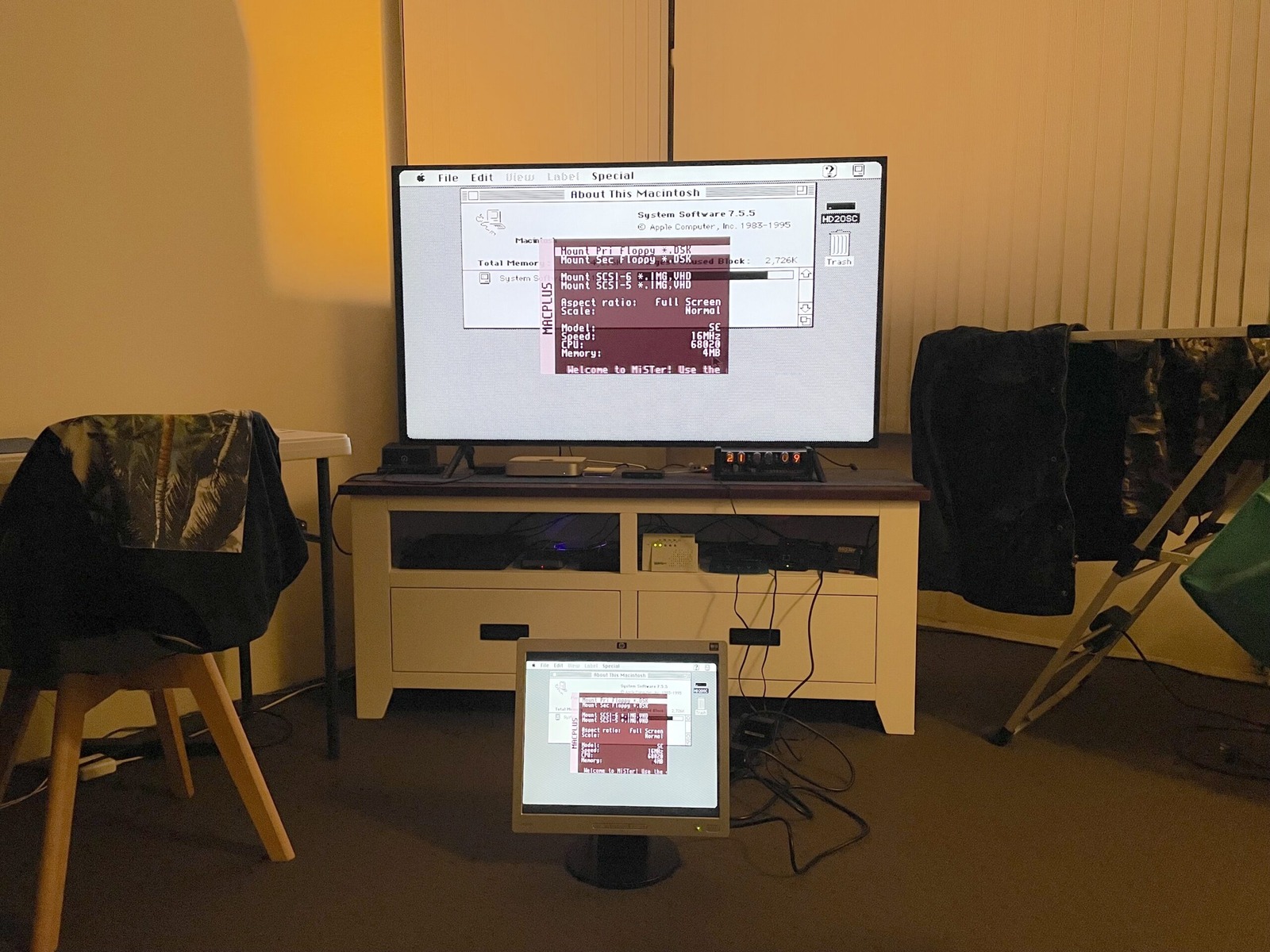
The MiSTer, powered by the DE10-Nano, gives me HDMI and, with the analogue board add-on, VGA output. That lets me enjoy a giant System 7.5 desktop on a 5:4 screen, staring at me from a not-far-away-enough distance. But why do I only have one hard drive mounted when there’s an option for two?
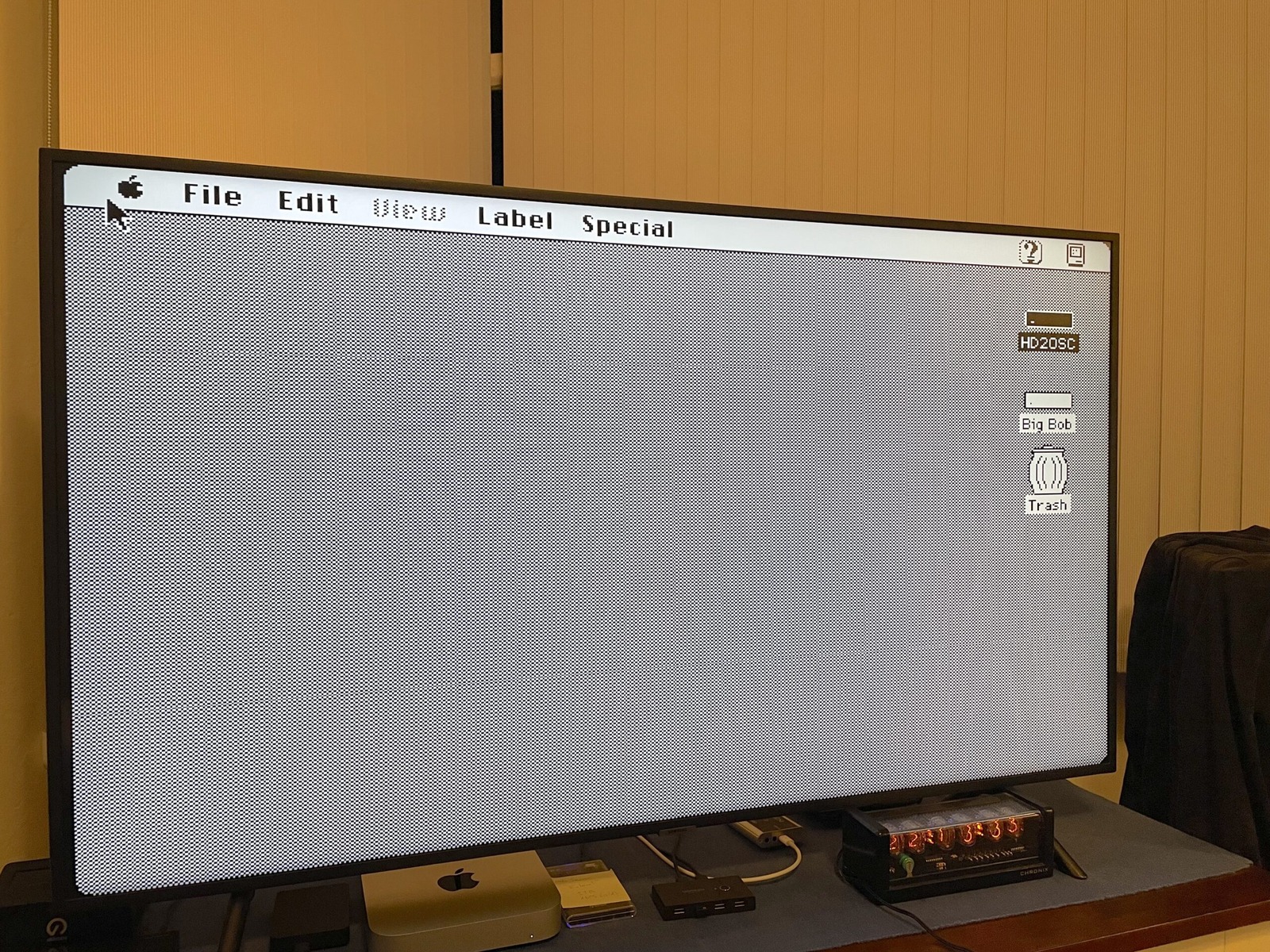
Enter Big Bob. Big Bob was a great hard drive image we made up for the Macintosh Classic. However, the Mac Plus core at the time seemed to like corrupting drives around reboot. I wondered if we were using a drive that was too large for the system or something along those lines. Interestingly, a 2025 MiSTer issue later documented VHD corruption after reboot when using the SE ROM with 68010 or 68020 CPU modes. That is very consistent with what I was seeing here, although it does not establish the exact cause of Big Bob’s demise.
The original dial-up test even managed to freeze while I was trying to disconnect. I had to recover through MiSTer’s menu before finally shutting the machine down. Not the most elegant end to a connection, but the old browsers had been through enough for one day. Big Bob will be missed but lives on in our hearts. ❤️
Sources
- Apple - Macintosh Plus: Technical Specifications
- MiSTer-devel - MacPlus_MiSTer
- MacWeb 1.00ALPHA2.1 interim release announcement, 1994
- MiSTer MacPlus issue 15 - VHD corruption after reboot