 Nix McRetro
Here I was thinking I had an 11-minute voiceover but I misread the timeline. I’ll never use a script, I’m too lazy. Enjoy my half-completed thoughts above. You’ll work it out. The protocol I was wrestling with was HTTP/0.9, not “HTML/0.9”. HTML is the document format; HTTP is the protocol carrying it. The following issues we encountered are in no particular order - it adds to the fun! 😉
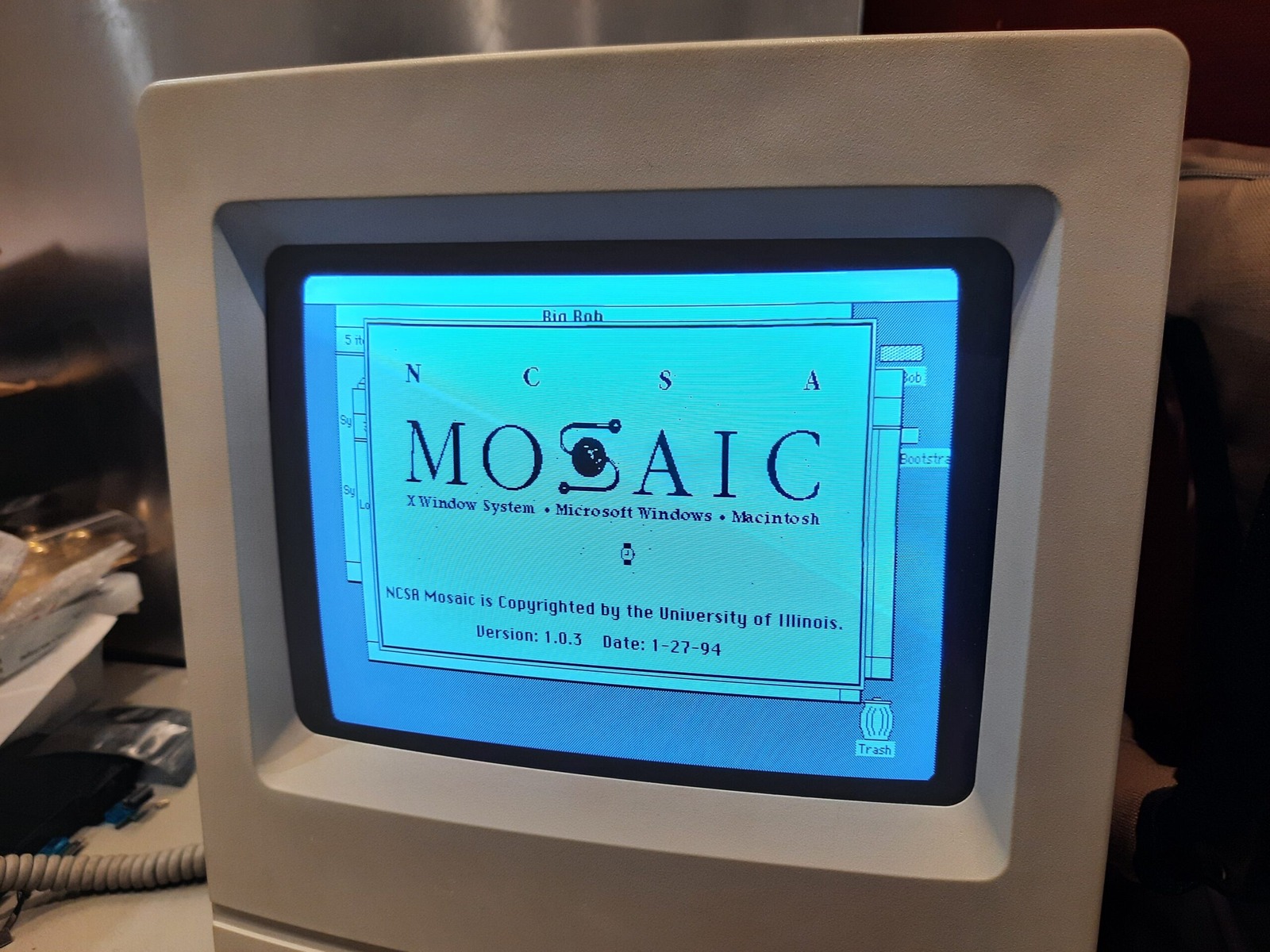
Let’s start with the innocent NCSA Mosaic. At this stage we were running on a Macintosh Classic. The splash screen works well.
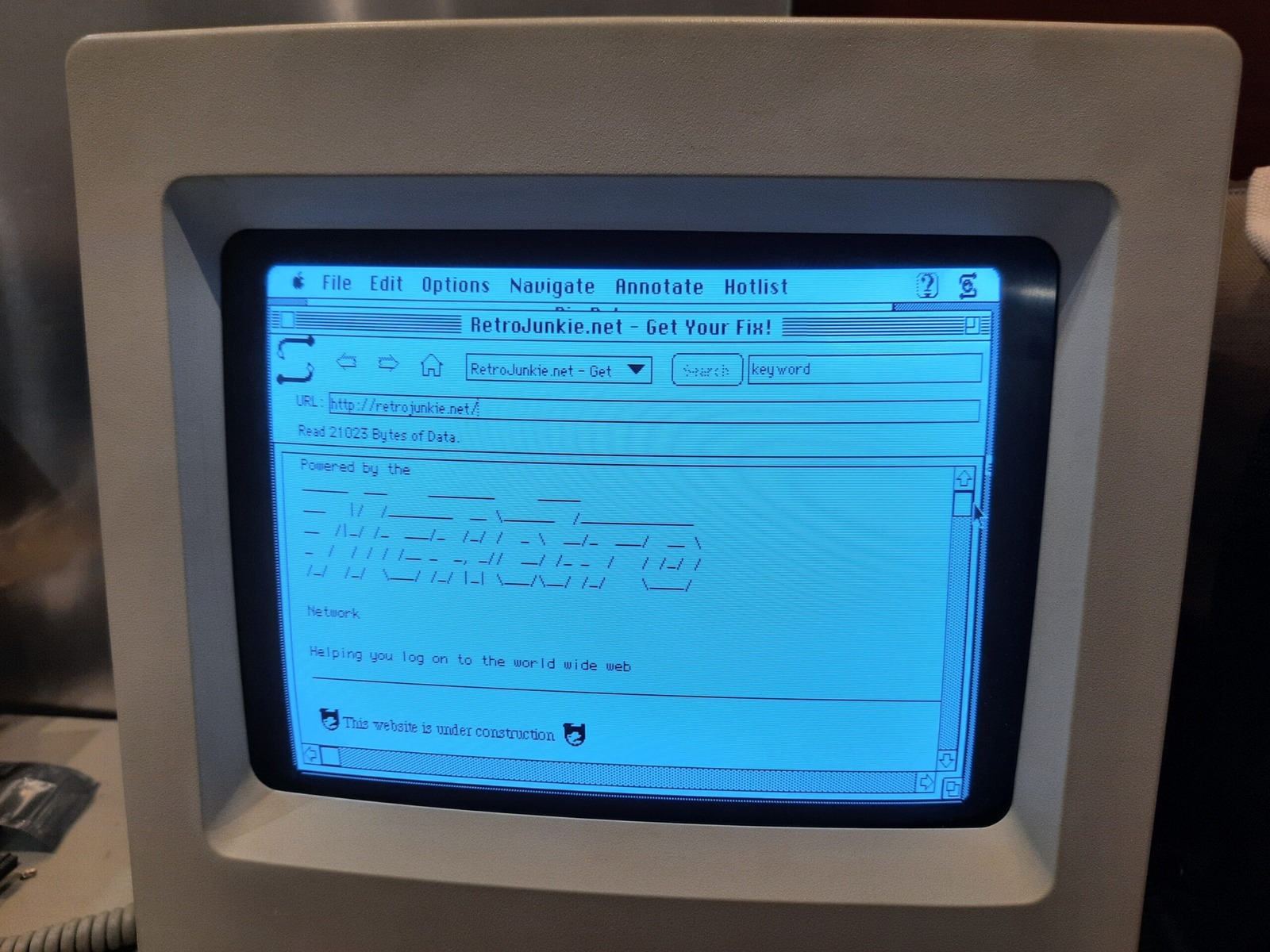
We even made it to the RetroJunkie homepage!
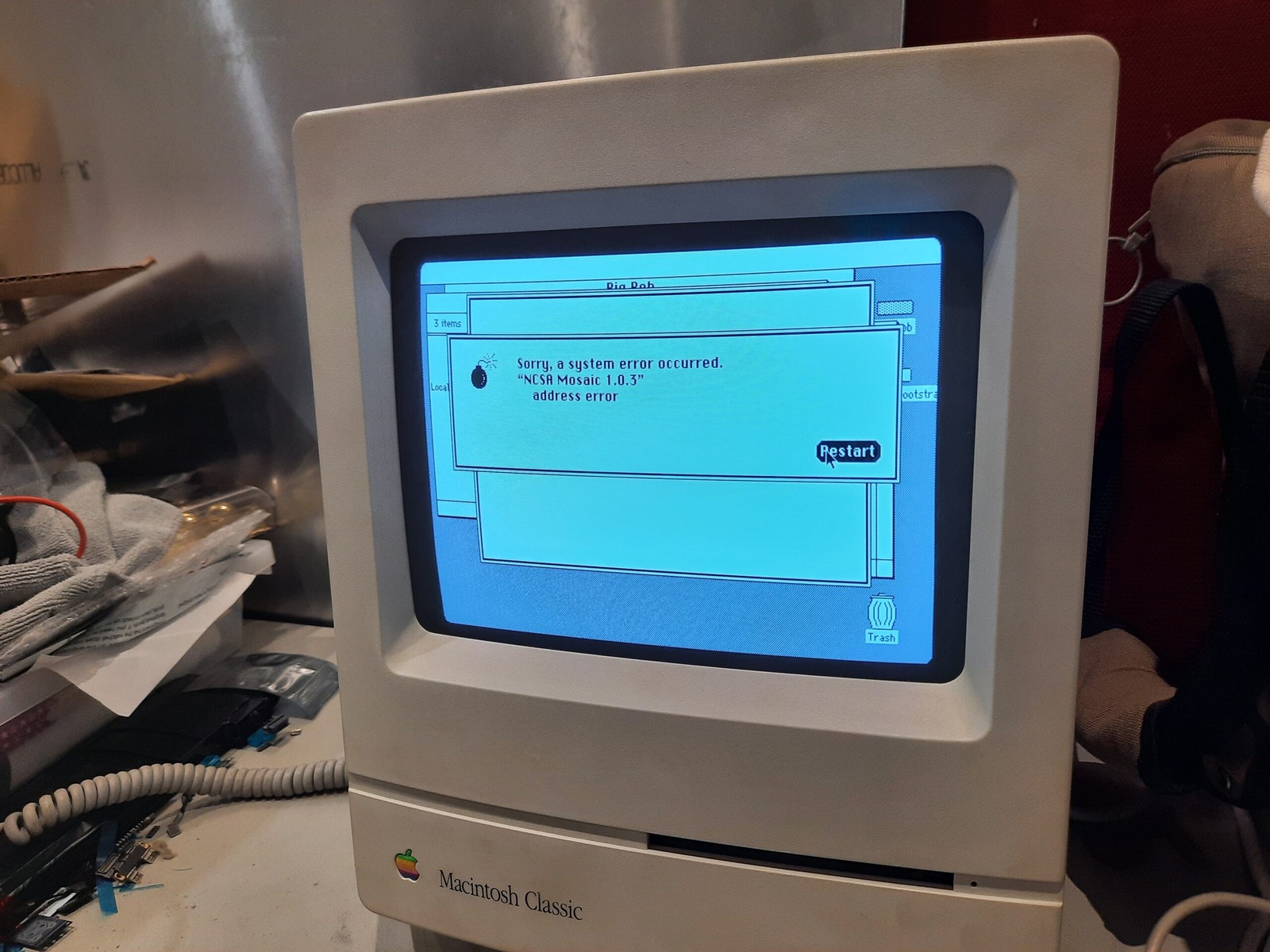
Like anything running way beyond what it was designed for, it crashed a good amount. Of course there’s no memory protection so Mac OS went down with it forcing a slow restart.
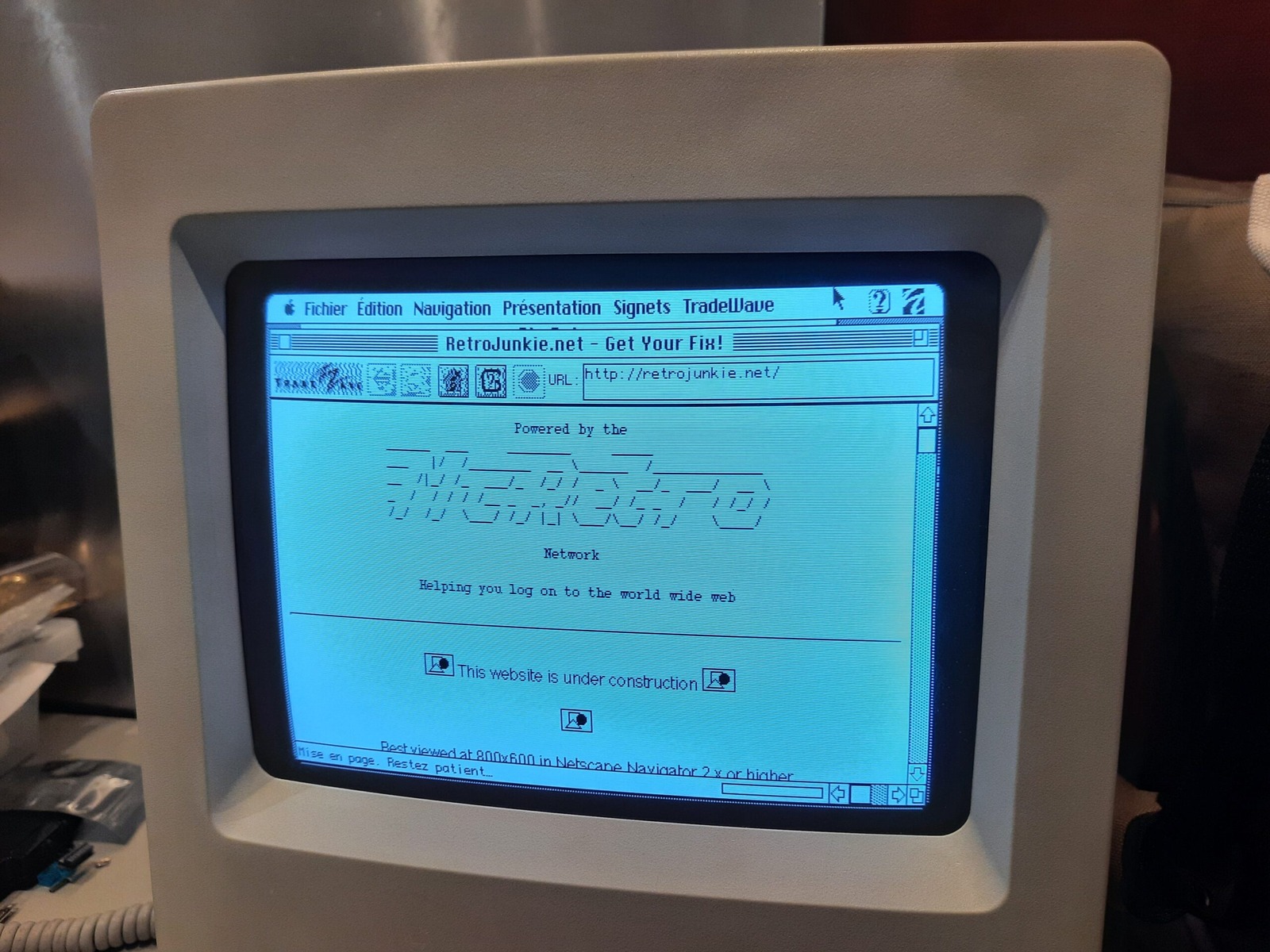
We ruled out Mosaic due to the crashes and really dated HTML support. Next up we had MacWeb by Tradewave. And can I say, it actually worked OK for our purposes. There is a patched version, 2.0c, that has some tweaks for black and white Macs even. Unfortunately, I picked the French localisation.
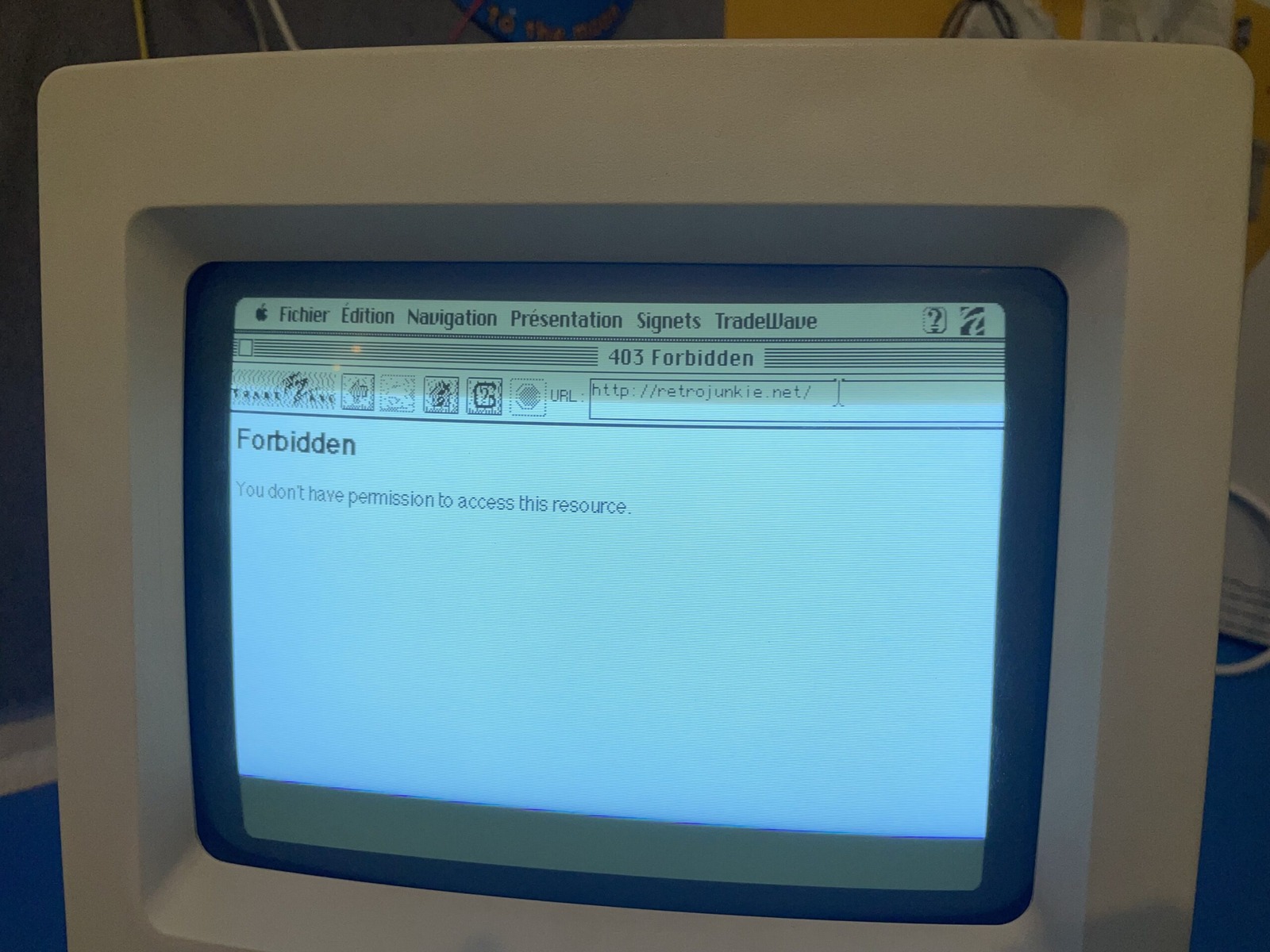
Forbidden address. Ahhh yes. I believe this was caused by Cloudflare doing something… what exactly - I can’t remember! But I was able to get it by accessing retrojunkie.net or the IP retrojunkie.net was hosted at. It’s the catch-all site in case anyone strays to my server’s IP address.
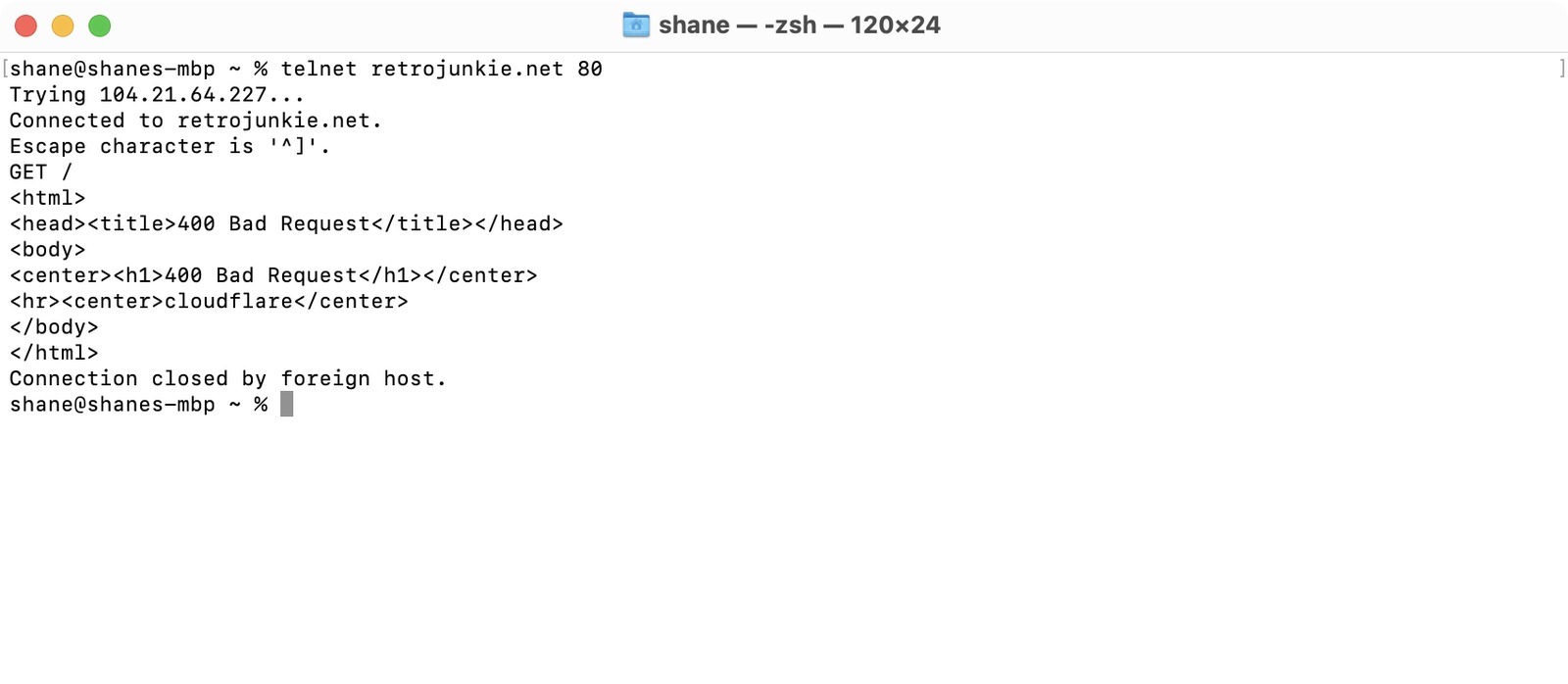
So I resorted to telnet, which is very old-internet friendly it turns out. A simple GET / sent to retrojunkie.net resulted in… a bad request… with a sprinkling of Cloudflare, which was supposed to be disabled. The screenshot catches that in all its glory. A true HTTP/0.9 request is just that one-line GET with no HTTP version token or request headers. It has no Host header, so it can’t select between name-based virtual hosts. I messed with the proxy settings a bit more, possibly disabling Cloudflare completely for testing and…
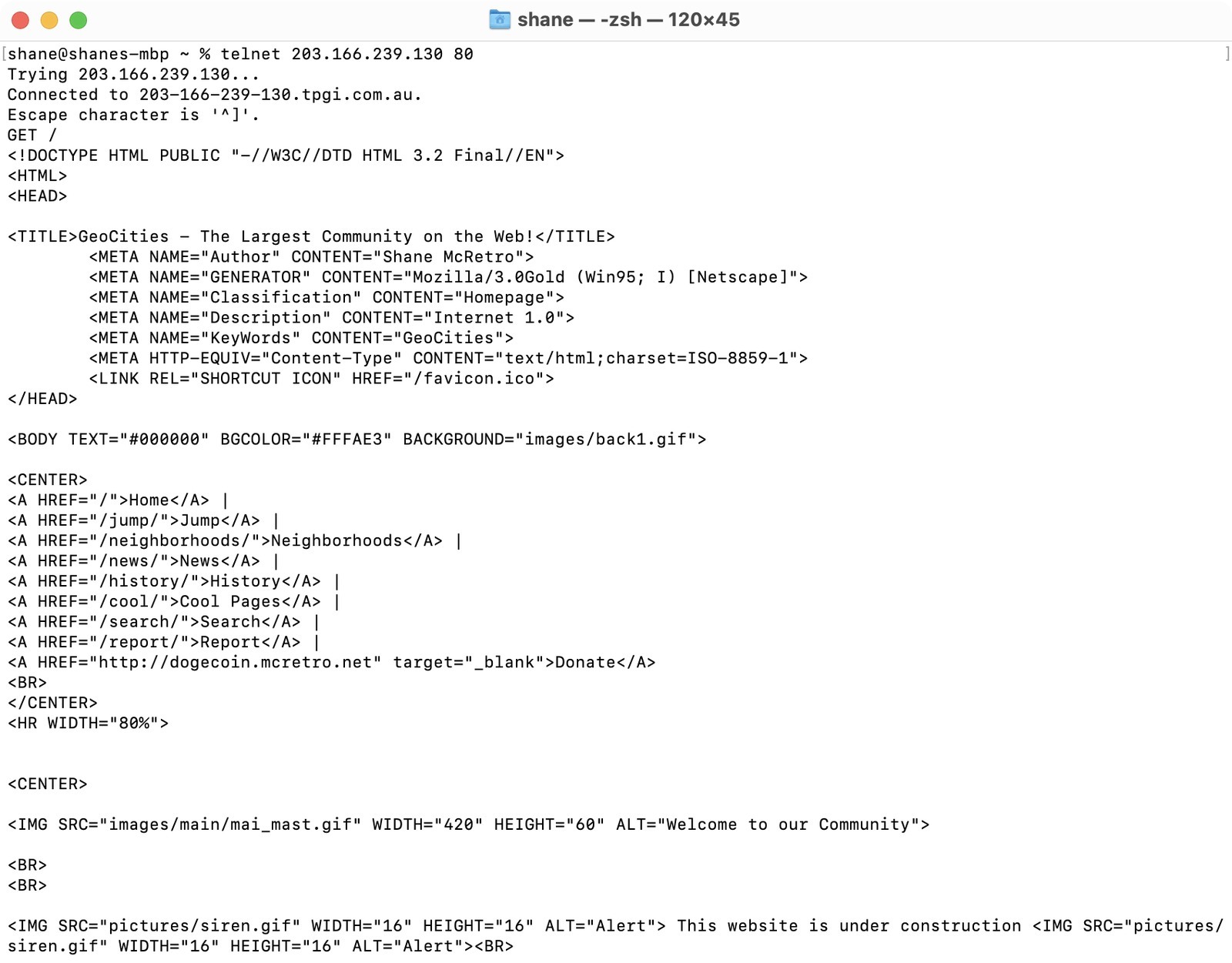
Telnet successfully gets the root! This time I connected directly to the server’s IP and got the GeoCities HTML back from a simple GET /. By this point I’d opted to mess with the GeoCities subdomain. Now what about a web browser?
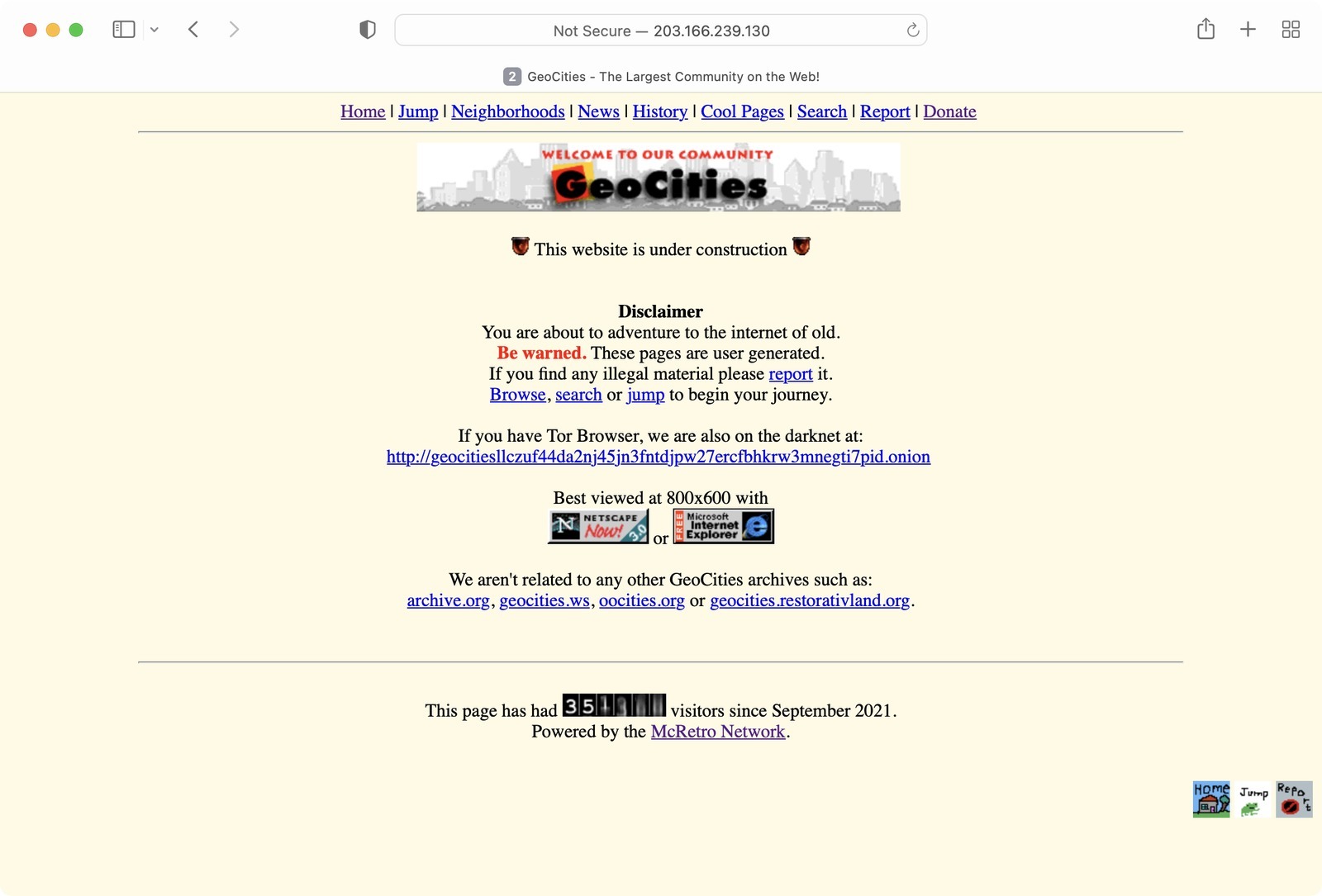
One IP address, one default website. That gave these older clients somewhere useful to land even without a Host header.
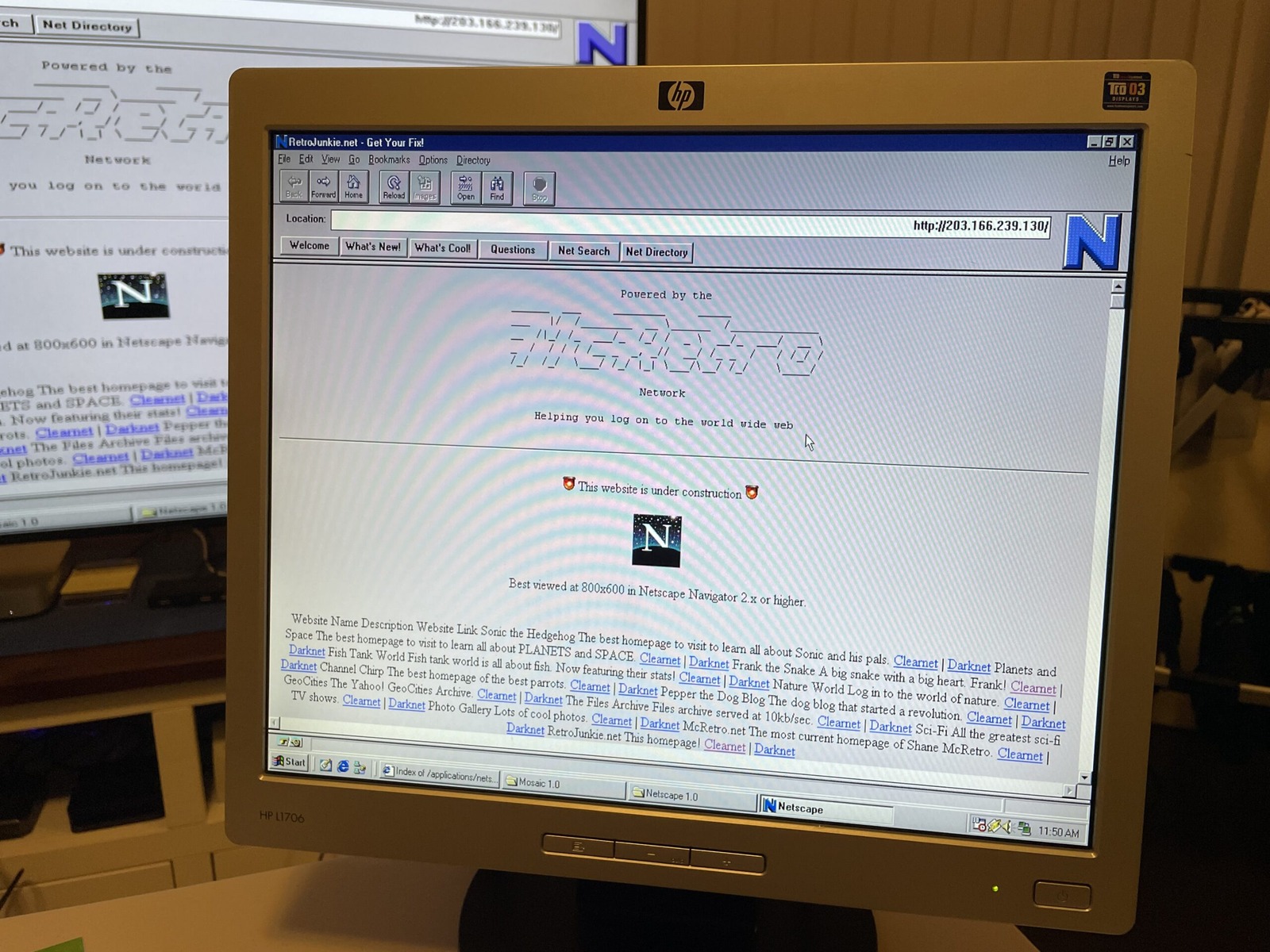
I only had Netscape 1.0 on hand in Windows via the MiSTer and a dial-up modem… as one does. But the IP address now resolves. Let’s test with the retrojunkie.net domain name…
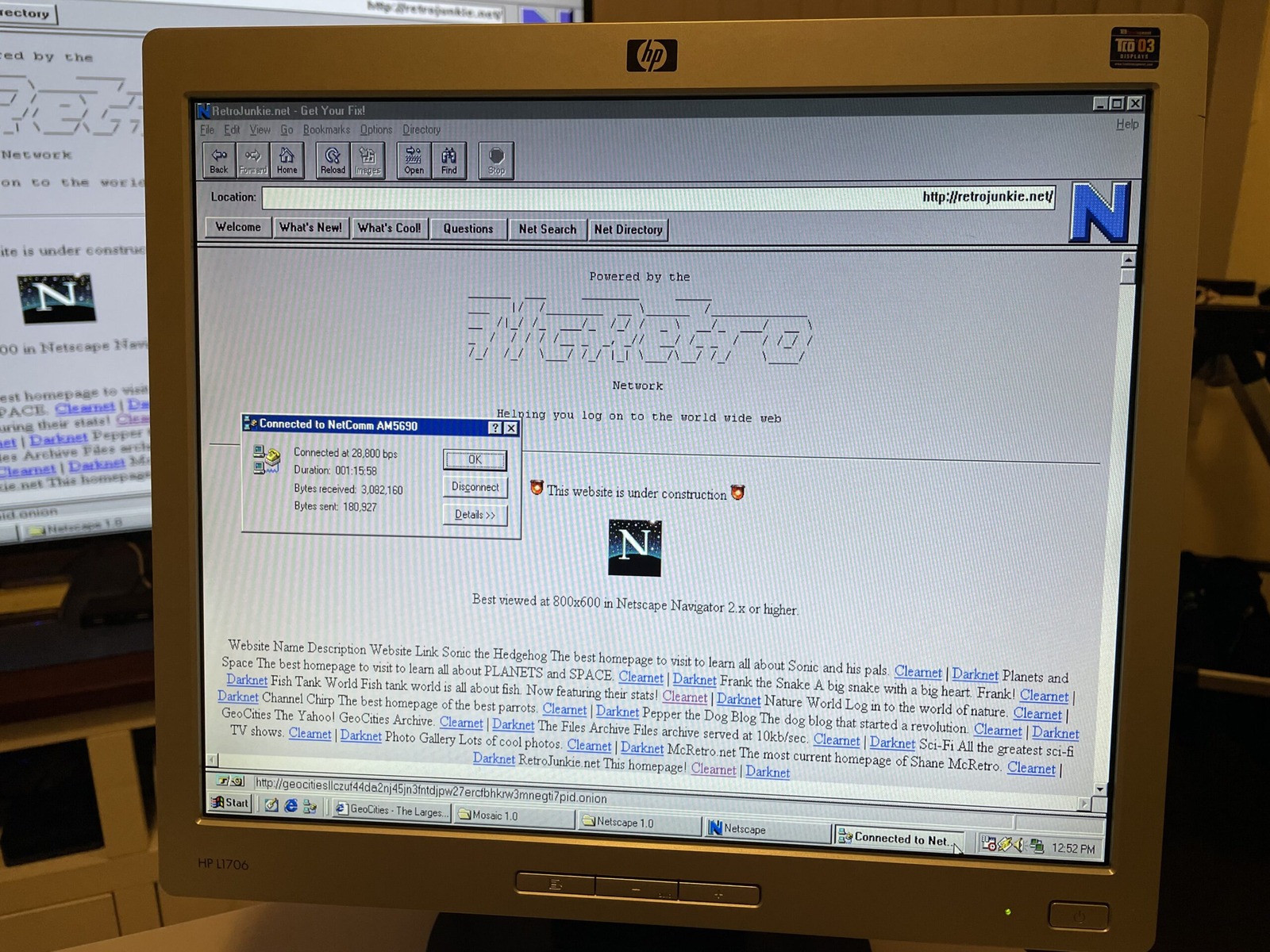
And it works a charm.
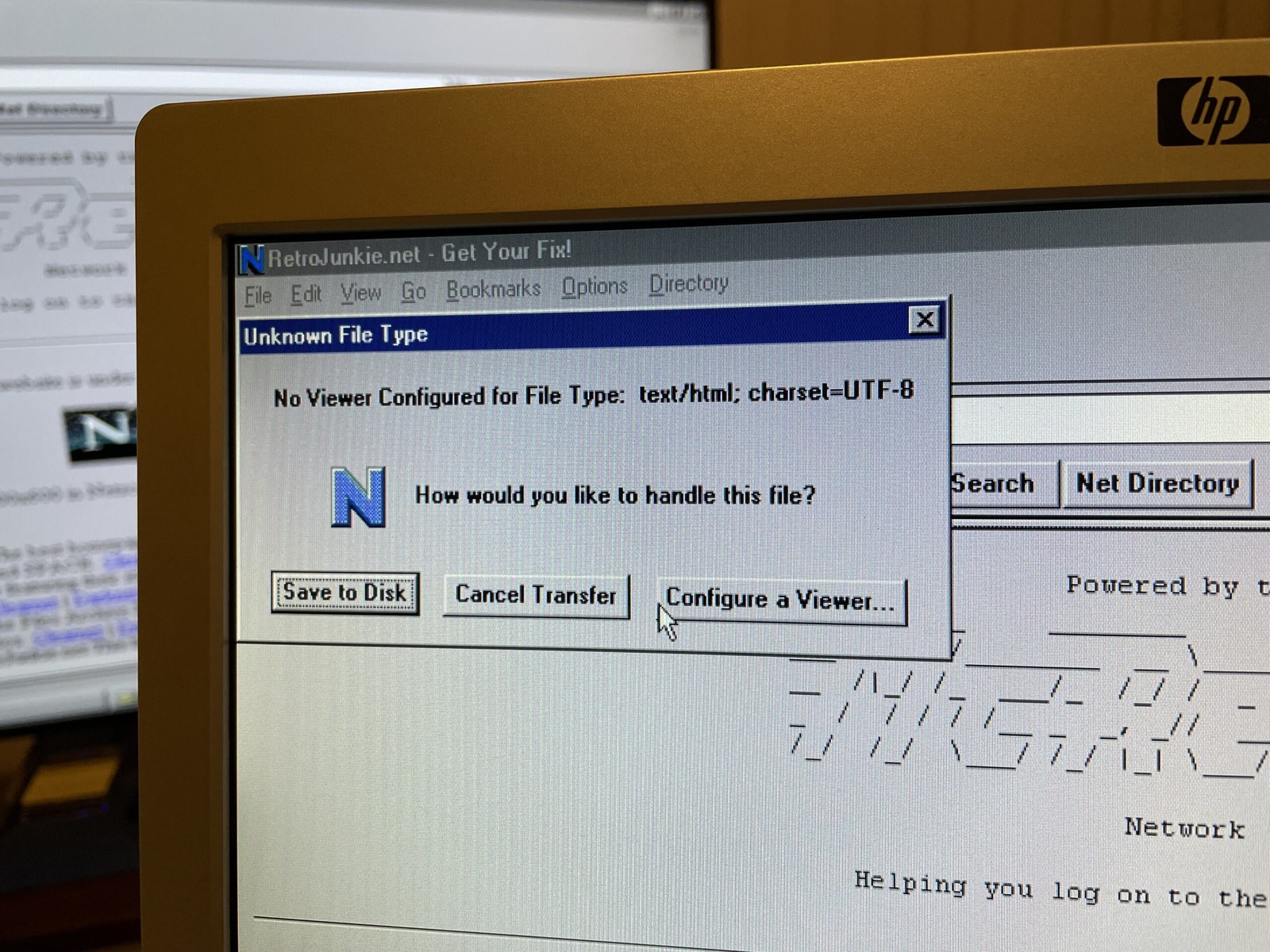
Well, close enough to a charm. Especially given charset=UTF-8 wasn’t yet the rage and ISO-8859-1 would rule supreme for a while longer.
sudo tail -f /var/log/apache2/access.log
Tailing the Apache2 access log shows us:
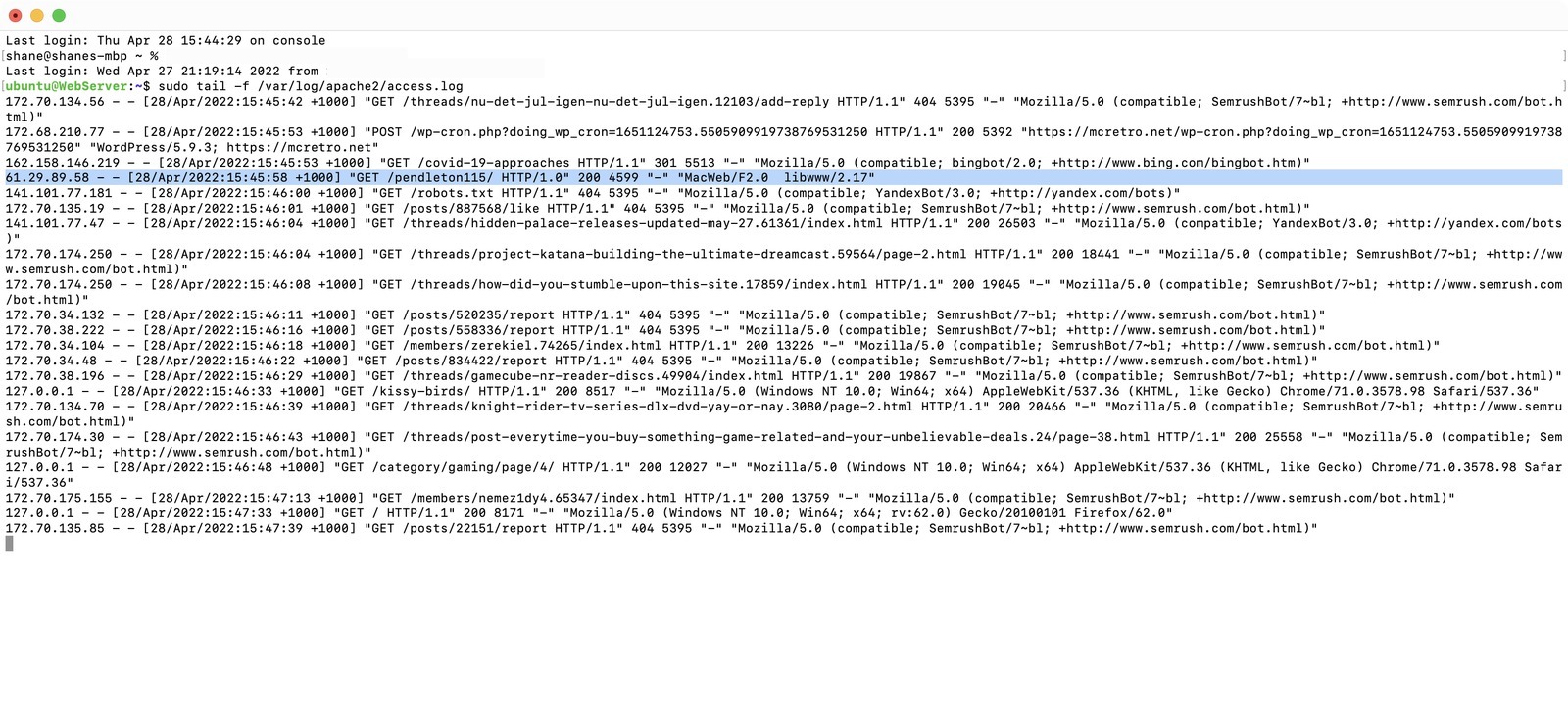
MacWeb/F2.0 uses libwww/2.17 - There’s that F for French again…
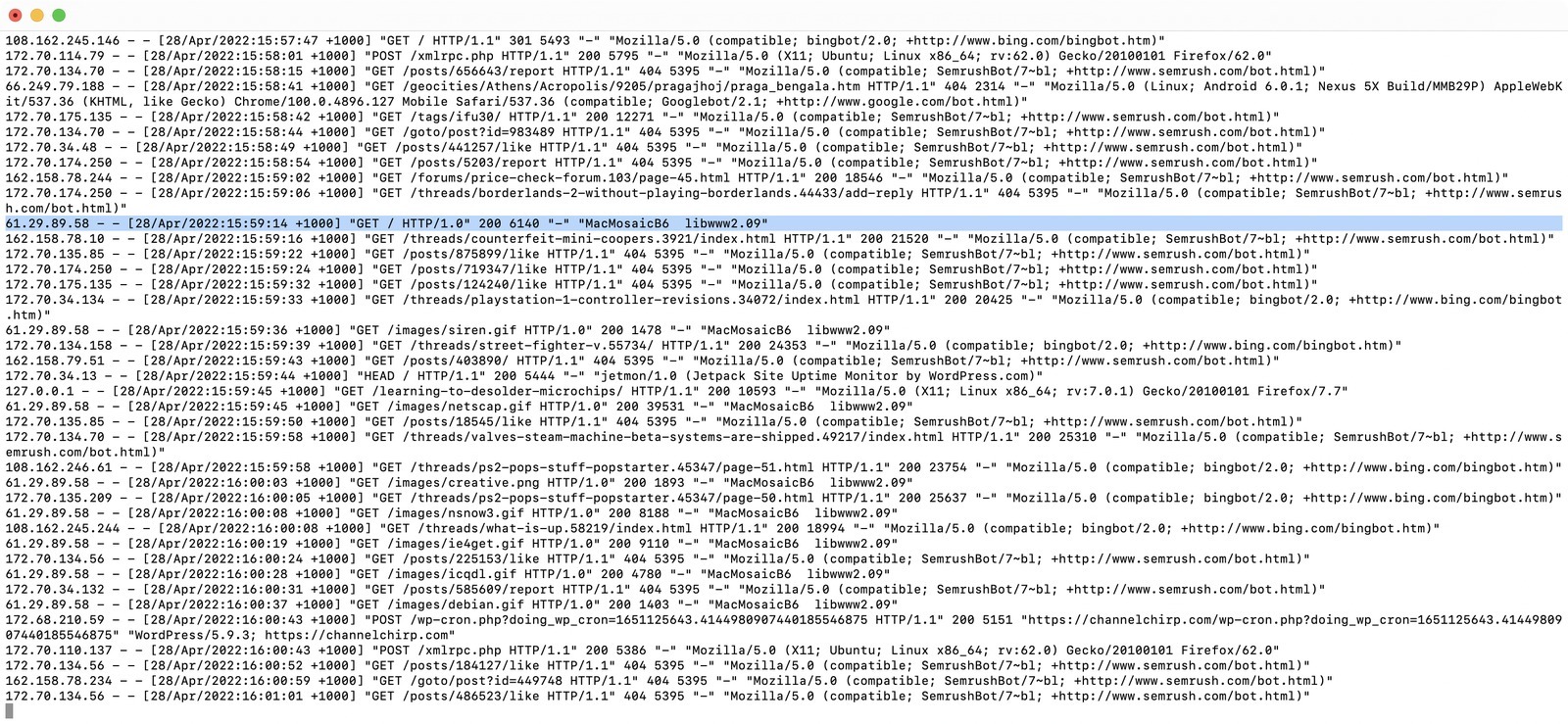
Mosaic identifies itself in this log as MacMosaicB6 libwww2.09. Our copy is version 1.0.3, as the splash screen shows. That user-agent string tells us what this copy reported; it doesn’t establish that every pre-2.0 Mac Mosaic version used the same string.
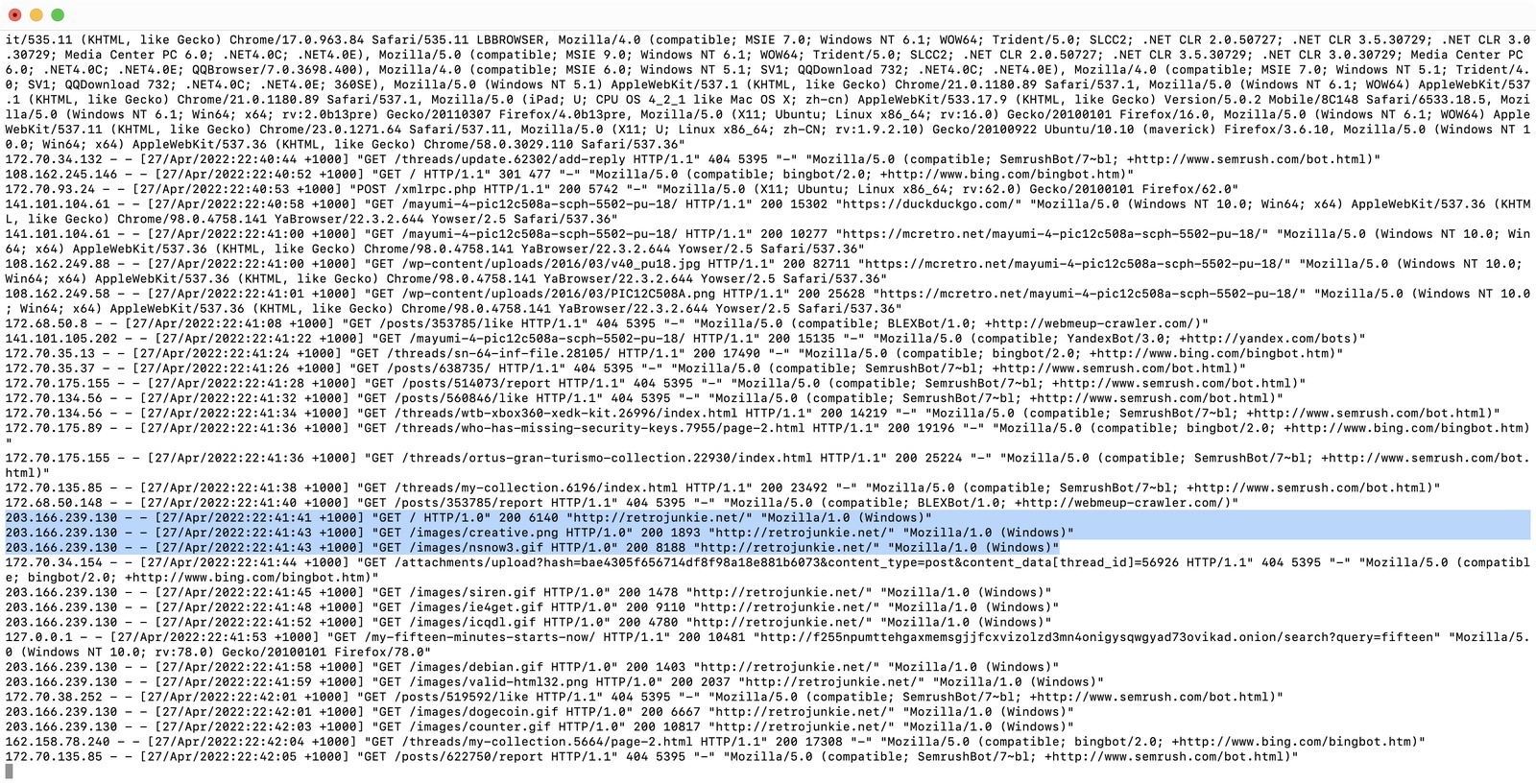
And our Windows Netscape 1.0 identifies itself as Mozilla/1.0 (Windows).
What’s perhaps most interesting in these examples is the request protocol recorded by Apache. The old clients were reaching the server as HTTP/1.0. A real HTTP/0.9 request would just be a one-line GET /path with no HTTP version token and no request headers. Apache was not detecting an “HTML version” here at all; I had been mixing up the page format with the transport protocol.
This also corrects my earlier Macintosh Classic, RaSCSI and The Internet theory that the browsers were failing because they only supported HTTP/0.9. That conclusion did not survive testing, which is exactly why documenting the wrong turns is useful.
Sources
Here’s some of the pages I followed to get this to work, a big thanks to each of the authors! RFC 1945 also spells out the difference between the simple HTTP/0.9 request and a full HTTP/1.0 request.
- MDN - Evolution of HTTP
- Metalbabble - The final frontier: connecting a Macintosh SE to the Internet with a Raspberry Pi
- Web browsers for antique Macs
- Kafsemo - Talking HTTP/0.9, 1.0, 1.1
- Toby Mackenzie - Supporting HTTP 0.9
- RFC 7230, Appendix A.2 - Changes from RFC 2616
- RFC 1945 - Hypertext Transfer Protocol HTTP/1.0, Sections 4 and 5