 Nix McRetro
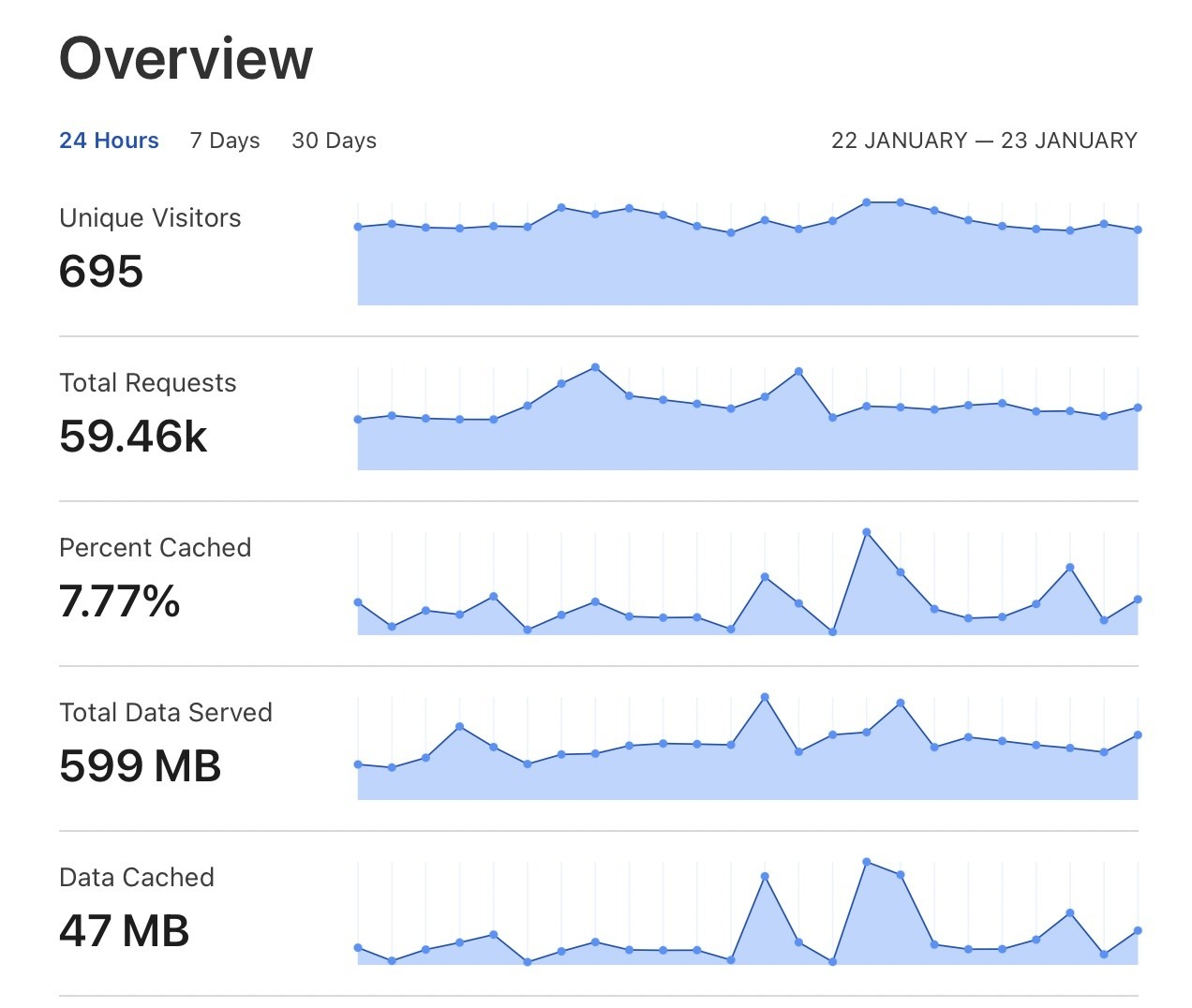
The Cloudflare dashboard after bringing my sites back behind the CDN. Lots of requests, and caching was only just getting started.
Those who are long-term subscribers would remember that way back in 2016 I tried putting my sites behind Cloudflare. I have been hesitant to let my little home server loose on the big world wide CDN web. That move was made, again, around a week ago, with the home server still doing the hosting behind it.
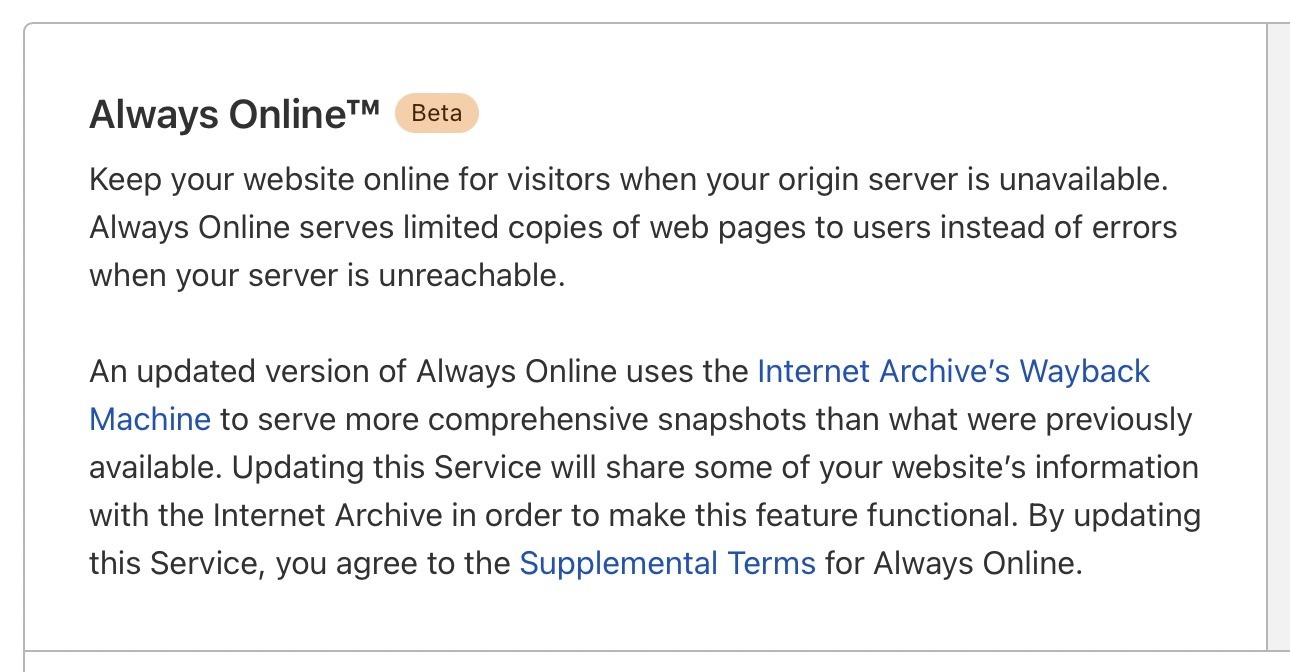
Always Online was one of the big reasons for revisiting Cloudflare. A useful fallback for some archive pages, not a complete mirror.
The motivations behind this are primarily hosting the GeoCities Archive and the ASSEMblerGames Archive. Cloudflare’s Always Online has been on my bucket list too long. Now it is a reality. If my home server is unreachable, it can serve cached or Internet Archive copies of some static pages.
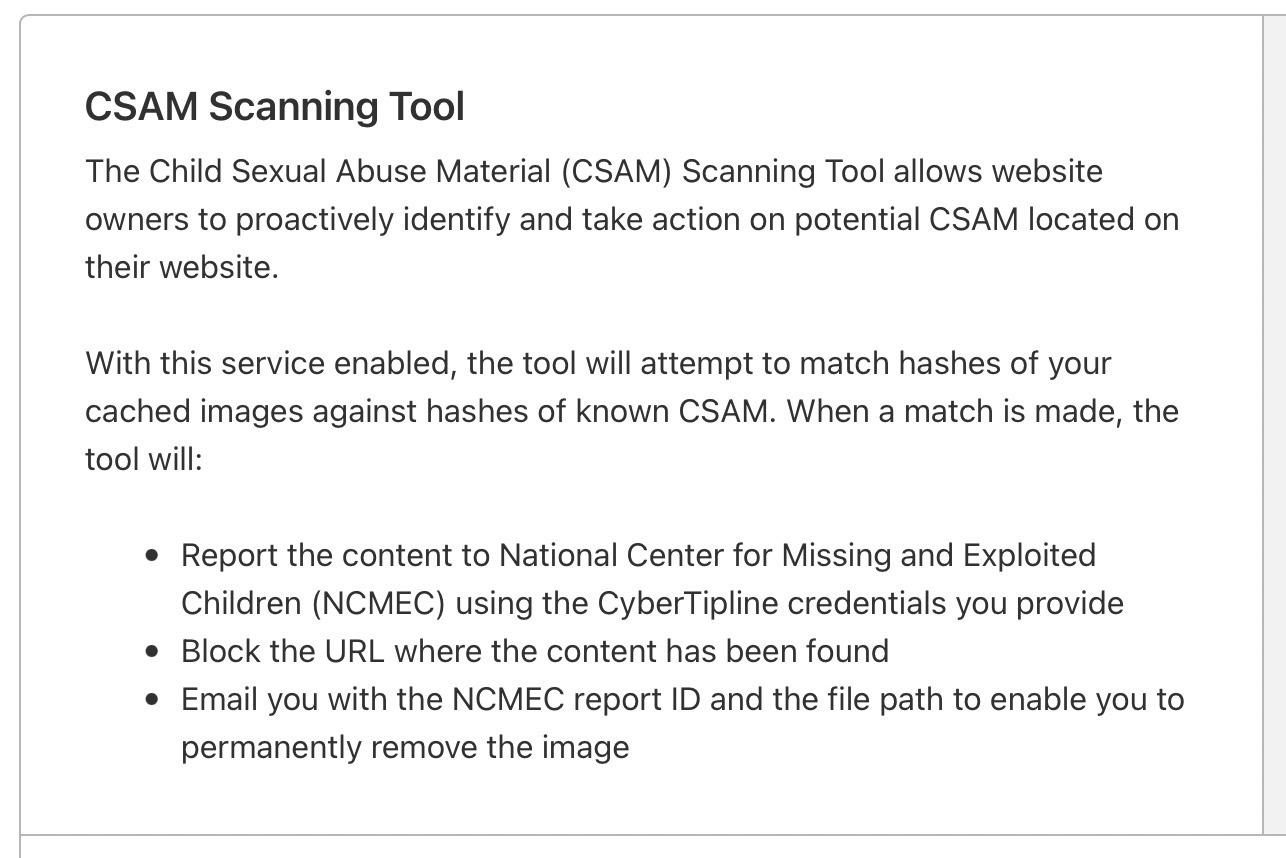
The CSAM Scanning Tool offered another safeguard for the inherited GeoCities content, although it couldn’t check absolutely everything.
Another great feature from Cloudflare is the CSAM Scanning Tool. It can compare hashes of cached images against known CSAM hashes, which is useful for an inherited GeoCities archive with far too much data for me to sift through. It won’t check every kind of file or guarantee the whole archive is clear, but if it finds a match I can also alert other GeoCities mirrors.
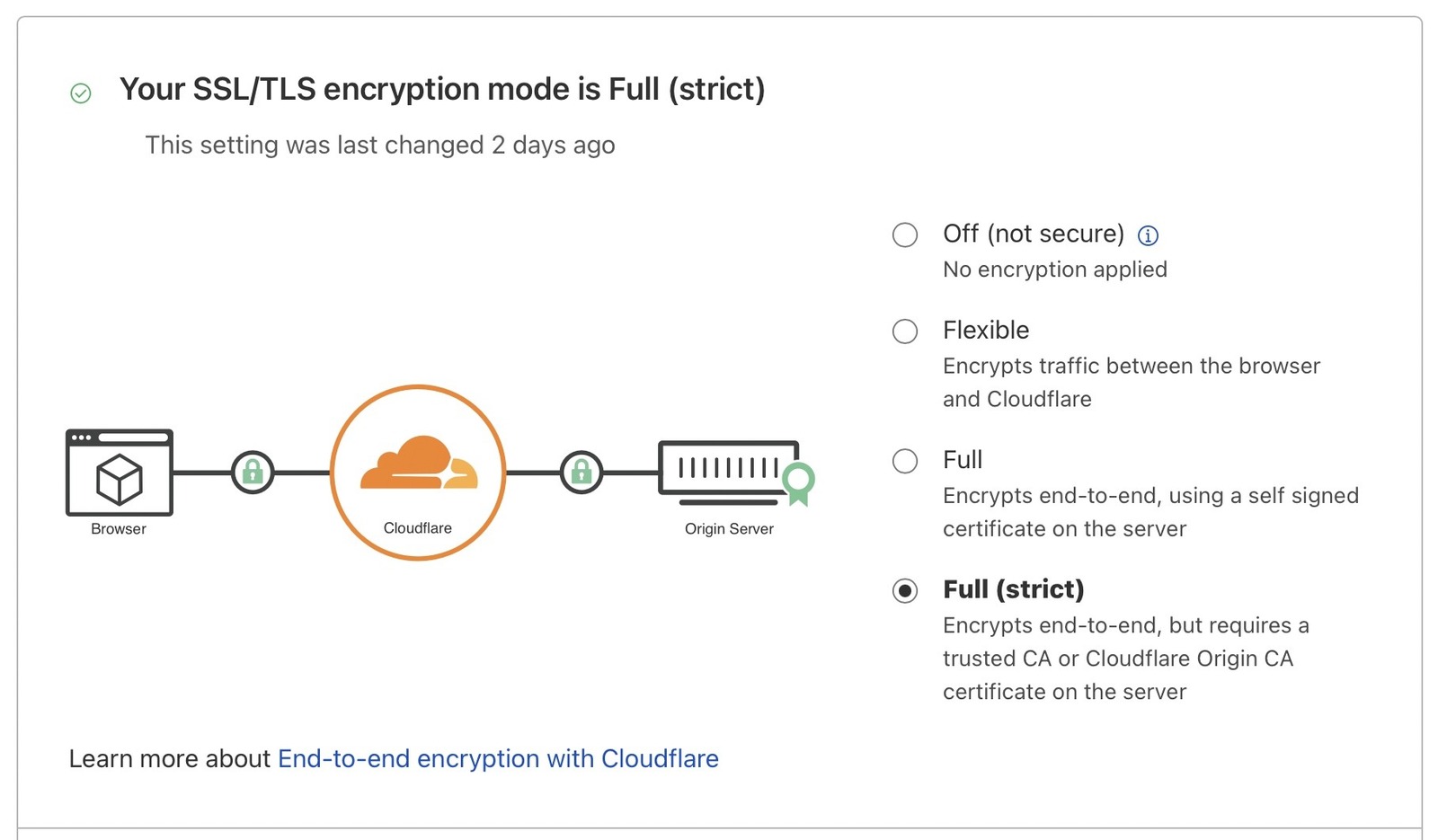
Full (strict) TLS was finally configured. No more redirect-loop adventures, at least for this setup.
One of the reasons I had trouble with Cloudflare SSL was that it would get stuck in redirect loops on my old setup. Since then, my understanding of Certbot and Let’s Encrypt on Debian (Ubuntu) has come a long way. Cloudflare handles the visitor’s TLS connection at its edge, then makes a separate connection back to my home server. Full (strict) checks that the origin has a valid certificate for the requested hostname, which my Let’s Encrypt certificate handles. In strict mode, no worries!
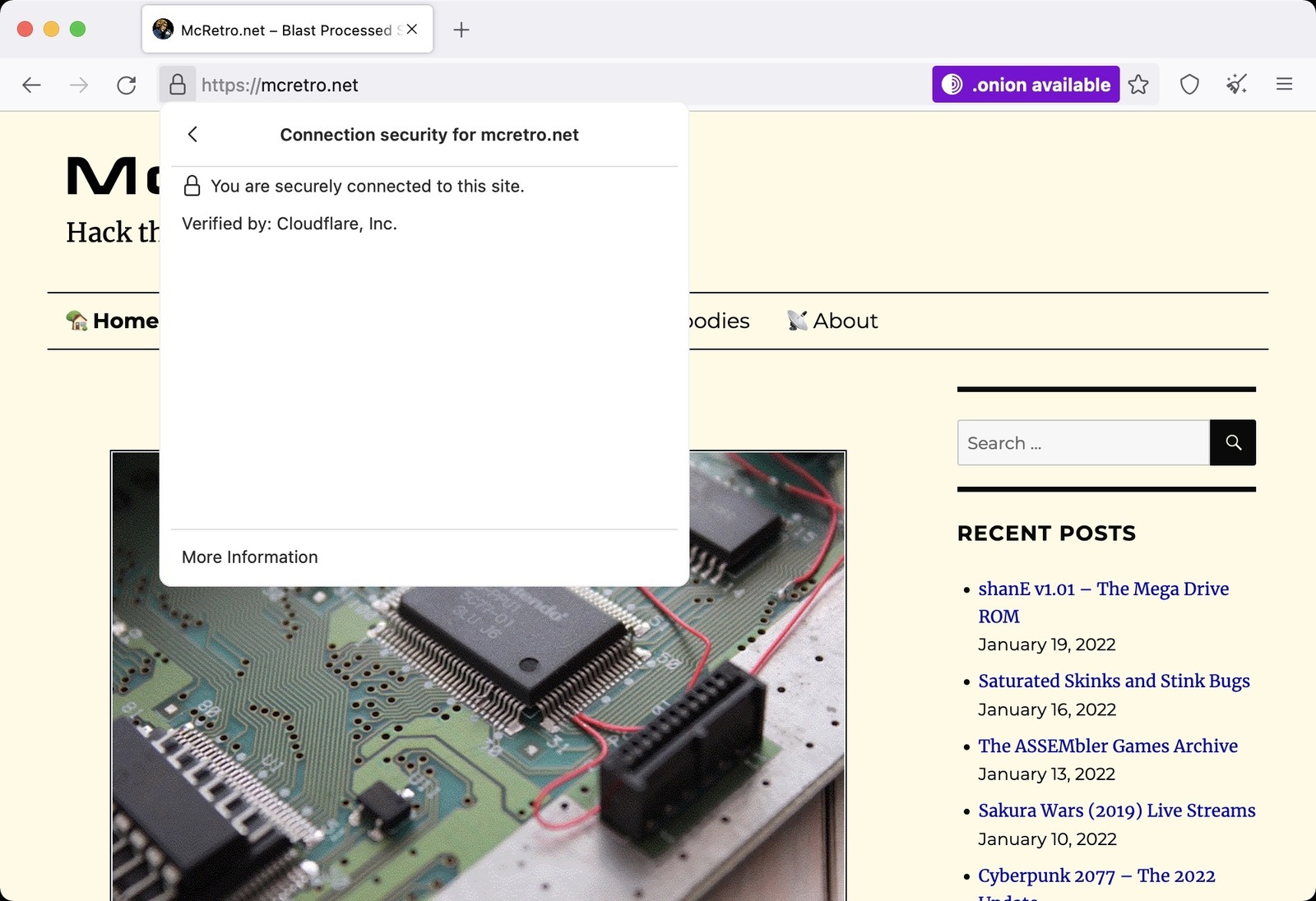
A secure clearnet connection and Firefox spotting the separate onion service. Two ways in, one very retro website.
As I now understand the underlying mechanism through trial and error, naturally, my precious onions work. The clearnet site could sit behind Cloudflare while the .onion service remained a separate route to equivalent content. Cloudflare was not what made the onion service work; it protected and cached the public web side. Took a little while to get the configuration right but it works for now.
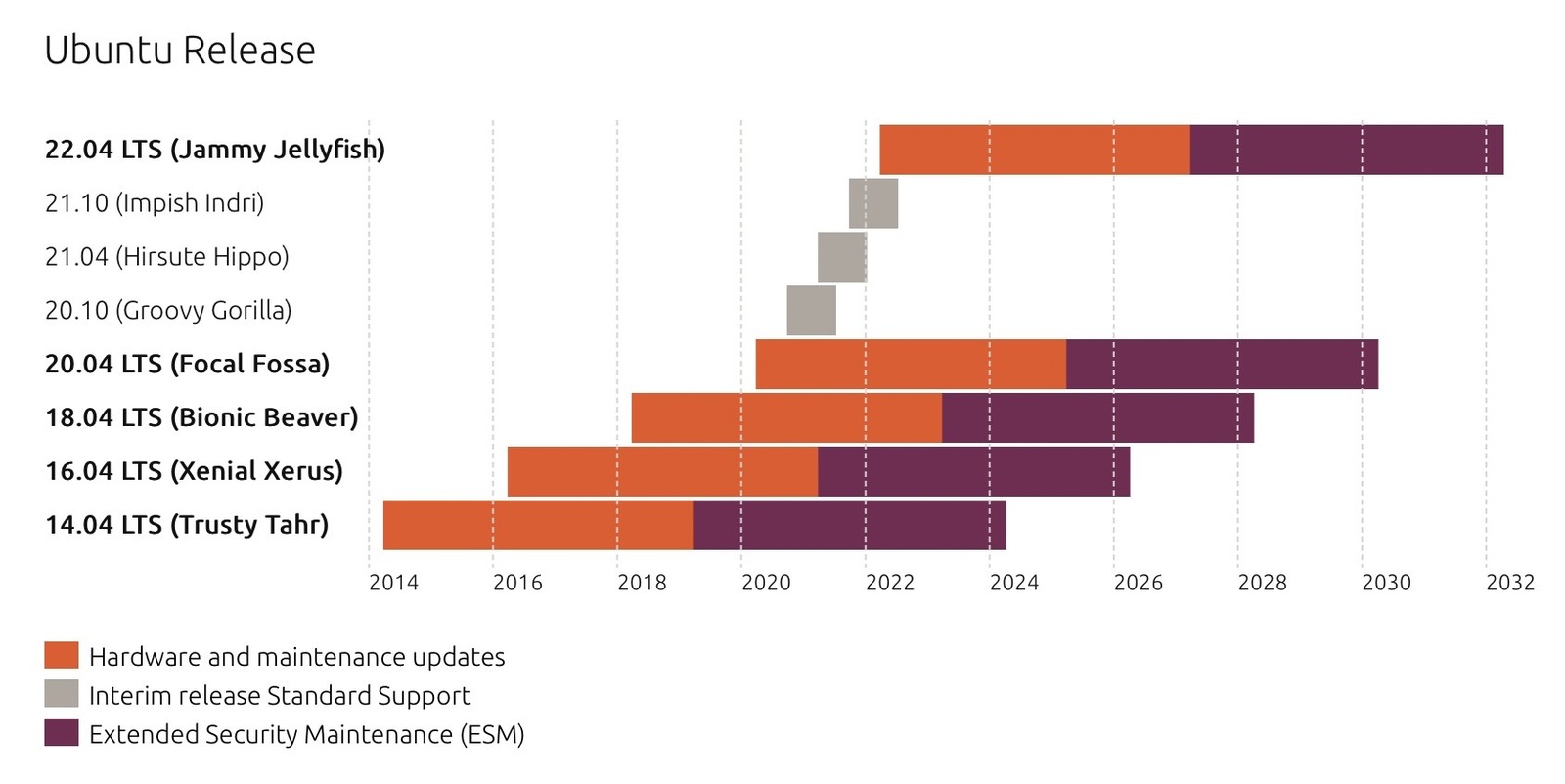
Ubuntu 22.04 LTS, Jammy Jellyfish, was on the horizon. An excellent excuse for another round of server tinkering.
Everything said, it should mean a faster website, better uptime (in theory), and a neat dashboard showing what the bots and would-be hackers are throwing at my sites. We’re ready for Ubuntu 22.04 LTS (Jammy Jellyfish) due around late April 2022. Loaded with ddclient 3.9.1 which has Cloudflare dynamic DNS (DDNS) support baked in, it’s going to be epic. Stay tuned!
Sources
- Cloudflare - Full (strict) SSL/TLS mode
- Cloudflare - Always Online
- Cloudflare: CSAM Scanning Tool for Customers
- ddclient - v3.9.1 source with Cloudflare support