 Nix McRetro
The video above is an overview of getting my LC 475 back into a usable software state after the clean system installation. It’s partly a demonstration and partly documentation for my future self so I can remember which files and tools I used. Hopefully it will be useful to someone else one day too.
I’ve finally made some progress with this little Macintosh. Getting it booting from a floppy was the first challenge, and Apple’s Disk Tools 1 turned out to be particularly useful. It’s a bootable utility disk that works with a good range of older 68K Macs, provided you can actually get the image onto a floppy in the first place.
I used Disk Copy 6.3 to restore the floppy image, then moved on to installing System 7.5.3. Apple provided the installation files as nineteen separate parts, which could be combined into a larger disk image. With those assembled, the installation was fairly straightforward. Well, compared with everything else I’ve been doing!
The LC 475 itself is still a bit rough around the edges. Two of the power supply mounting connections have snapped, there’s some rust underneath the supply, and the hard drive makes noises that really don’t inspire confidence. The motherboard looks rather better, thankfully, and the floppy drive is working.
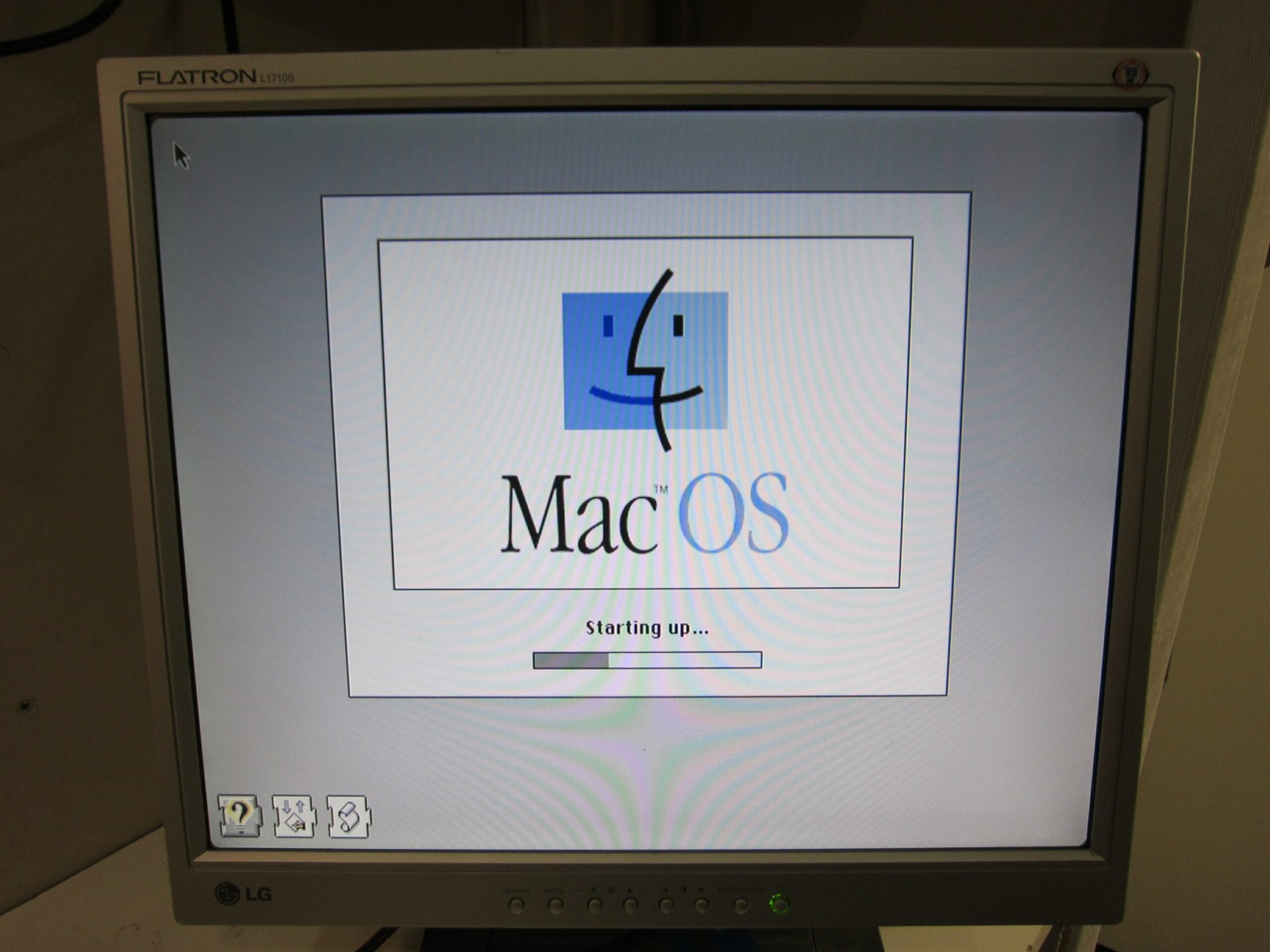
The LC 475 starting System 7 again. Seeing that familiar face after the floppy juggling is a lovely sight!
Once System 7.5.3 was installed, I started getting some games onto the machine. Munchies and Maniac were two I wanted to try, partly because I remember playing Munchies when I was young. There’s something wonderful about seeing old shareware running on the hardware it was made for.
Moving the files across involved a rather convoluted arrangement. I used Parallels with Windows XP, HFVExplorer to transfer files onto Macintosh-formatted floppy disks, and StuffIt Expander 4 to unpack them on the LC 475. Not exactly drag and drop from one modern computer to another, but it worked!
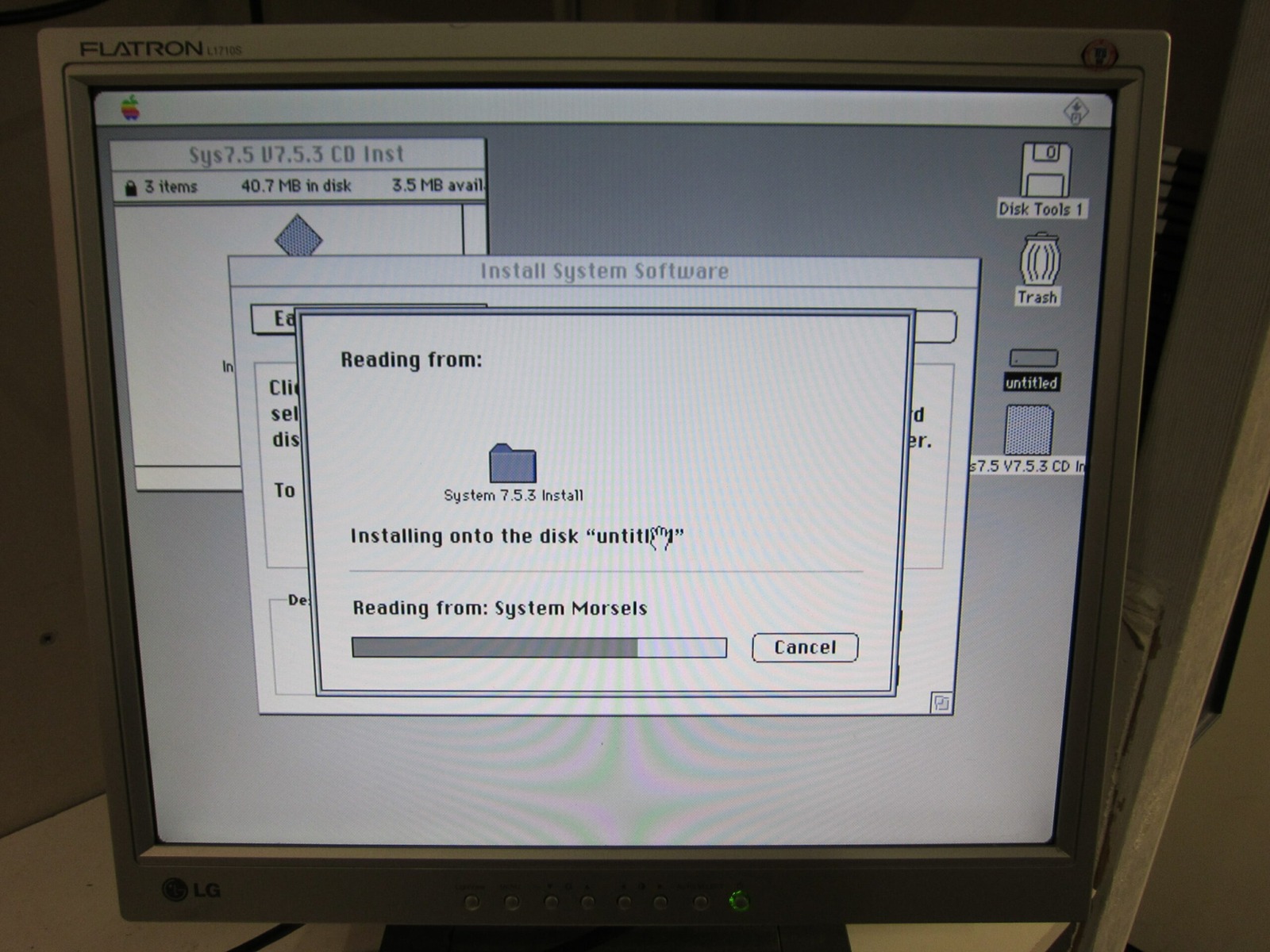
Installing System 7.5.3 from the assembled files. Nineteen separate parts were a bit of a nuisance, but we got there!
The games run nicely, although the mouse could certainly be better. I’ve also got the usual collection of old Macintosh quirks to contend with, including the ADB keyboard and mouse connectors. Even the display needs a suitable Macintosh video adapter, and not every monitor is happy with the resolutions these machines produce.
For the moment I’m using an older 4:3 screen, which suits the machine well enough. Jigsaw also made an appearance, although I seemed to spend an unreasonable amount of time working out where the pieces belonged. Perhaps a computer can be too good at keeping me distracted.
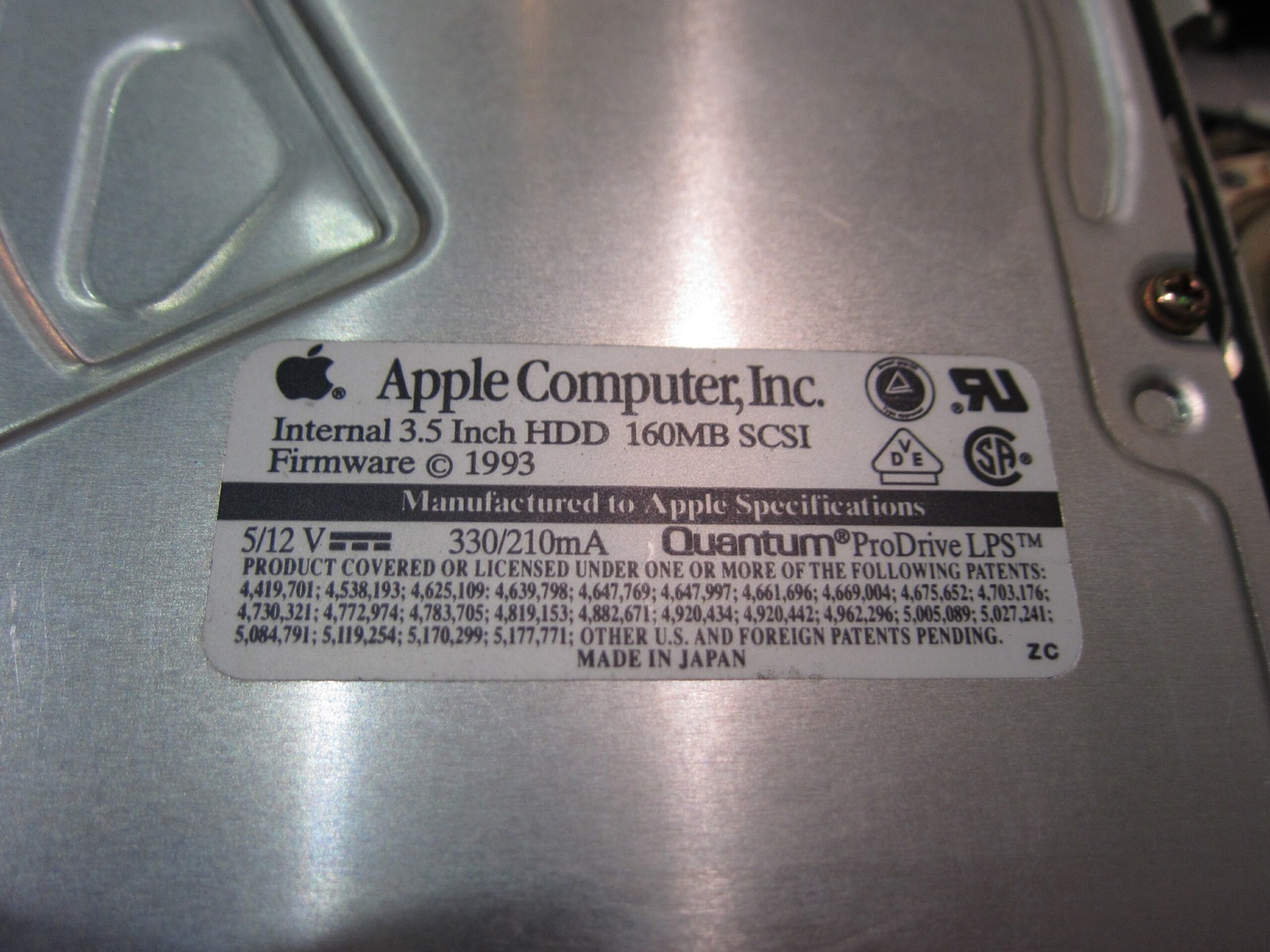
The 160 MB Quantum ProDrive SCSI hard drive making all that awful noise. Somehow, it was still hanging in there!
There’s still work to do on the hardware, but I’m pleased to have System 7.5.3 installed and a few of my favourite old games running. The original hard drive is somehow still hanging in there, even if it sounds like it’s having a terrible time. Not a bad result for a Macintosh that’s been making such alarming noises!
Related Posts