 Nix McRetro
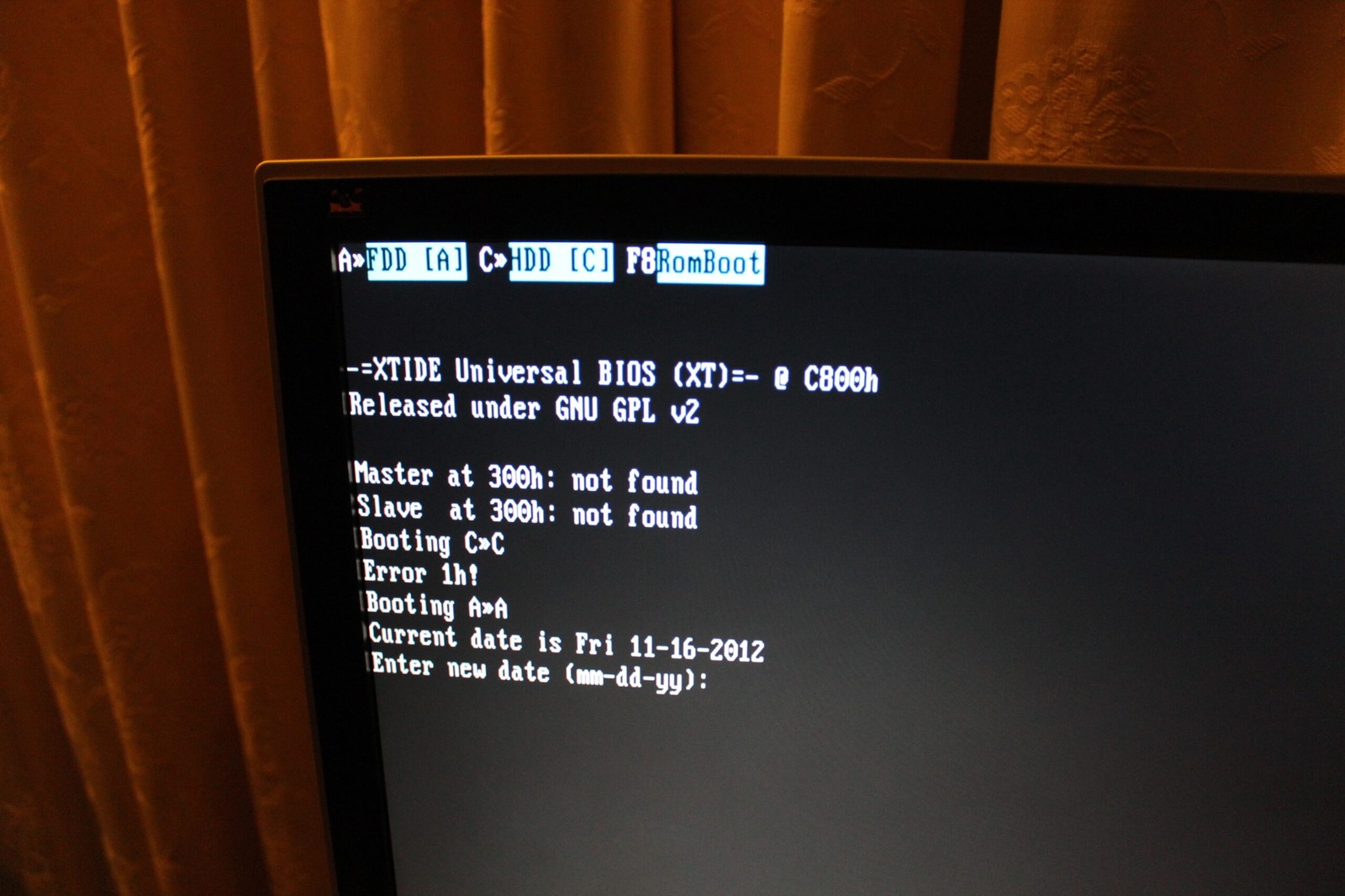
This is not how I wanted the XTIDE experiment to go. No drives found, an error, and straight back to the DOS date prompt!
Time for a little more room in the XTIDE BIOS department. Both of my cards currently use Atmel AT28C64B EEPROMs. The AT28C64B stores 64 Kbit as 8K x 8, which gives me 8 KiB of ROM space. I’m replacing them with AT28C256 devices, which provide 32 KiB.
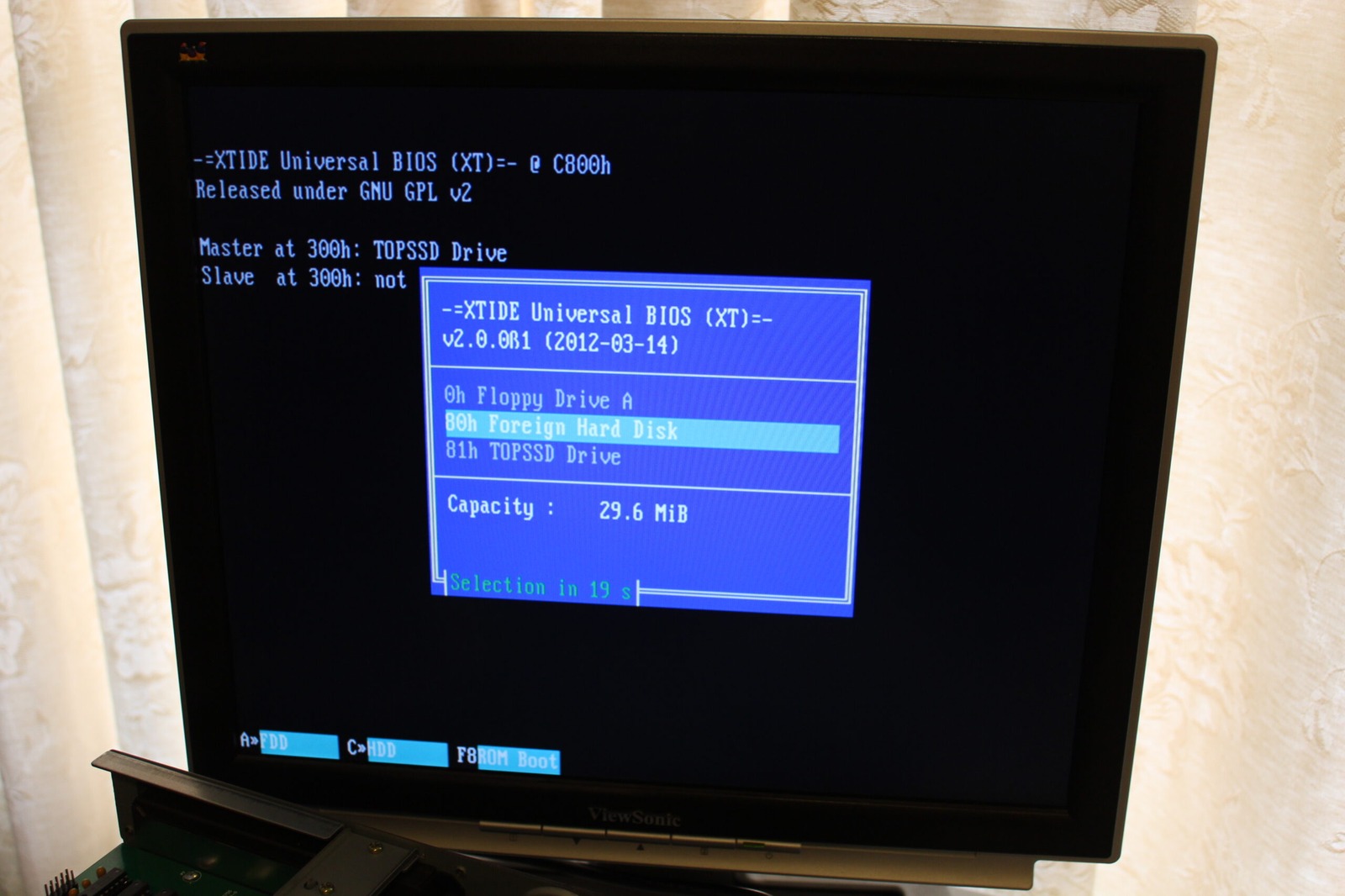
The earlier XTIDE boot menu, with both the original hard drive and TopSSD available. A useful reference while changing EEPROMs.
Why the upgrade? Partly because I discovered that the XTIDE BIOS image I had been using was not as stock-standard as I had assumed, and partly because the larger EEPROM gives me considerably more breathing room for different builds and configuration options.
Thanks to Krille on the Vintage Computer Forums for the help on getting it to work. And there I was thinking I was doing something wrong! The problem was traced to the particular XTIDE BIOS build I was using, and Krille supplied a compiled r505 build that got me moving again.
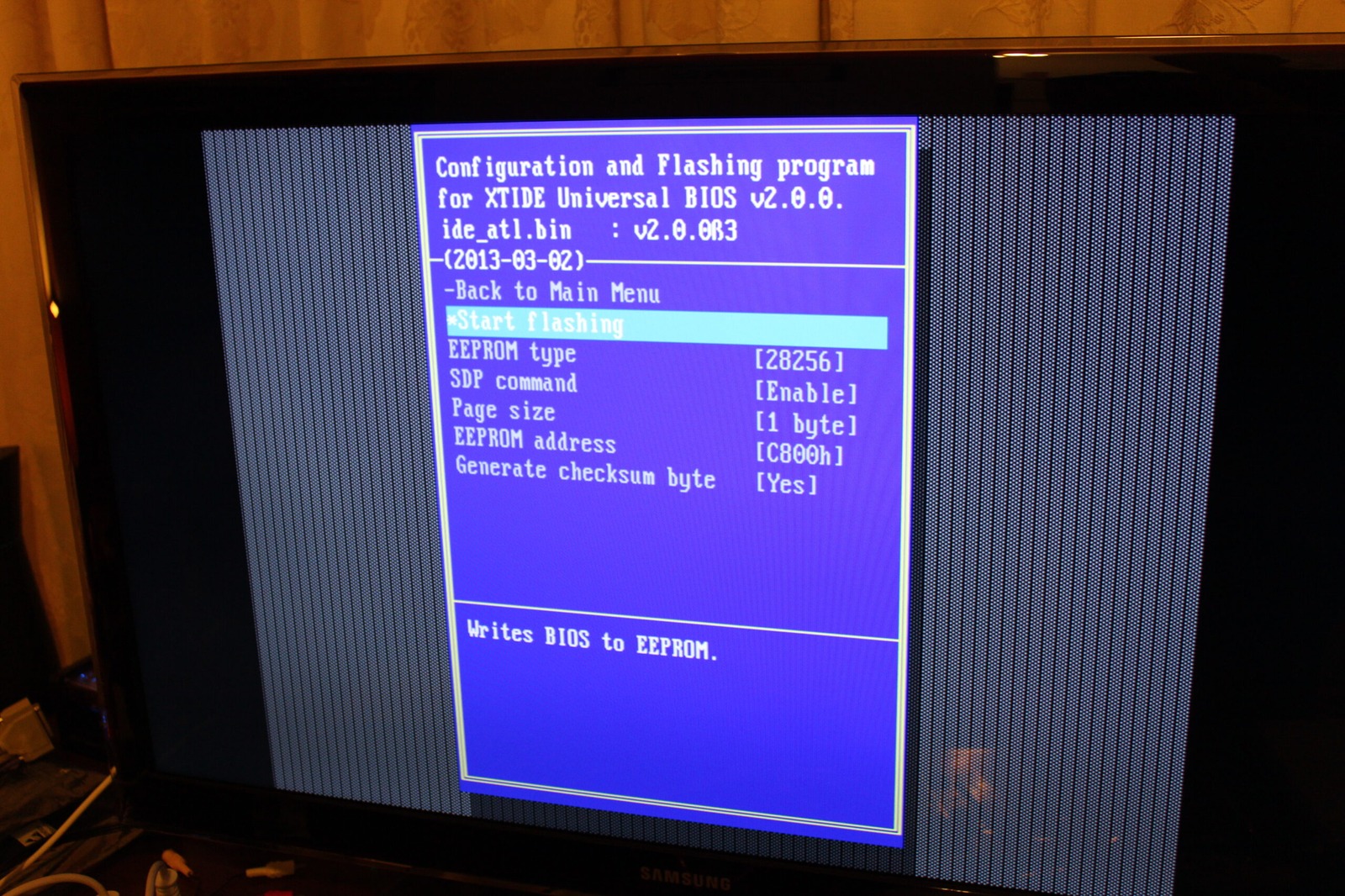
The larger 28256 EEPROM is selected in XTIDECFG. Finally, more room for the XTIDE BIOS experiments!
At the moment I am using IDE_XTP.bin. It works, but I would really like the boot-menu overlay back. Presentation is important, even when your storage controller lives inside a Sega 286 from 1991.
The XTIDE configuration also needs to match the actual EEPROM hardware. With the larger chip installed, the EEPROM type is configured as 28256.
So the physical upgrade is straightforward:
| EEPROM | Capacity |
|---|---|
| AT28C64B | 8 KiB |
| AT28C256 | 32 KiB |
Four times the space for future experiments.