 Nix McRetro
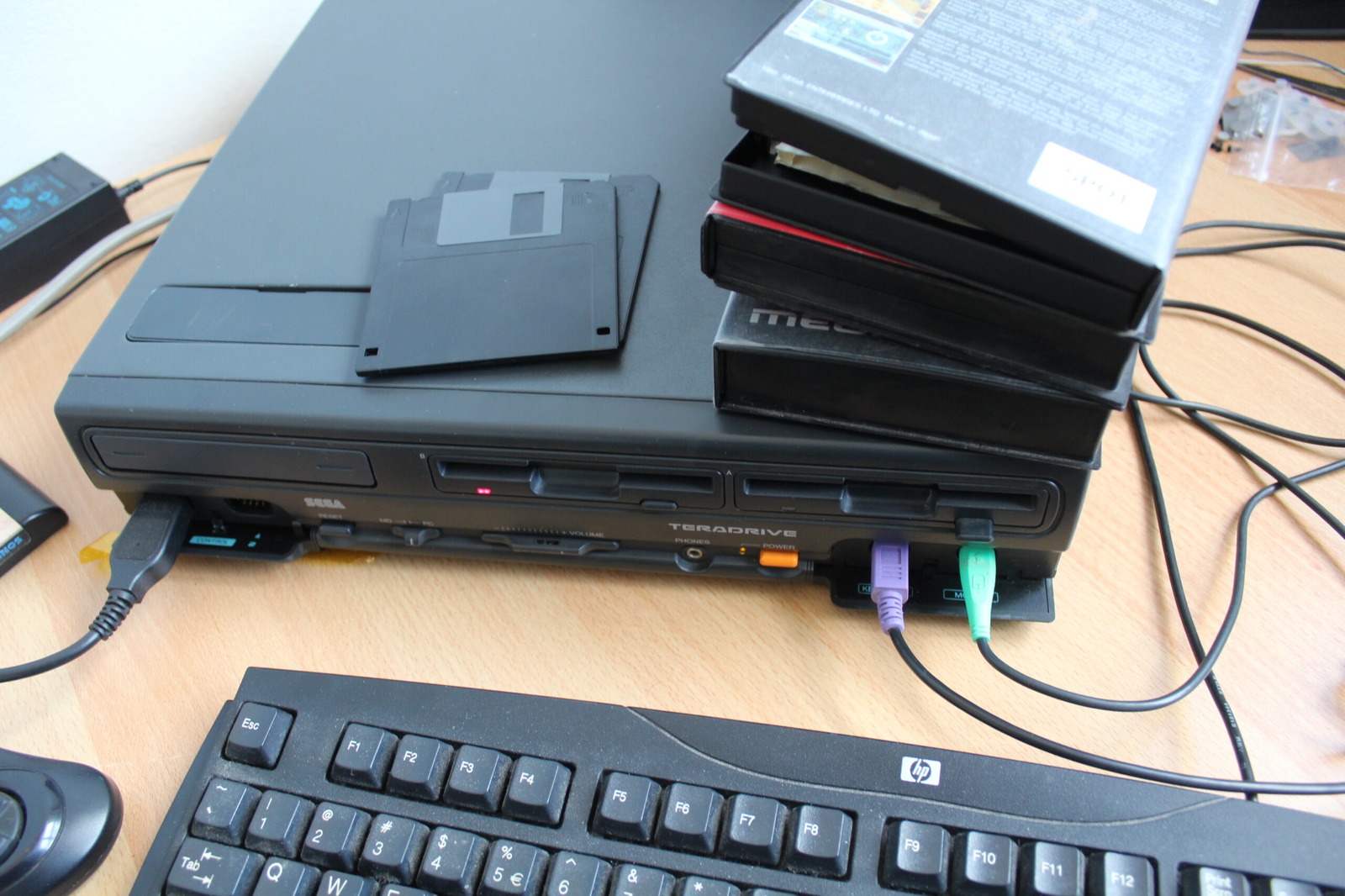
Another little piece of TeraDrive preservation today.
I’ve dumped the machine’s PC BIOS using DOS DEBUG.COM and uploaded the result to the File Server.
On early PC-compatible systems, DEBUG can be used to copy BIOS code that is mapped into the processor’s real-mode address space. The exact procedure depends on the size and layout of the BIOS, so the method should not be treated as one universal command sequence for every PC.
If anyone feels like pulling this dump apart and finding something interesting, please do.
A TeraDrive with 6.5 MB RAM
While looking for more information I also came across a Japanese TeraDrive Model 2 owner with a particularly interesting configuration. Their machine reports:
MEM : 6.5MB [2.5MB(SIMM)+4MB(ISA)]
The additional 4 MB came from an I-O DATA PIO-AX34F memory card installed in an ISA slot. They were also using QRAM, a memory manager designed to provide useful memory-management features on 286-class systems.
Now that has my attention.
I have an ISA RAM card at work, so naturally I want to find out whether the TeraDrive can make any use of it. Extra RAM would be particularly useful in the Model 2 because the machine has no factory hard drive.
It also makes me wonder whether some of the additional memory could be turned into another RAM disk, similar to my earlier Windows experiments. The ISA card itself is only memory, of course. It does not magically become a bootable disk. That would require suitable RAM-disk software or another memory-management arrangement.
Another TeraDrive experiment for the list.
Related posts
Sources
- Luckyboy - TeraDrive configuration - documents a TeraDrive with 6.5 MB total RAM, including a 4 MB I-O DATA PIO-AX34F ISA memory card and QRAM.
- MESS Wiki archive - Dump BIOS using DEBUG - archived reference for using DOS DEBUG to dump PC BIOS contents.