 Nix McRetro
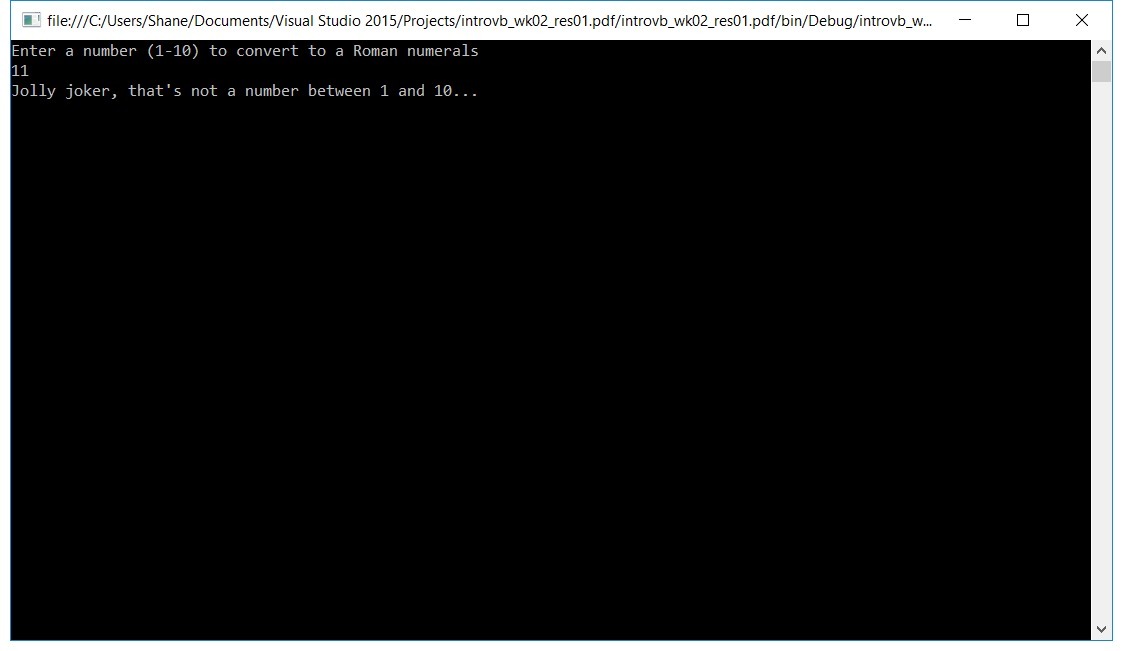
Ohhh those Romans! With so many Ifs and ElseIfs it feels like I’m typing in circles, but hey! My code worked for a few of the examples, even if it wasn’t the same as the listed solution. There are many ways to do the same thing, and I honestly think mine was more efficient and answered the question better… which is odd, given they wrote both the question and the answer! But that’s fine. As long as I can continue to insert Hogan’s Heroes catchphrases and Pentium FDIV references into my code, the world is a better place.
        '3. Write a program that accepts a number from 1 to 100. For multiples of three print “Fizz” instead of the number And for the multiples of five print “Buzz”. For numbers which are multiples of both three And five print “FizzBuzz”.
        Dim num1 As Integer

        Console.WriteLine("Enter a number between 1 and 100")
        num1 = Console.ReadLine()

        If num1 > 100 Or num1 < 1 Then
            Console.WriteLine("Your number is outside the parameters! Between 1 - 100 inclusive please.")
        ElseIf (num1 Mod 5 = 0) And (num1 Mod 3 = 0) Then
            Console.WriteLine("FizzBuzz")
        ElseIf num1 Mod 3 = 0 Then
            Console.WriteLine("Fizz")
        ElseIf num1 Mod 5 = 0 Then
            Console.WriteLine("Buzz")
        Else
            Console.WriteLine("Your number neither fizzes nor buzzes!")
        End If
        Console.ReadLine()
Pretty neat if you ask me. One catch: for a number divisible by neither three nor five, the final Else prints my joke rather than the number.
And I’ve learnt why 0.5 can become 0 when converting to an Integer in Visual Basic. Its integer conversion uses round-to-nearest-even when the fractional part is exactly .5:
- 0.5 becomes 0
- 1.5 becomes 2
- 2.5 also becomes 2
So my conclusion that 0.00 must therefore round to -1 was, surprisingly, not how numbers work. Apparently the computer knew more mathematics than I did.