 Nix McRetro
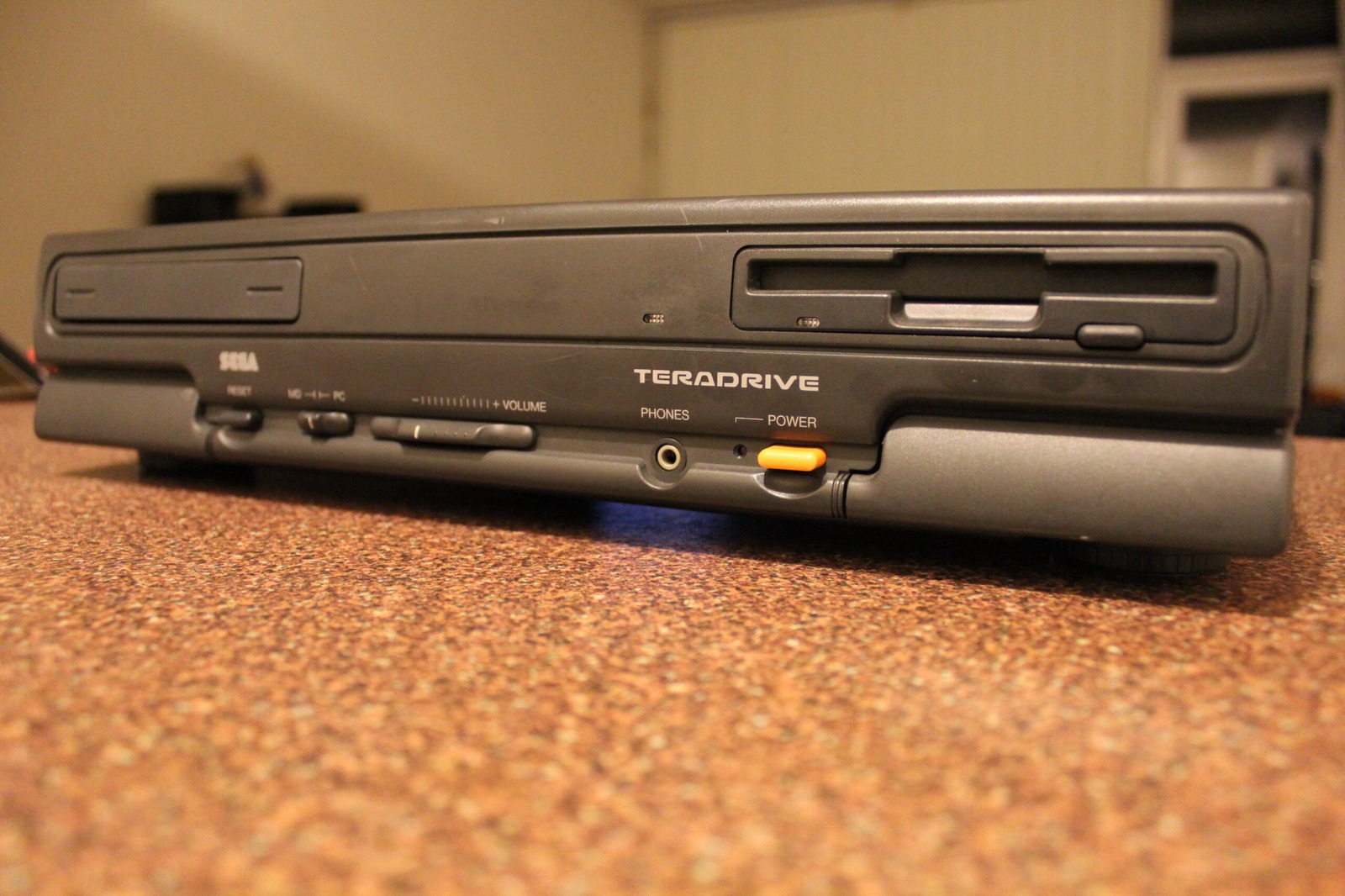
There’s something about the Sega TeraDrive that keeps me looking for more information. Perhaps it’s the rather unusual combination of an IBM-compatible PC and a Mega Drive, or perhaps it’s simply because the documentation isn’t always particularly easy to find. Either way, I’ve stumbled across another little piece of TeraDrive history, this time from a Japanese blog entry dated 27th April 1994.
It’s got some interesting information about processor upgrades, memory, floppy drives and even the TeraDrive’s ISA bus. Quite a lot to squeeze into one little article! Some of the information is a little difficult to follow, but there’s certainly enough here to get me thinking about a few more experiments.
The material below is a rough machine-translated excerpt from a Japanese blog entry by nyanonon. Some lines are clearly awkward, so I’m preserving them as translated source material rather than rewriting the author’s claims into polished modern English. The original entry is linked below.
Rough Translation
Teradrive various information secure
The story of becoming 486. The old log was uploaded to the data library with NDEV’s FDEVICE, and there was a story of 486 conversion in the fourth log. Specifically, you can remove the 286 of the main body, solder the PLCC socket, and put the 486 of Cyrix with the clock double speed circuit . There was information that there was another place to undertake remodelling.
Also, how to add an FDD (where the cable is integrated with the power supply, where to disconnect it), and how to display the CMOS setting menu by Ctrl + Alt + F1 . There are quite a lot of useful free softwares , and it seems that FIBM has a ratio. SIMM is also MEMORY.EXE, and seems to be using 8MB. It doesn’t seem like it can be used a lot.
A Few Interesting Bits
A Cyrix 486 upgrade for the TeraDrive? Now that would be something! According to the original discussion, somebody had documented replacing the 286 and installing a PLCC socket for a Cyrix processor with a clock-doubling circuit. That’s quite a modification, although it’s not something I’ve attempted myself.
The floppy-drive information might also come in handy. The TeraDrive uses some rather unusual arrangements, particularly around its original storage hardware, so any surviving documentation is welcome. Even a few details about the cables and connectors can save quite a bit of head-scratching.
There’s also an interesting reference to memory upgrades and somebody apparently running 8 MB using MEMORY.EXE. The original Japanese suggests that larger memory configurations weren’t necessarily as restricted as people might have assumed. Certainly something worth investigating if I ever get around to experimenting with more memory.
The translation has a couple of peculiarities too. NDEV should read NIF, and the final sentence isn’t saying the TeraDrive can only use a small amount of memory. Quite the opposite, in fact! Machine translation is a wonderful thing when it works, and occasionally rather entertaining when it doesn’t.
The ISA Bus Mystery
Another interesting part of the Japanese article concerns the TeraDrive’s ISA expansion bus. The author reported contacting Sega’s support service about expansion cards that weren’t working properly. According to the account, the response was that the TeraDrive’s AT bus had a power-related issue involving the missing negative 12 V supply.
That would certainly be an interesting explanation for some expansion cards refusing to cooperate! It’s a report from 1994 rather than something I’ve verified on my own machines, but it’s another useful lead for anyone investigating the TeraDrive’s rather unusual PC hardware.
And then there’s the mention of accessing the CMOS setup using Ctrl + Alt + F1. In my own earlier experiments, I accessed the built-in setup by choosing DOS and pressing F1 during the PC-side startup. If you’re working on one of these machines, my earlier video shows that particular method in action.
There really is a surprising amount of information still floating around about these things. Finding it is half the challenge, particularly when you’re dealing with obscure Japanese hardware from the early 1990s. At least the internet has preserved some of it for us to poke around in!