 Nix McRetro
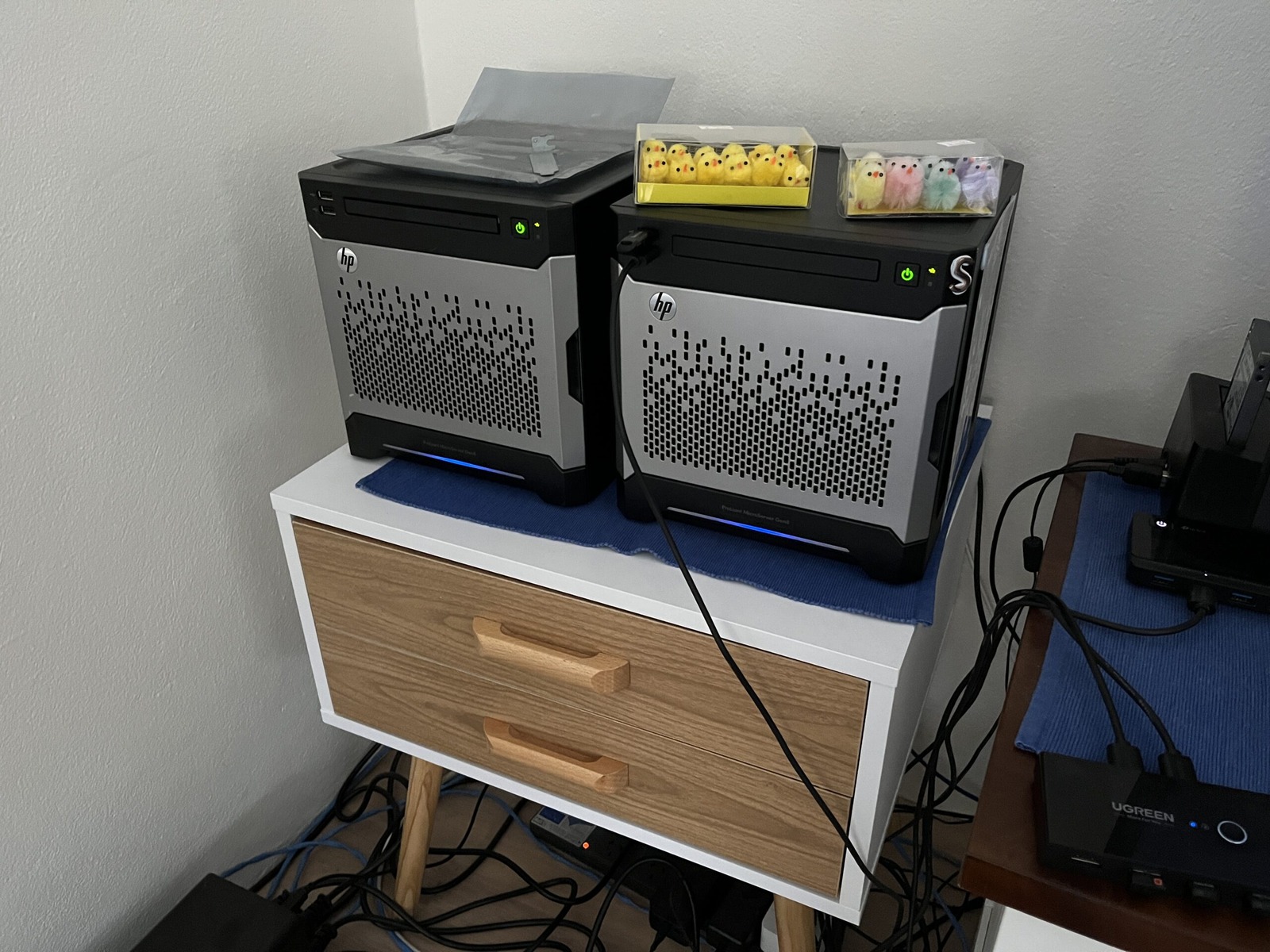
I have been listening to my three or four drives go clunk, clunk, clunk for the best part of a year. Initially I thought it must have been something in TrueNAS as these drives, WD Red Pro 16TB - Model WD161KFGX, were silent while running badblock scans on them. Someone said it could be a cache flushing, but I’d moved my system dataset to the mirrored SSDs with no change. So what was it?
Well, I found a very plausible answer. Western Digital users describe “Preventive Wear Leveling”, or PWL: periodic head movement that can produce a regular click while some drives are spun up and idle. It sounds a lot like what I was hearing. I have not found a WD specification confirming PWL for my WD161KFGX drives, so it remains a likely explanation rather than a confirmed diagnosis.
On one hand I’m glad that I know what the likely noise is now. Spinning rust. I might try spinning the drives down when I’m not using the NAS. It really is just storage at this point. Spindown trades noise and power use for extra start, stop and head-loading activity, so I don’t want to churn cycles for no reason. I have multiple backups though, and a drive failure would at least let me test whether I actually know how to restore them! 😅
But, spinning up every hour, which is more likely- That is ~9,000 cycles per year, and you would take 33 years to exceed that threshold.
The rough arithmetic checks out: one event every hour is 8,760 a year, or about 9,000. The problem is that I was mixing counters. A load/unload cycle is not the same thing as a standby timeout firing, and dividing a rated cycle count by 9,000 does not tell me how many years a drive will last.
Honestly though, I still have another four years of warranty. That doesn’t promise a drive won’t fail, but with backups in place I’m curious to see how the sleep settings behave without churning unnecessary start, stop and load cycles. The question is, how to make it work best?
There sure is a lot of voodoo when it comes to technology!
Set the standby (spindown) timeout for the drive. The timeout specifies how long to wait in idle (with no disk activity) before turning off the motor to save power. The value of 0 disables spindown, the values from 1 to 240 specify multiples of 5 seconds and values from 241 to 251 specify multiples of 30 minutes.
That raw ATA description made the setting easier to understand. TrueNAS itself exposes the usual standby choices as minute intervals, and one practical catch is that its documentation notes temperature monitoring is disabled while a disk is in standby. Cobia hasn’t really shown any issues which has been nice. I was expecting going from Bluefin to Cobia to have something go wrong, but nothing. Blessed! 😇