 Nix McRetro
Mission accomplished.
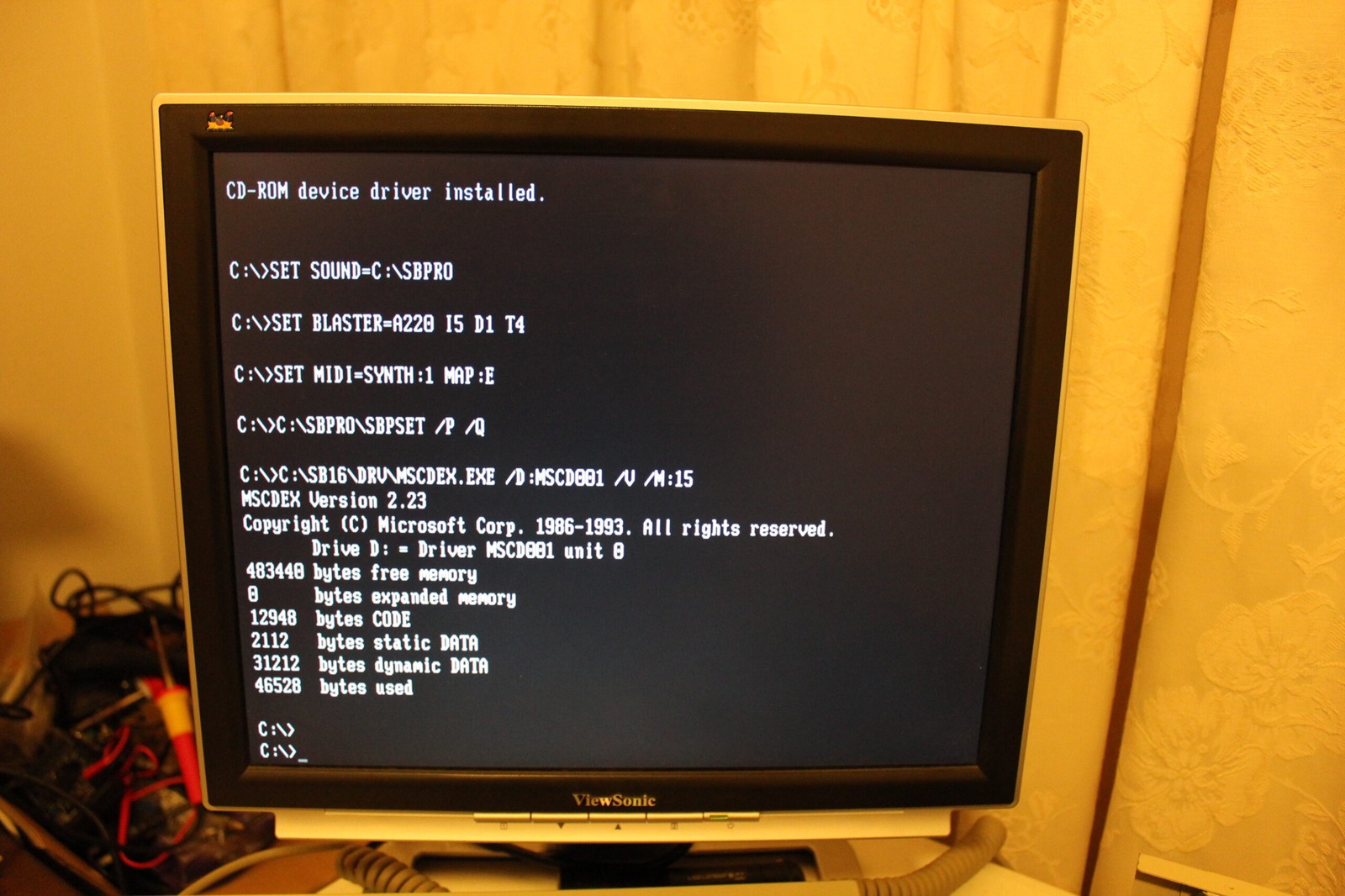
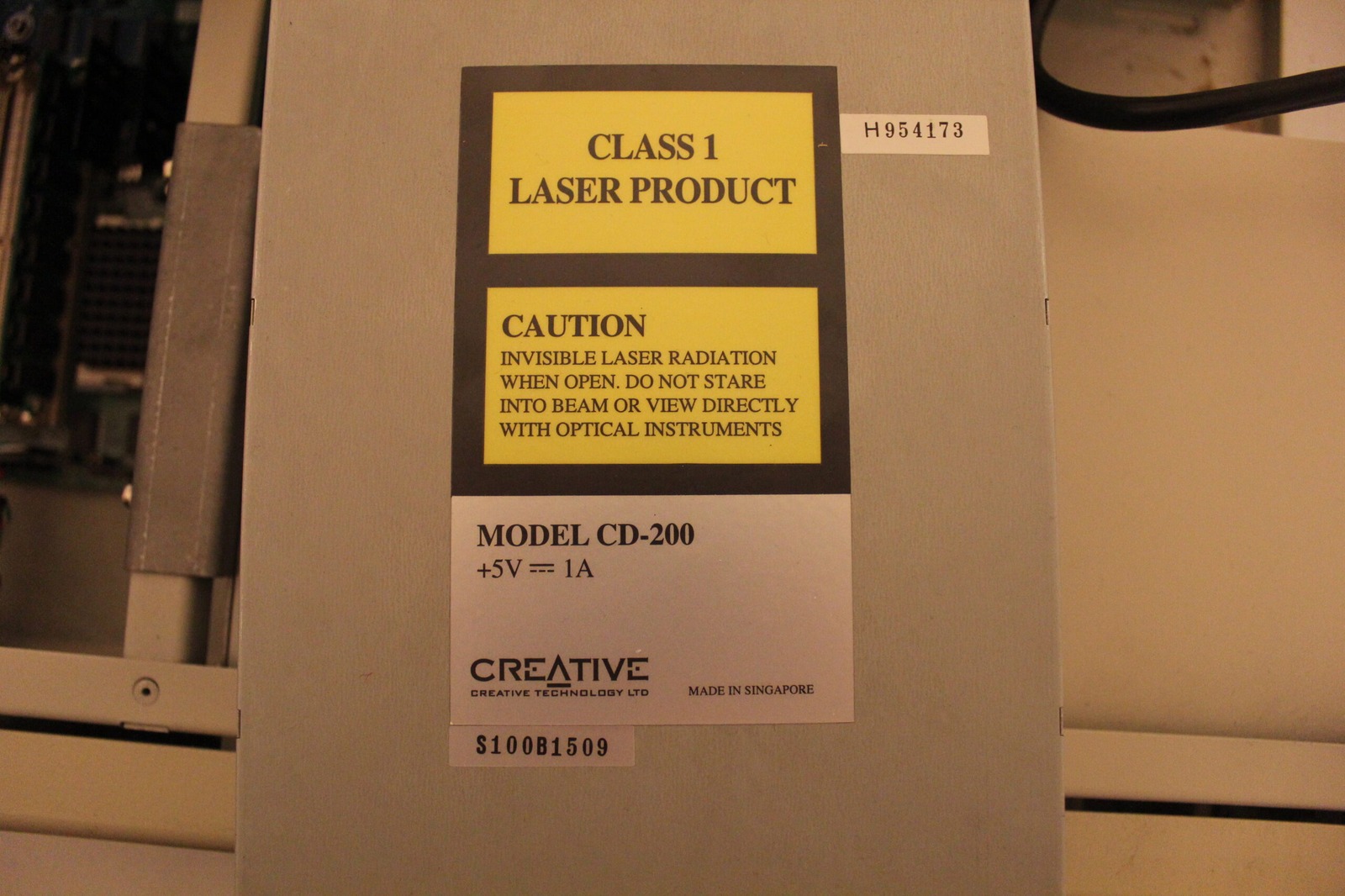
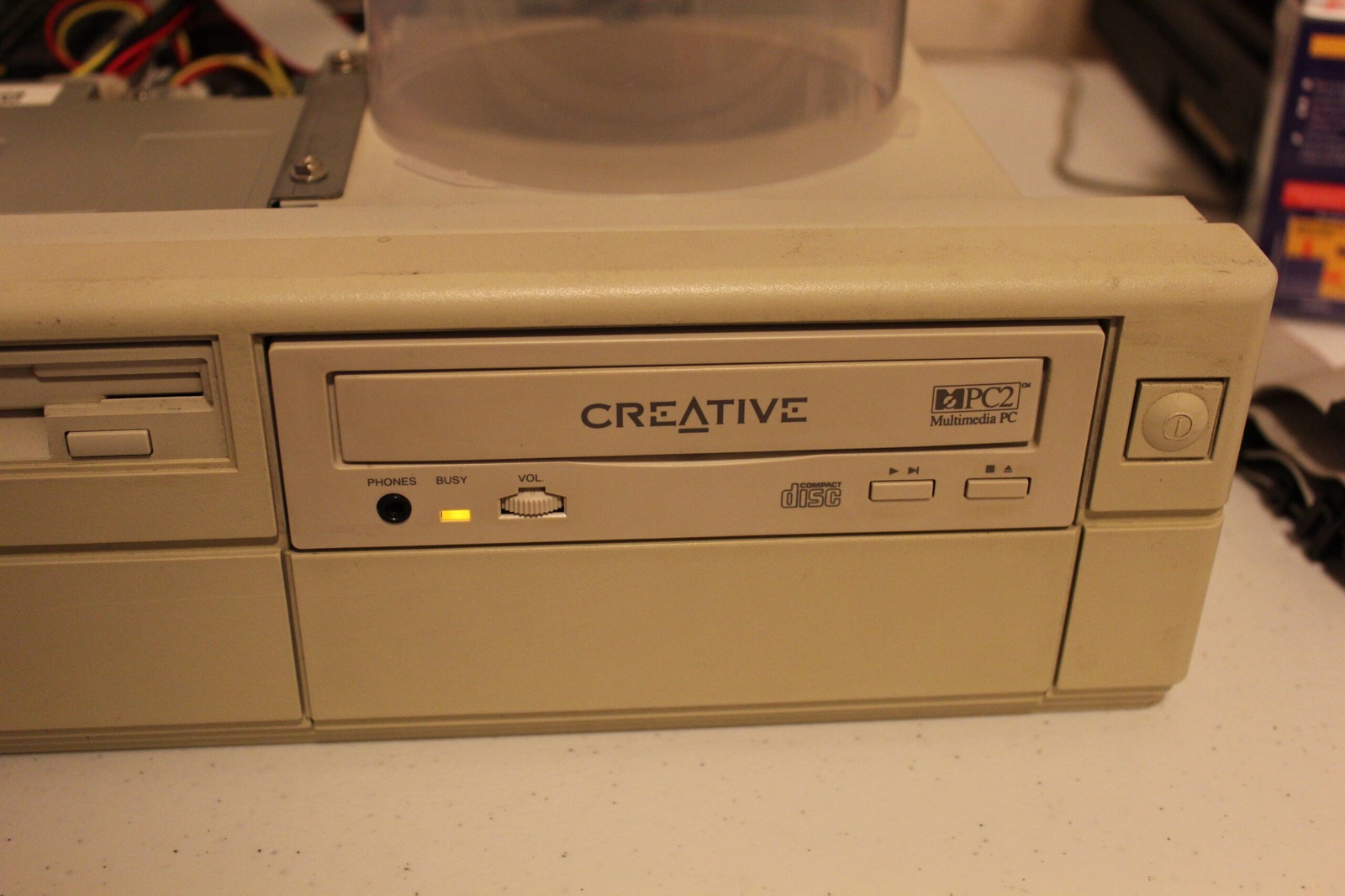
If anyone from the future arrives here trying to get a Creative Labs CD-200 working under DOS, the breakthrough was finding a Creative driver that worked with this drive. CCD.SYS worked in my setup. Once the hardware driver is loaded, MSCDEX provides the DOS drive letter.
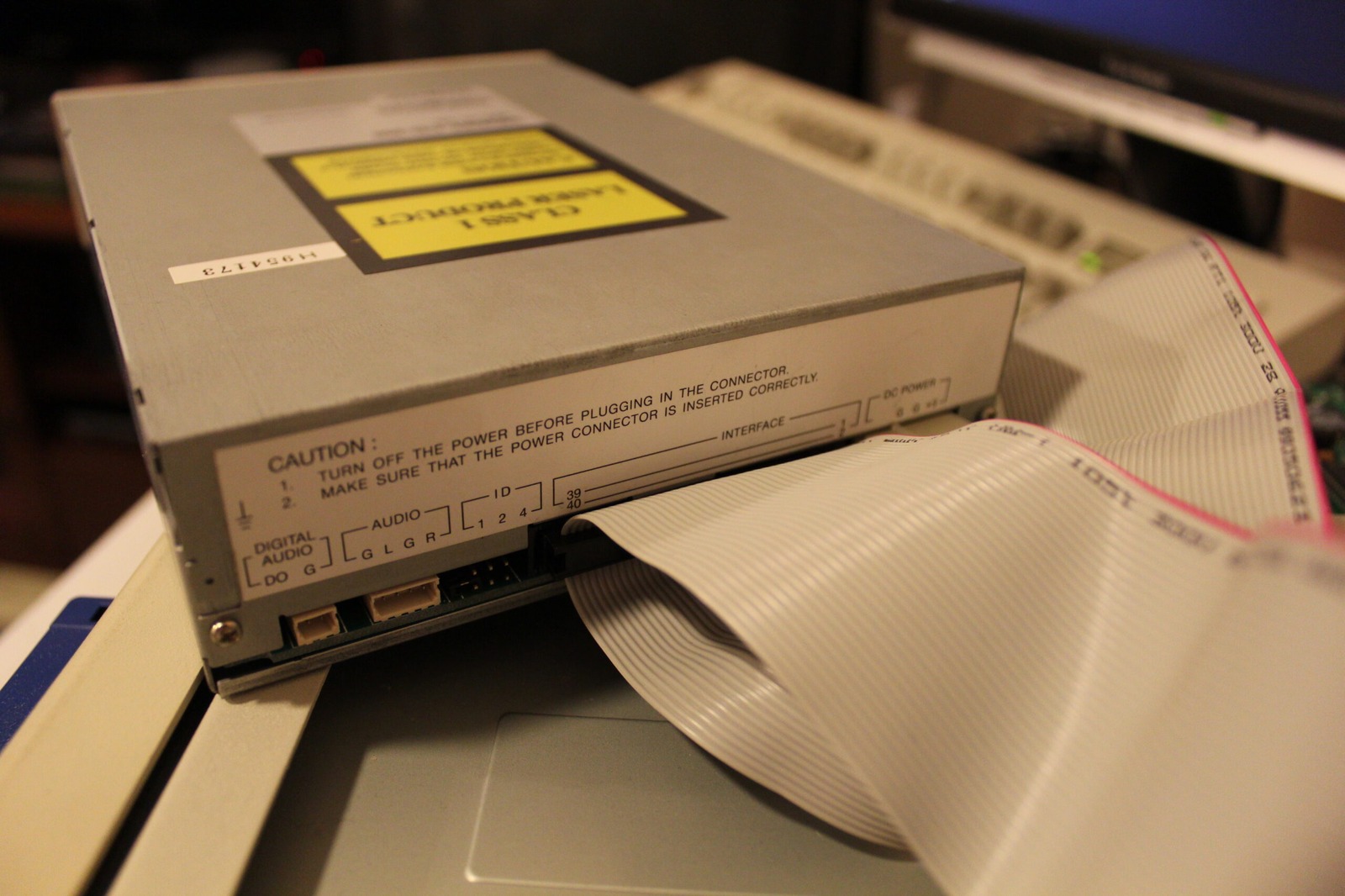
The settings below are the exact configuration that worked in this particular machine. The port address and driver switches depend on the controller or sound card the CD-ROM is connected through, so don’t assume every CD-200 will use precisely the same values.
CONFIG.SYS
DEVICE=C:\SBPRO\DRV\CTSBPRO.SYS /UNIT=0 /BLASTER=A:220 I:5 D:1
DEVICE=C:\SBPRO\DRV\CTMMSYS.SYS
DEVICE=C:\CCD.SYS /D:MSCD001 /P:220 /S:D

AUTOEXEC.BAT
SET SOUND=C:\SBPRO
SET BLASTER=A220 I5 D1 T4
SET MIDI=SYNTH:1 MAP:E
C:\SBPRO\SBPSET /P /Q
C:\SB16\DRV\MSCDEX.EXE /D:MSCD001 /V /M:15
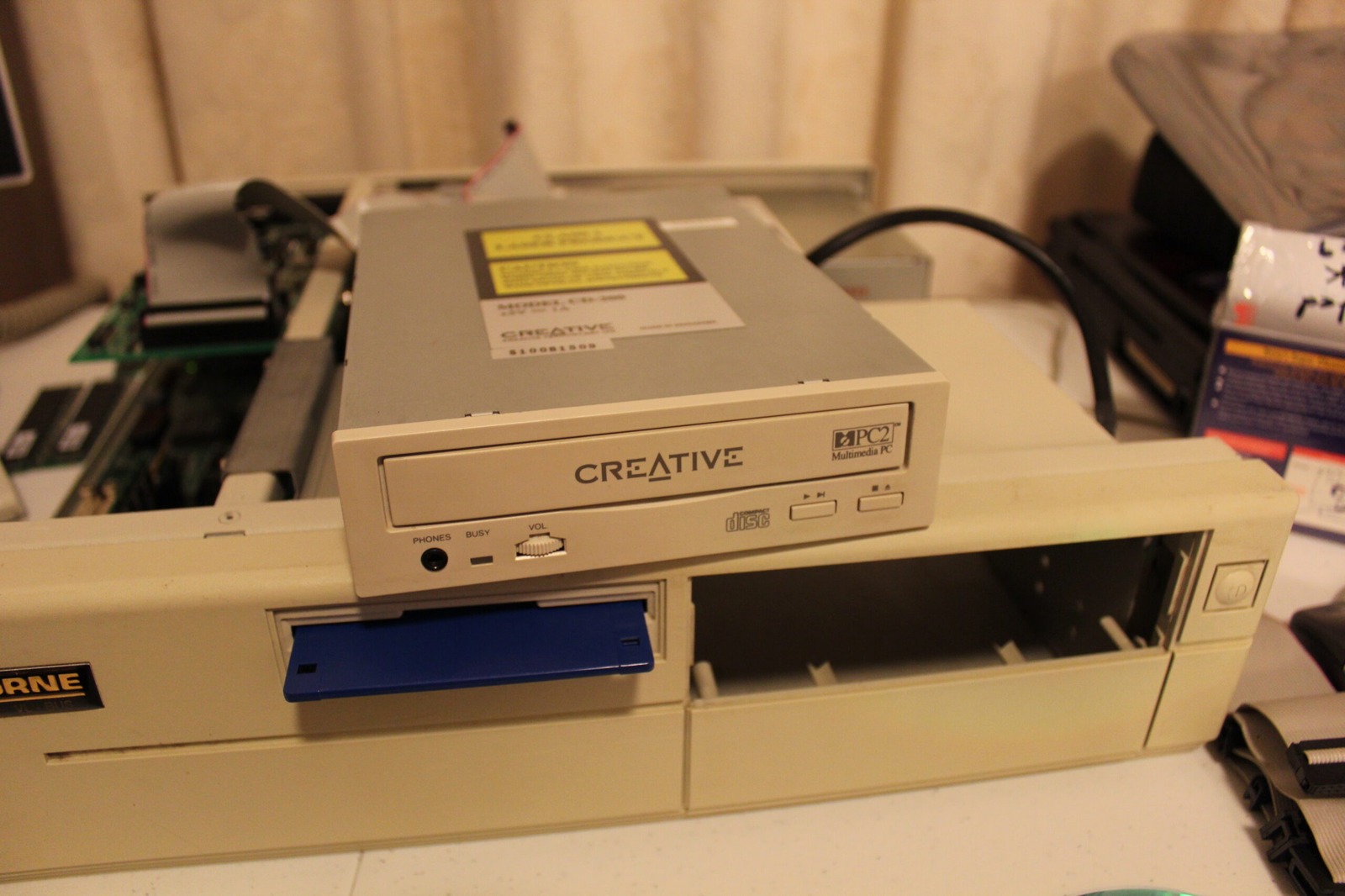
And there it is. A functioning double-speed Creative CD-ROM drive. After the desktop full of random drivers in the previous post, this was a particularly satisfying result.
BBQ party successfully earned.
Related posts
Resources
- VOGONS Vintage Driver Library
- French Driver Website
- VirtualDr - Creative Labs 2X CD
- Vintage Computer Federation - Sound Blaster IDE Cards Drivers Collection
- Metropoli BBS - Creative Labs driver directory
Sources
- Creative CD-ROM driver package README.TXT - describes updating CCD.SYS/CRCCD.SYS and installing MSCDEX separately. The configuration above records what worked in my machine.