 Nix McRetro
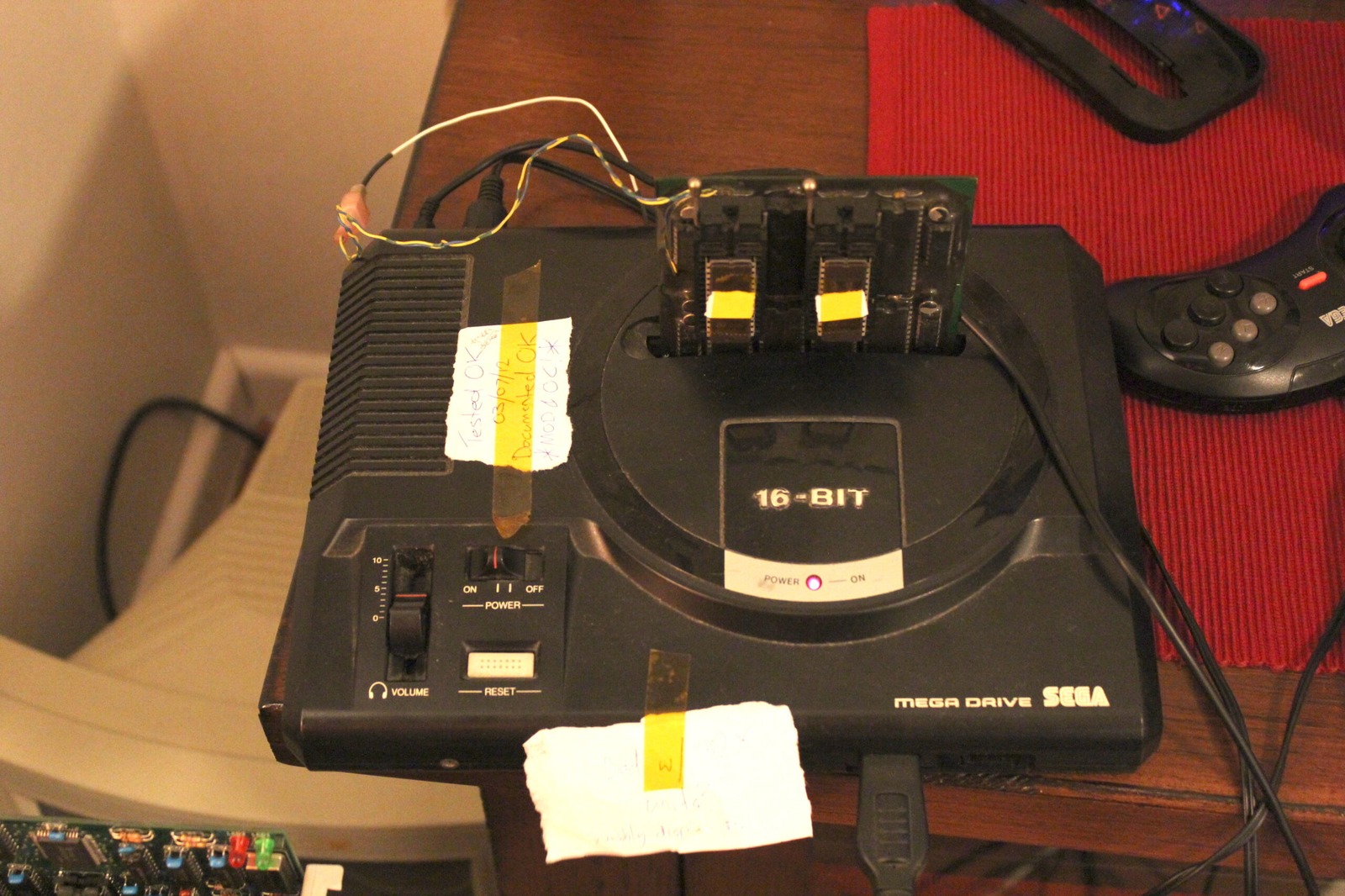
Just leaving this here as a reminder for myself… I’ve been looking into SGDK, the Sega Genesis Development Kit, which allows you to write software for the Sega Mega Drive / Genesis using C. Much easier than having to write absolutely everything in Motorola 68000 assembly, or at least that’s the theory!
Before anything useful can happen, Windows needs to know where SGDK is installed. That’s where environment variables come in.
Setting up SGDK
First, download SGDK and extract it somewhere sensible. For this example, we’ll use C:\SGDK. Keeping the folder name short and free of spaces is probably a good idea, especially when dealing with older development tools.
Next, open the Windows Control Panel and head to System > Advanced system settings > Environment Variables.
Under System variables, create the following two entries:
| Variable | Value |
|---|---|
GDK |
C:/SGDK |
GDK_WIN |
C:\SGDK |
Yes, both variables point to exactly the same directory. The difference is that GDK uses forward slashes for the Unix-style tools, while GDK_WIN uses the usual Windows backslashes. Why have one variable when you can have two?
Now find the existing Path variable and add the following to the end, separated from the previous entry by a semicolon:
%GDK_WIN%\bin
Be careful not to replace the existing contents of Path. Windows probably wouldn’t appreciate suddenly forgetting where everything else is installed!
Checking everything works
Open a new Command Prompt and enter:
echo %GDK%
echo %GDK_WIN%
These should display the two SGDK paths we entered earlier. If they don’t, something has gone wrong with the environment variables.
The next step is to compile the SGDK library. Enter:
%GDK_WIN%\bin\make -f %GDK_WIN%\makelib.gen
If all goes according to plan, SGDK should generate libmd.a in the lib directory. That means the library is ready for use.
From there, it’s possible to compile a Mega Drive project by opening a Command Prompt in the project’s directory and running:
%GDK_WIN%\bin\make -f %GDK_WIN%\makefile.gen
The resulting ROM should appear as out\rom.bin, ready to try in a Mega Drive emulator or on the original hardware with a flash cartridge. Of course, getting the development environment working and actually writing a game are two completely different things. One problem at a time!
Sources