 Nix McRetro
Here begins a new journey. A journey into the world of underpowered Linux computers.
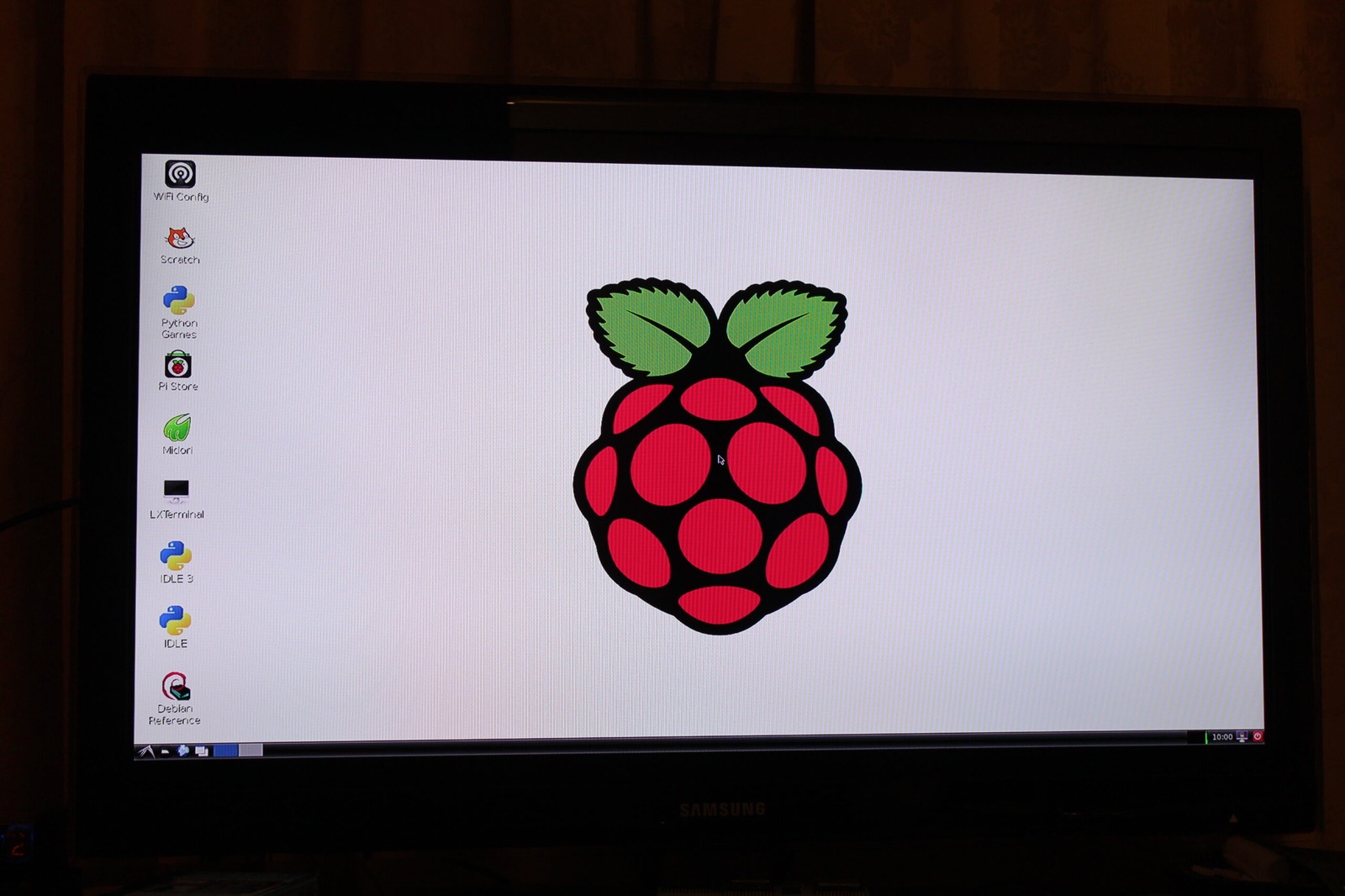
This is my Raspberry Pi running Raspbian Wheezy through BerryBoot. BerryBoot gives the Pi a boot-selection and operating-system installation environment, with support for keeping multiple Linux distributions on the same storage setup. Raspbian Wheezy was based on Debian Wheezy, adapted for the Raspberry Pi.
The actual end goal is much more McRetro-specific: I want this little machine to become the File Server for material that needs preserving for future generations.
Whether the Raspberry Pi is actually going to enjoy that job remains to be seen. But it is small, cheap, quiet and considerably more power efficient than leaving some old desktop running around the clock.
Time to see how far an ARM board and unreasonable optimism can take us.
Sources
- Raspberry Pi - New SD card image - official 30th October 2012 announcement documenting the period Raspbian Wheezy release.
- BerryBoot documentation - documents BerryBoot’s multi-boot OS installer and storage options for the Raspberry Pi.