 Nix McRetro
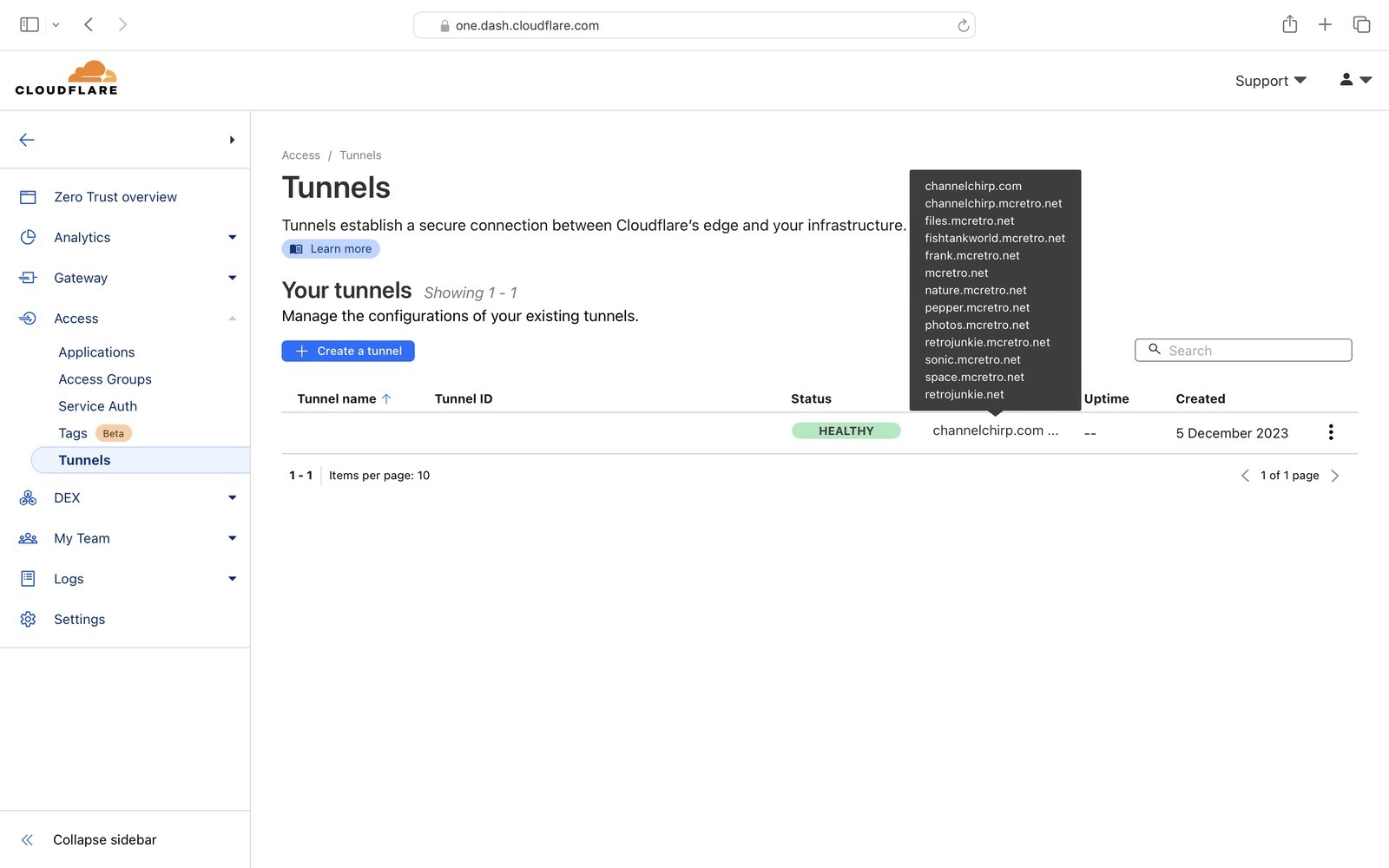
CG-NAT defeated! Cloudflare Tunnel, which I was still habitually calling Argo Tunnel, works and has done so for about a week. cloudflared makes outbound connections from my network to Cloudflare, so I can publish the web server without needing an inbound public IPv4 connection. However, due to the way the tech behind it all works…
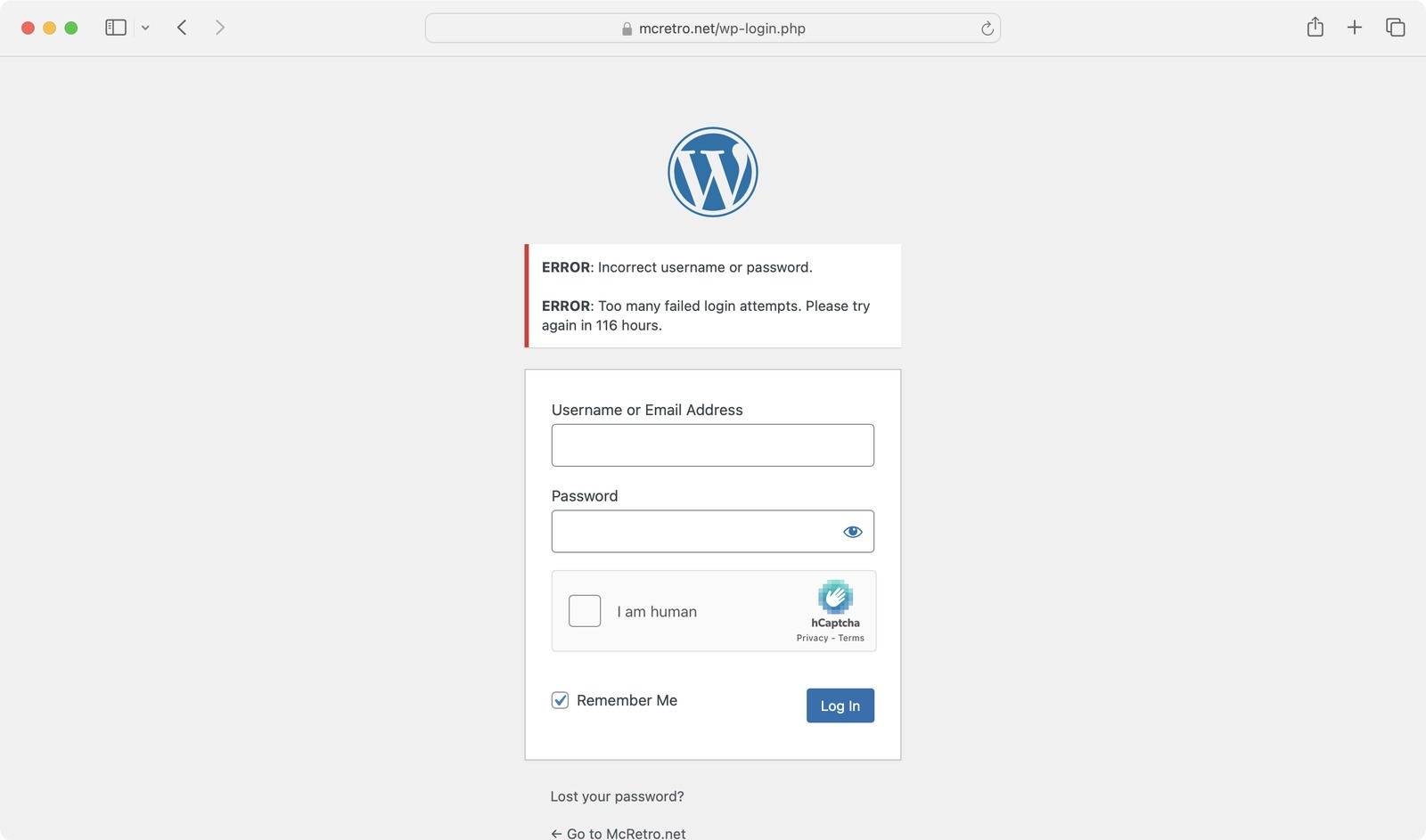
…I might have inadvertently locked myself out, with help from botnets spamming my Wordpress login page of course! No problem, it gave me a week to mull over options and find a better solution.
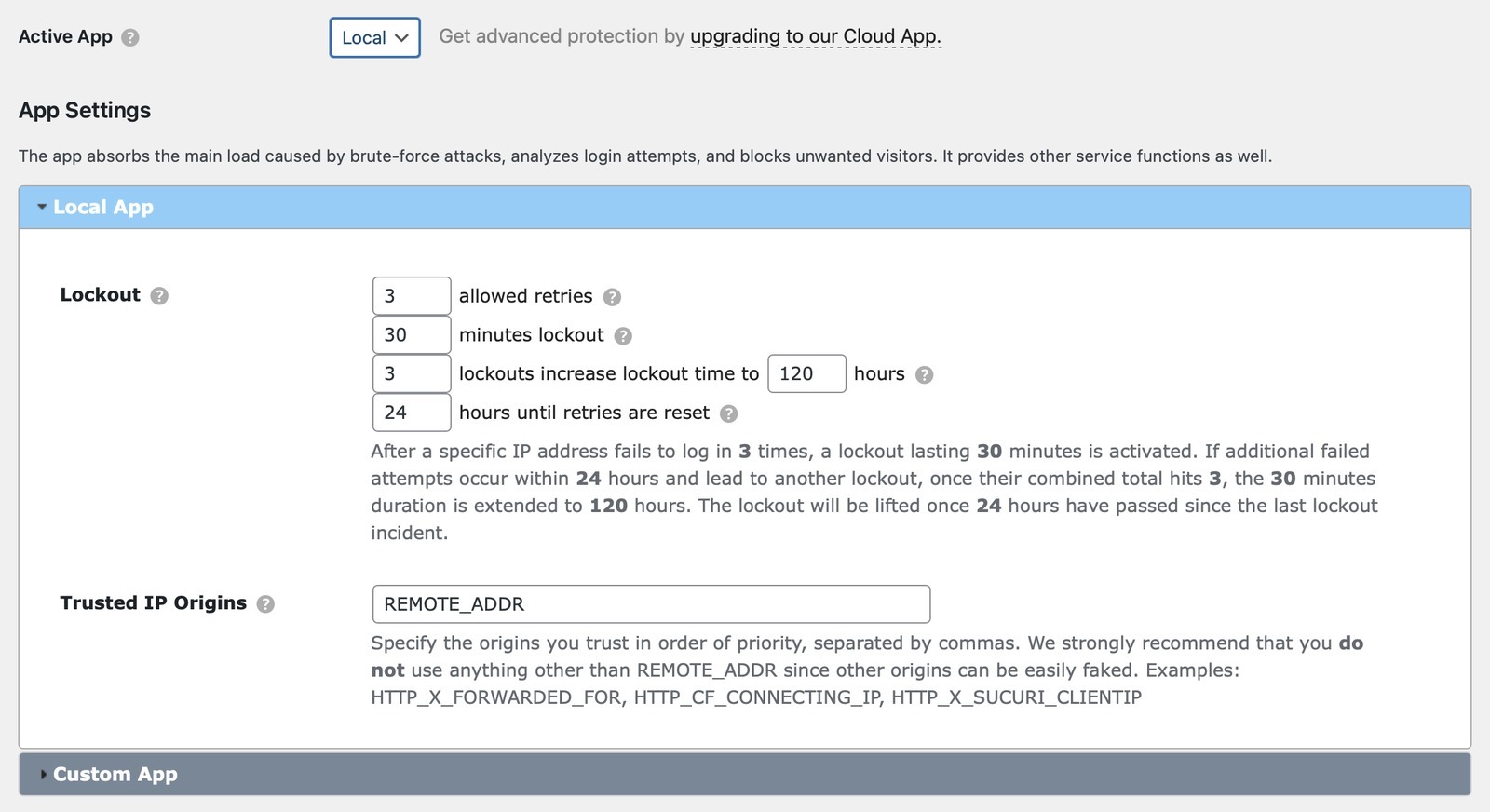
After finding some time to look at the settings, I can see why I was locked out. Cloudflare Tunnel brings the request into my network through cloudflared, so software looking only at the local connection can see the tunnel or local proxy rather than the visitor. Cloudflare still passes the original visitor address in headers such as CF-Connecting-IP, but my WordPress security tooling wasn’t interpreting that path correctly. The end result was that botnet login attempts and my own login activity could all look like they were coming through the same local/proxy path.
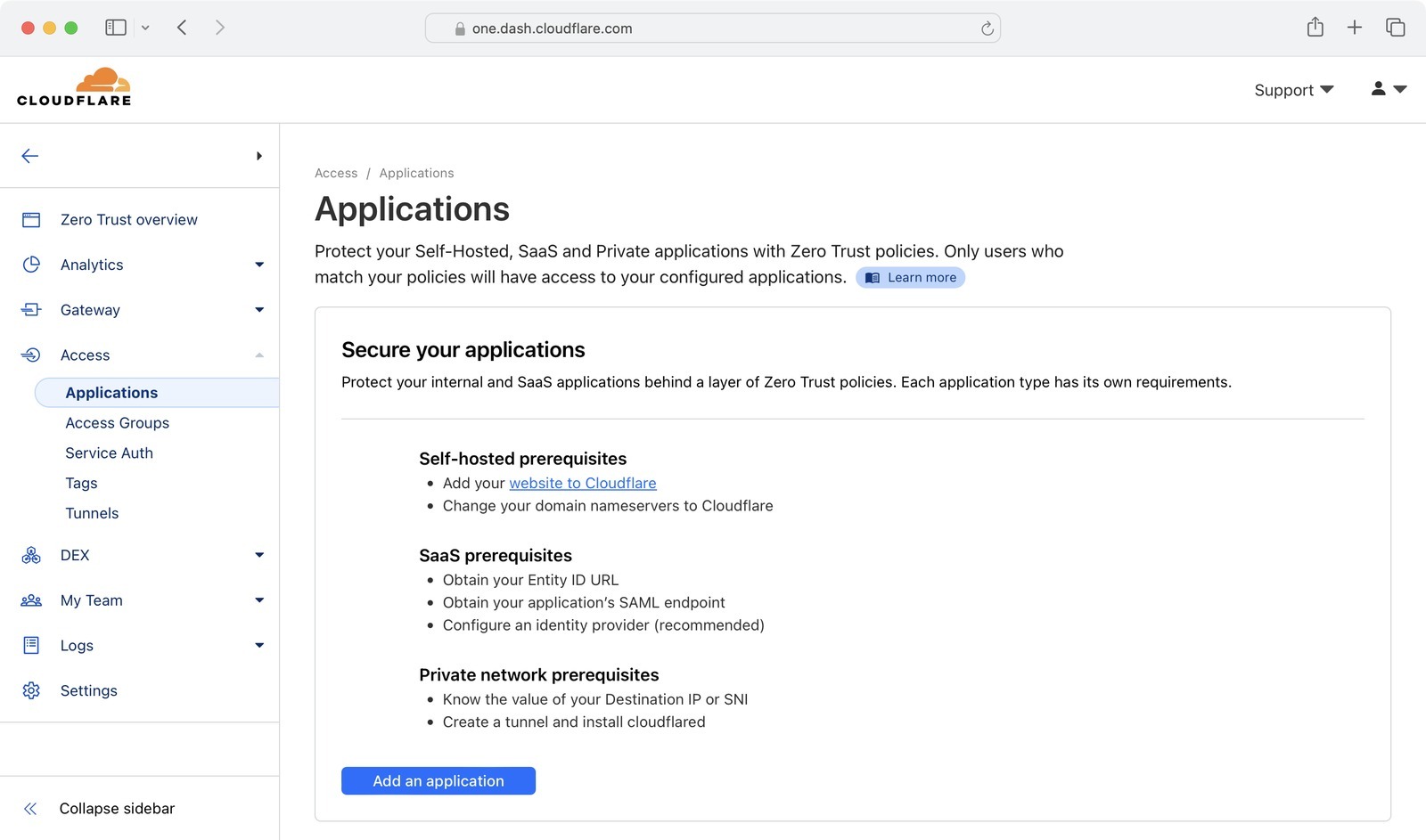
Enter Cloudflare Access (again)! Using a one-time PIN through Cloudflare puts another authentication gate in front of the WordPress login, so only an approved email identity gets as far as wp-login.php. It doesn’t replace WordPress updates or strong credentials, but it means a lot less unauthenticated junk ever reaches the login page. Reduced server load and less exposed attack surface? Yes please! This user is most definitely back online!
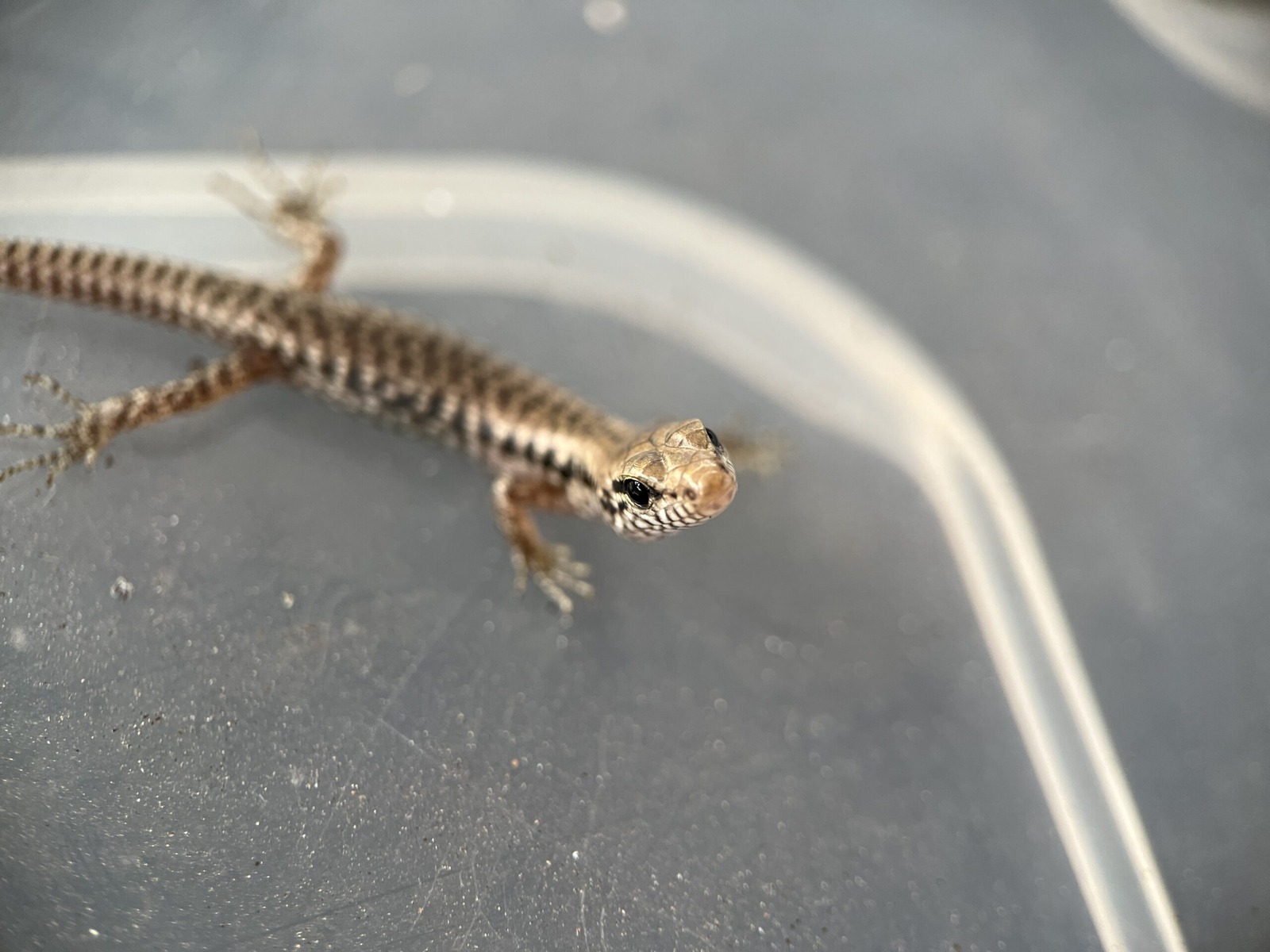
Now that this mess is sorted out I can get back to finding cool lizards in my backyard. Ahhh, it does beg the question, should I even be self-hosting on 4G home internet? No, probably not. Latency is through the roof and CG-NAT is annoying. Oh well! 💁♀️
Big thanks to Tim Smith and Jeremy - without their guidance I’d probably still be reading the Cloudflare documentation! 😅