 Nix McRetro
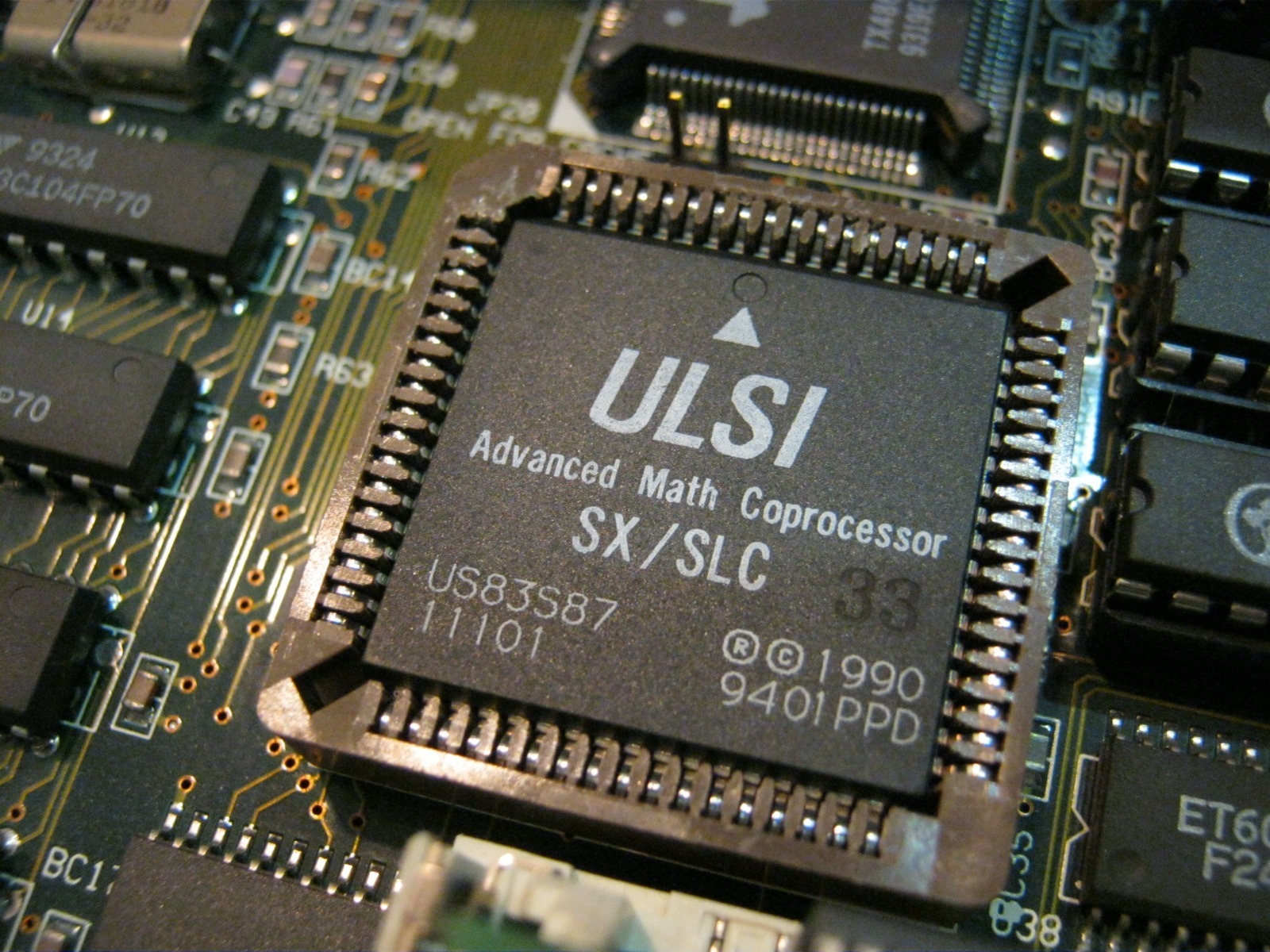
Finally, the empty coprocessor socket has company. And it’s even recognised correctly!
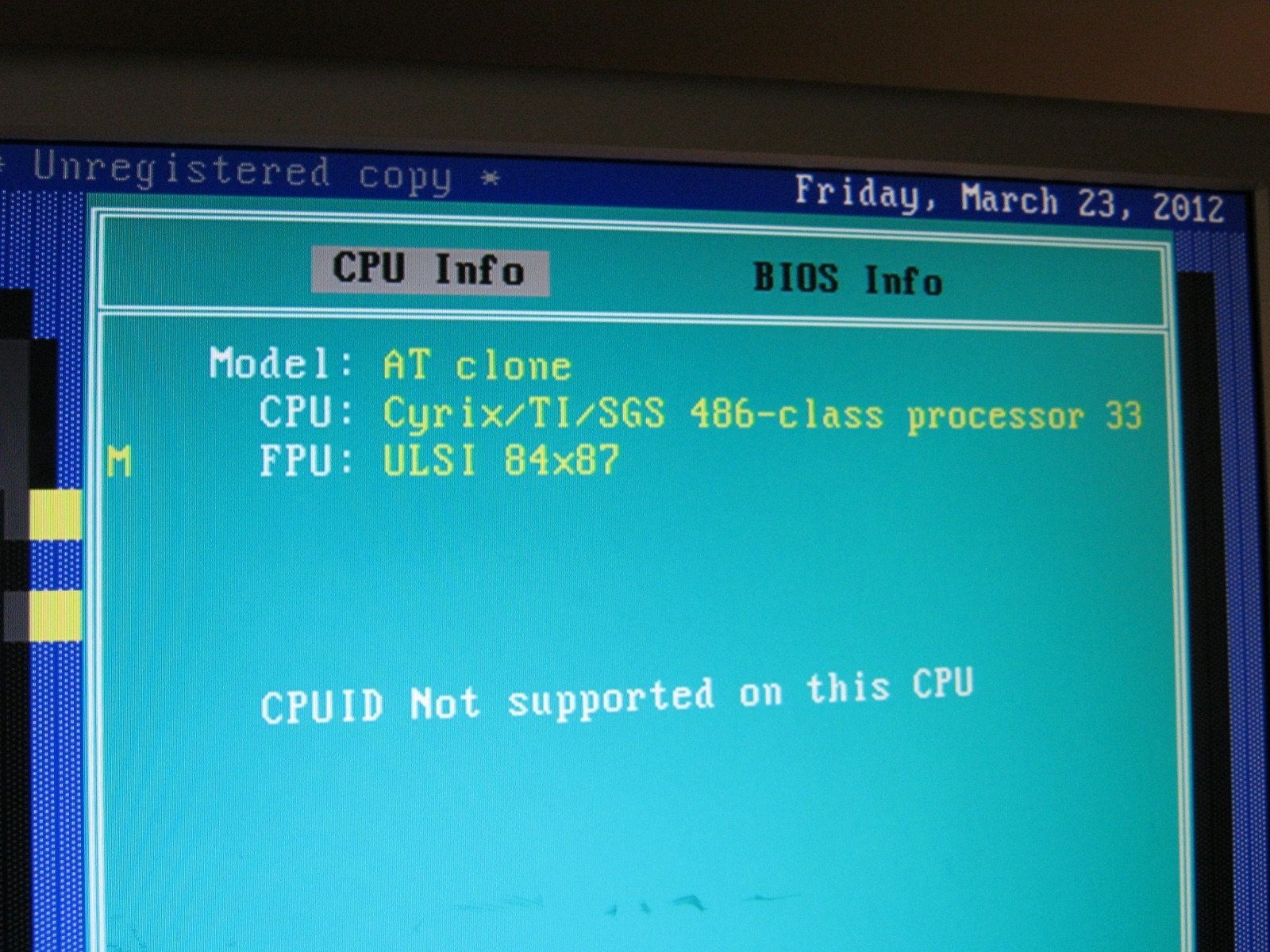
Diagnostic software picks up the ULSI as an 84x87. Good enough for me!
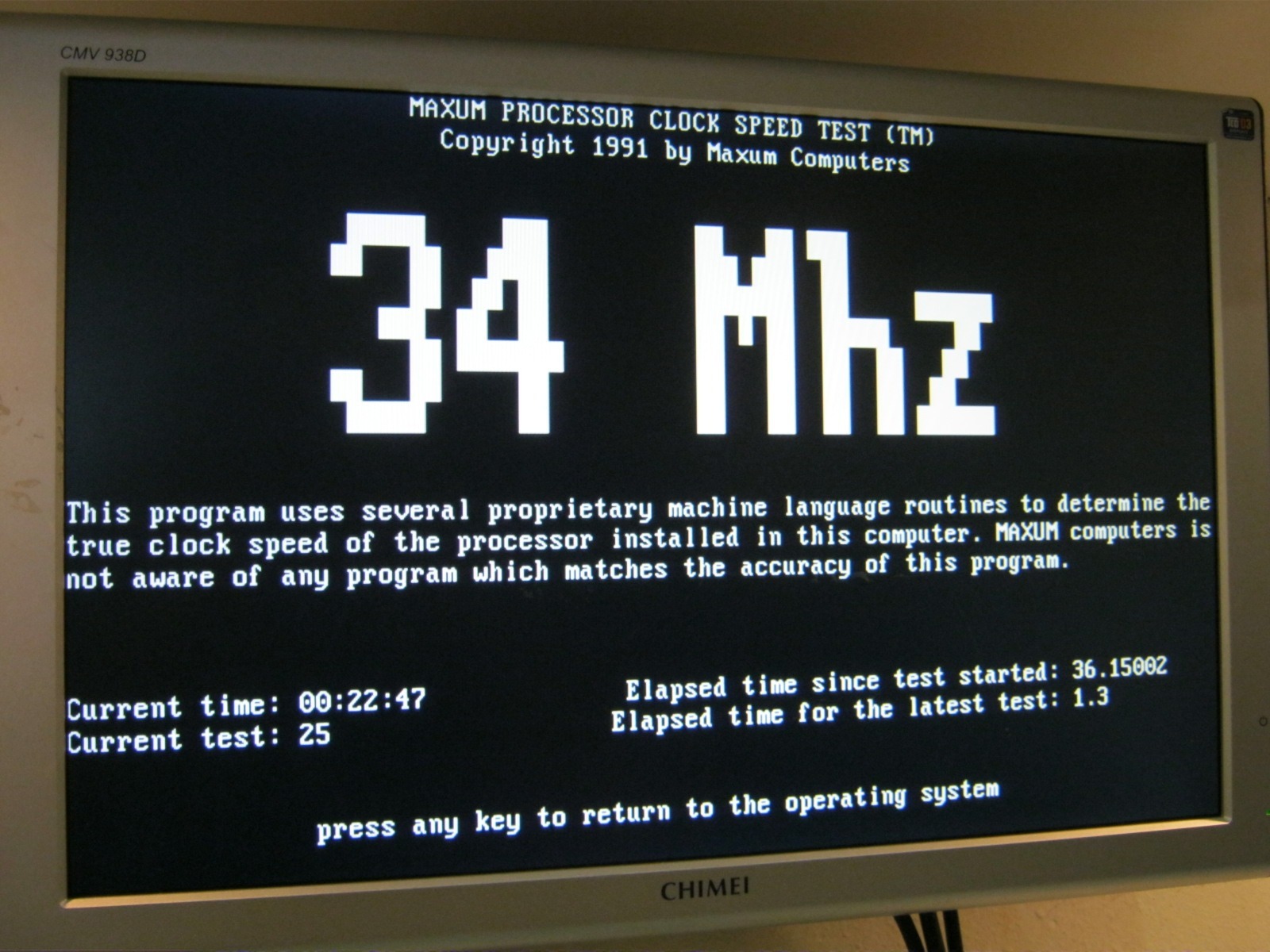
MAXUM reckons 34 MHz. Close enough to the 33 MHz it is supposed to be running at!
The PC7486SLC-based Amstrad Mega PC Plus upgrade really is running at 33 MHz. Great news: the math coprocessor for the 486SLC has arrived and is recognised perfectly. It is a ULSI Advanced Math Coprocessor SX/SLC rated at 33 MHz, part US83S87. The diagnostic software also identifies it as a ULSI 84x87.
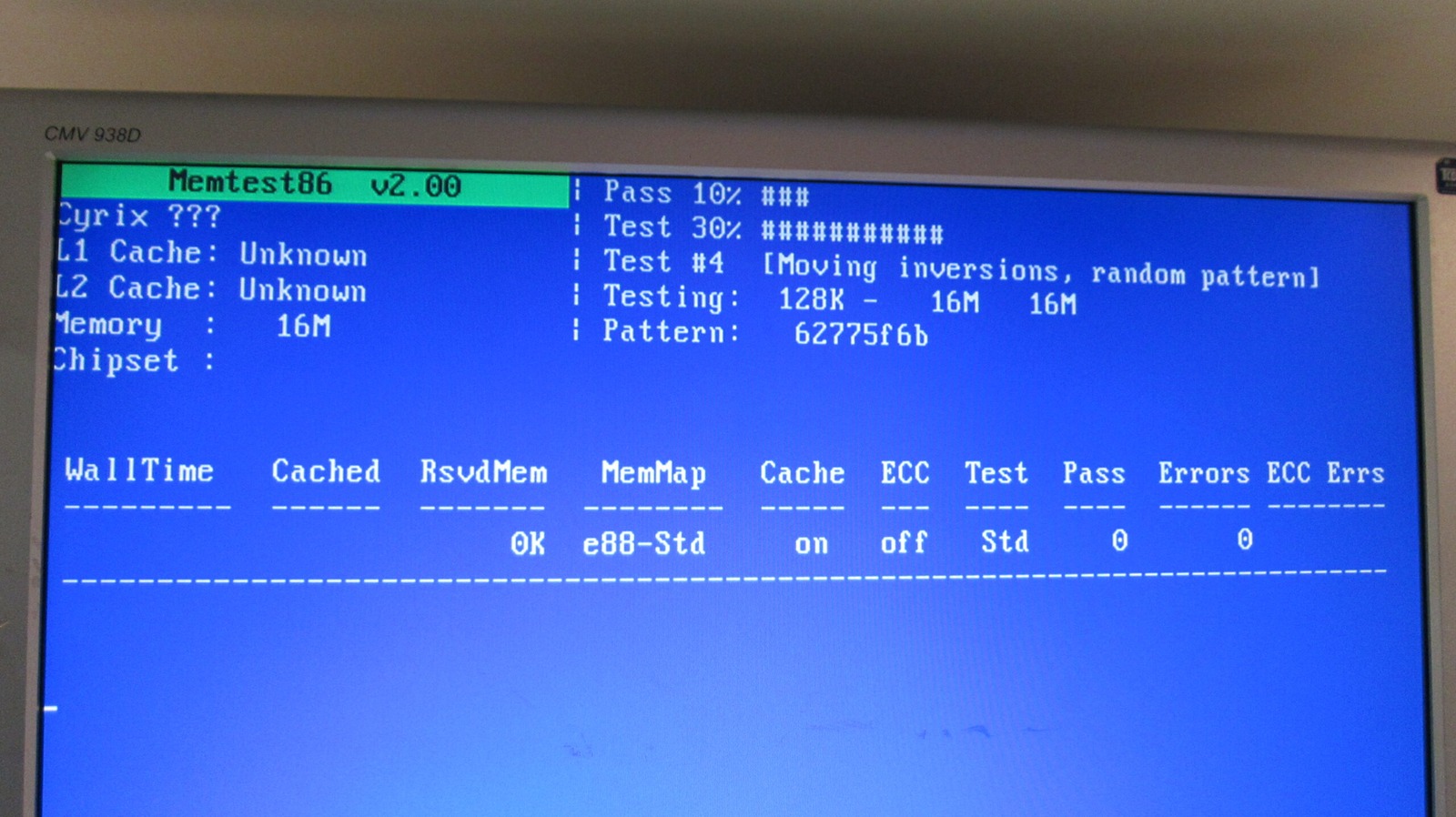
Sixteen whole megabytes! Memtest has plenty to chew through, and I eventually got a clean pass.
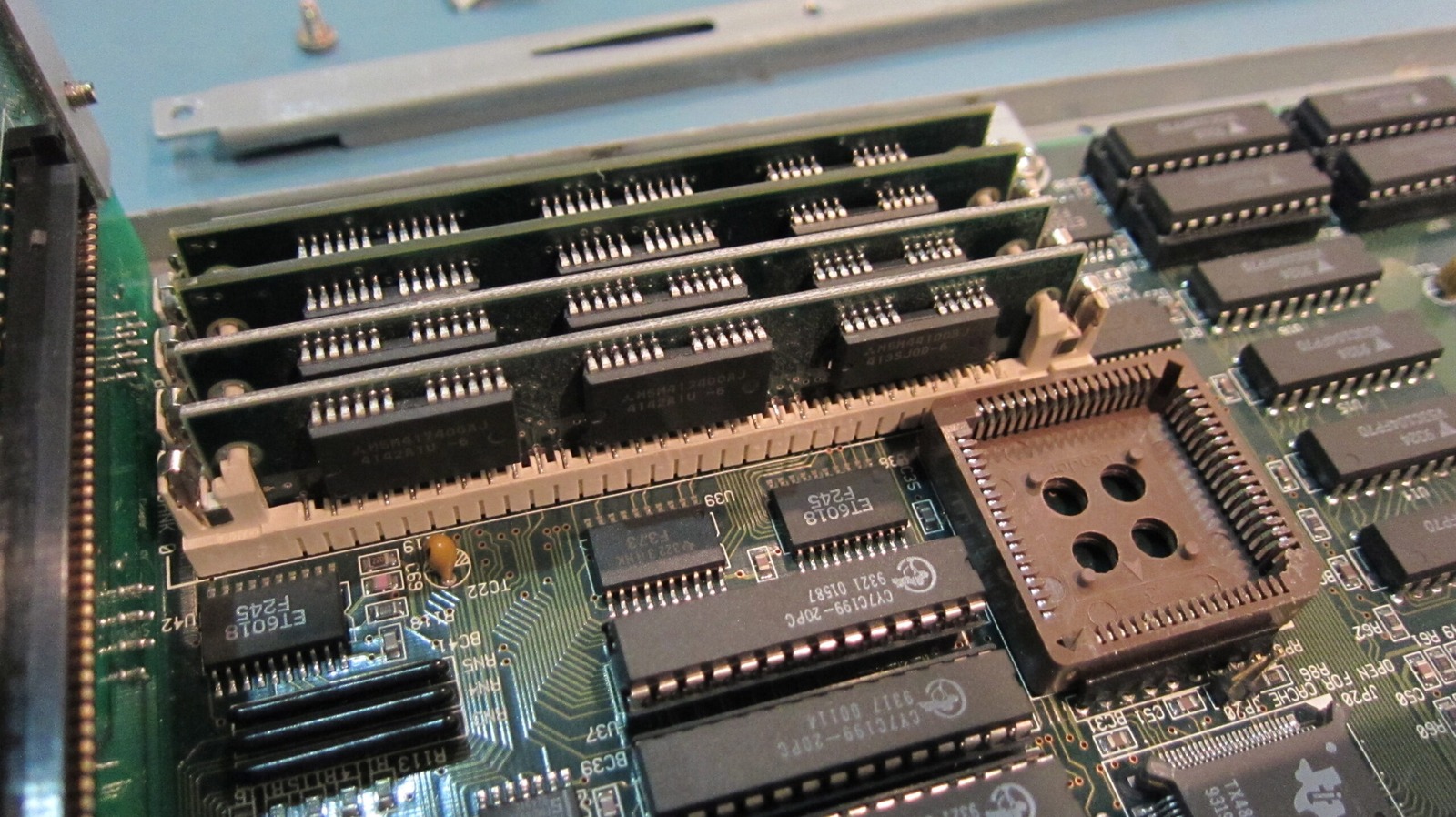
Four SIMM modules in their slots, and the coprocessor socket still empty in this earlier photo. The full 16 MB upgrade is now working.
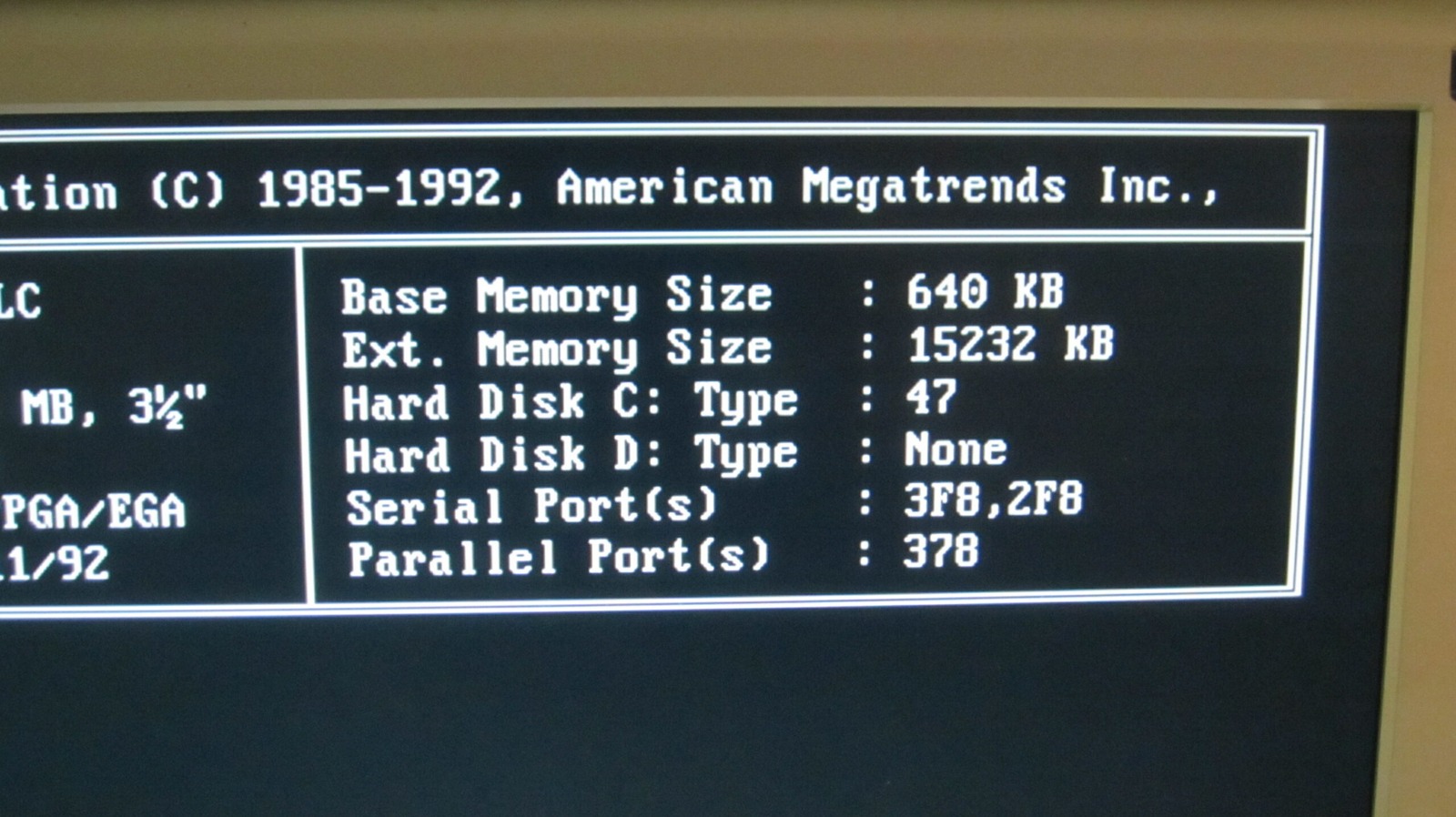
AMIBIOS reports 640 KB base memory and 15,232 KB extended. Not a bad amount of RAM for this little machine!
I’ve also been able to run MEMTEST 4.10 across the full 16 MB of RAM I installed, and it passed with no errors. MEMTEST 4.20 does not run though. It simply restarts when I try to boot it from the floppy.
The 16 MB ceiling makes sense, too. The TI486SLC has a 24-bit address bus and can directly address 16 MB of physical memory. No point expecting to squeeze 32 MB out of that CPU!
For now I am still waiting on the replacement RTC module to arrive from Hong Kong. A couple more weeks to go. I’ve also ordered a 4 GB Disk on Module using SLC flash rather than MLC. Hopefully the BIOS will recognise it and I can boot DOS and Windows from it without too much drama. Time will tell! :D
Sources
- Texas Instruments: TI486 Microprocessor Reference Guide
- Epson: ActionTower 2000 User Manual (83S87-33 and 486SLC-33)