 Nix McRetro
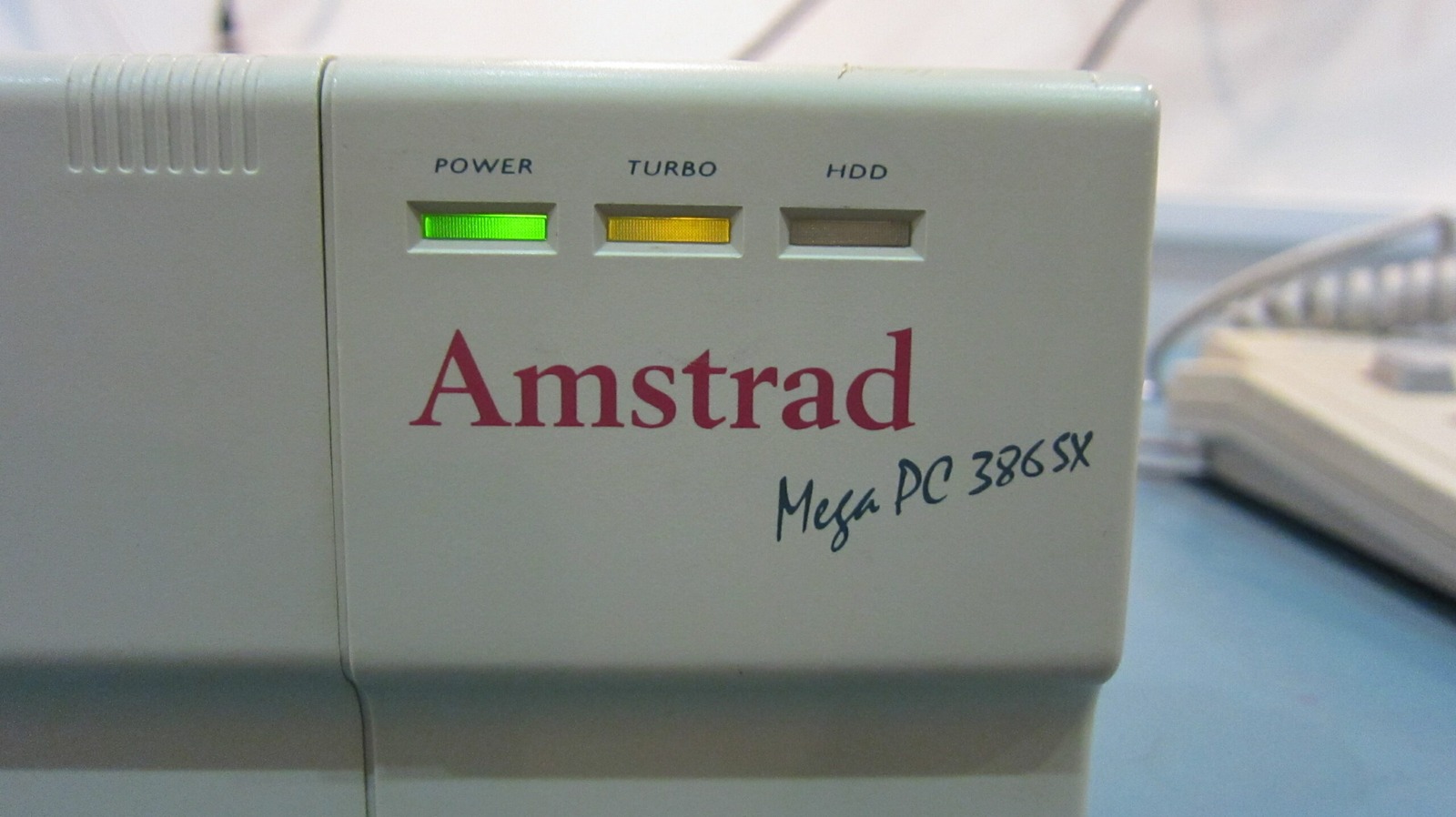
Wow! My mind has been racing at 1000 miles an hour. I can barely keep up with all the ideas for future mods. I have more tabs open than a Firefox enthusiast right now! This is basically the notebook beside my computer turned into a blog post. These are ideas and experiments, not finished upgrade instructions.
1. Socketed CPUs for everyone
One idea is to convert both the Sega TeraDrive CPU and Amstrad Mega PC CPU to socketed arrangements. That would make experimenting with compatible processors much easier without repeatedly attacking the motherboard with a soldering iron.
2. Socketed clock oscillators
Replacing a CPU does not automatically mean the system clock needs to change. If a replacement processor is compatible with the existing clock, it can simply run at that speed. Changing the clock source only becomes necessary if I want to change the actual processor or bus frequency, and at that point the rest of the motherboard has to tolerate the new timing as well. The math coprocessor in the Mega PC would have to be considered too.
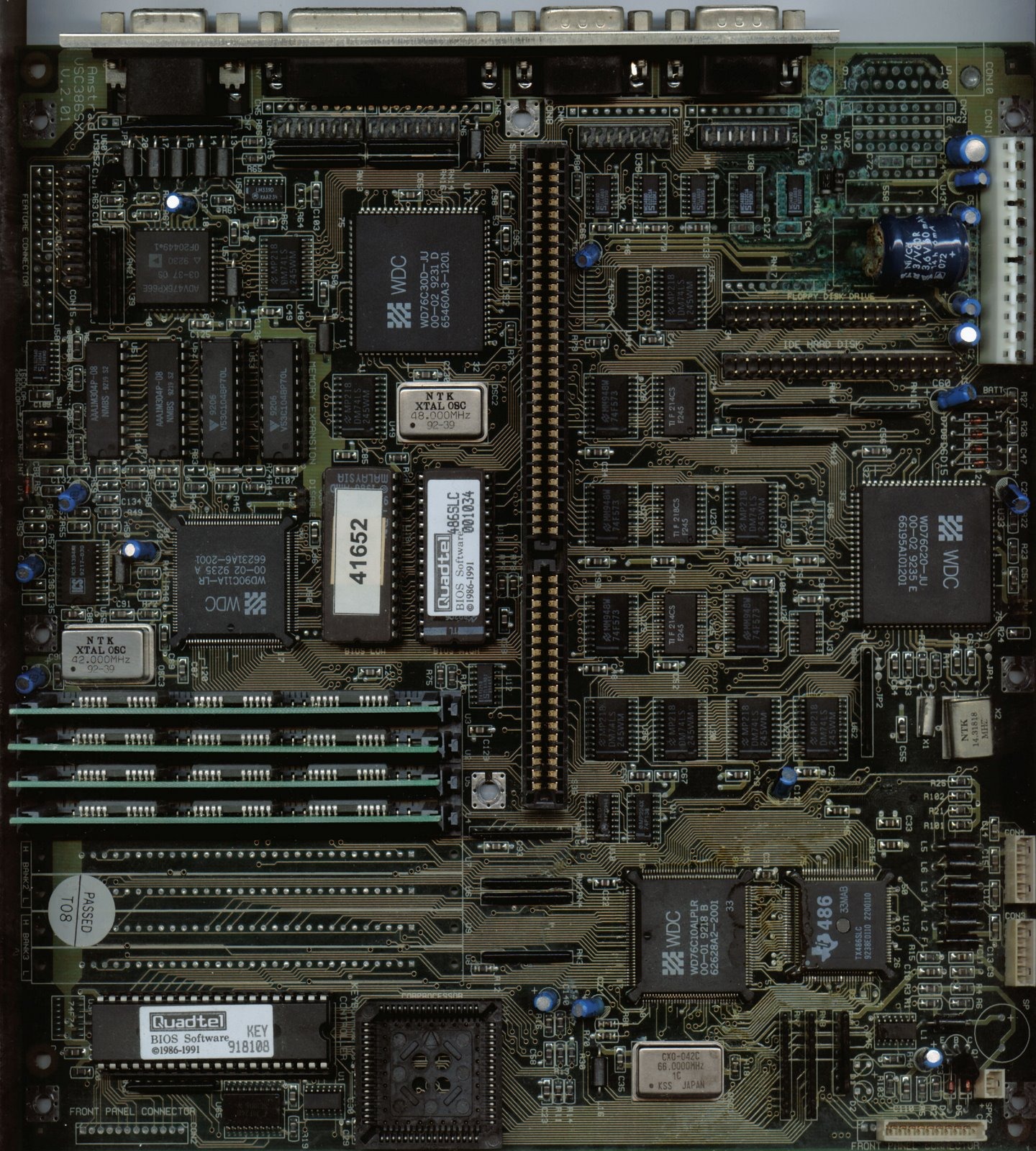 What appears to be a 386SX-derived Amstrad motherboard fitted with a 486SLC CPU and BIOS.
The Mega PC Plus mystery
This idea came back to me when I looked again at a photograph I had saved of what appeared to be a 386SX-derived Amstrad motherboard fitted with a 486SLC CPU and matching BIOS. The silkscreen still refers to VSC386SXD, yet there is a TX486SLC fitted.
It is extremely interesting in the context of the Mega PC Plus, but this photograph by itself is not enough to prove that the board is a factory Mega PC Plus motherboard.
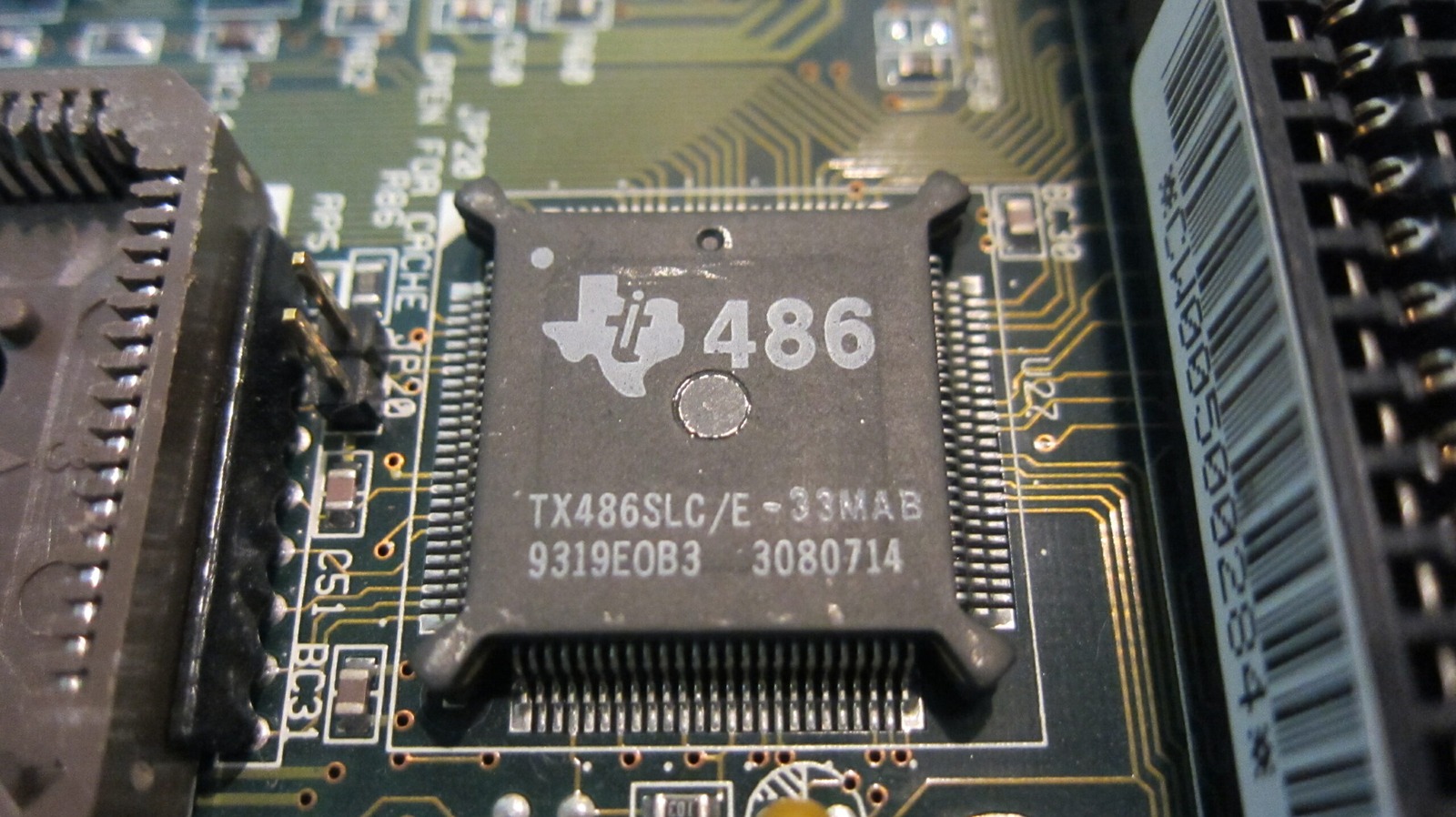
My replacement PC7486SLC board uses a TI486SLC/E. Texas Instruments produced 25 MHz and 33 MHz versions, while AMD produced Am386SX parts at several rated speeds.
Voltage and clock requirements depend on the exact processor variant and suffix, so this is not a situation where every 386SX or 486SLC can simply be swapped around.
If I wanted a faster compatible CPU to run at its intended frequency, I would likely need to change the relevant clock source as well. Leaving the original clock in place could cause a compatible replacement CPU to run below its rated speed, while an incompatible part might not operate correctly at all.
Finding the CPU clocks
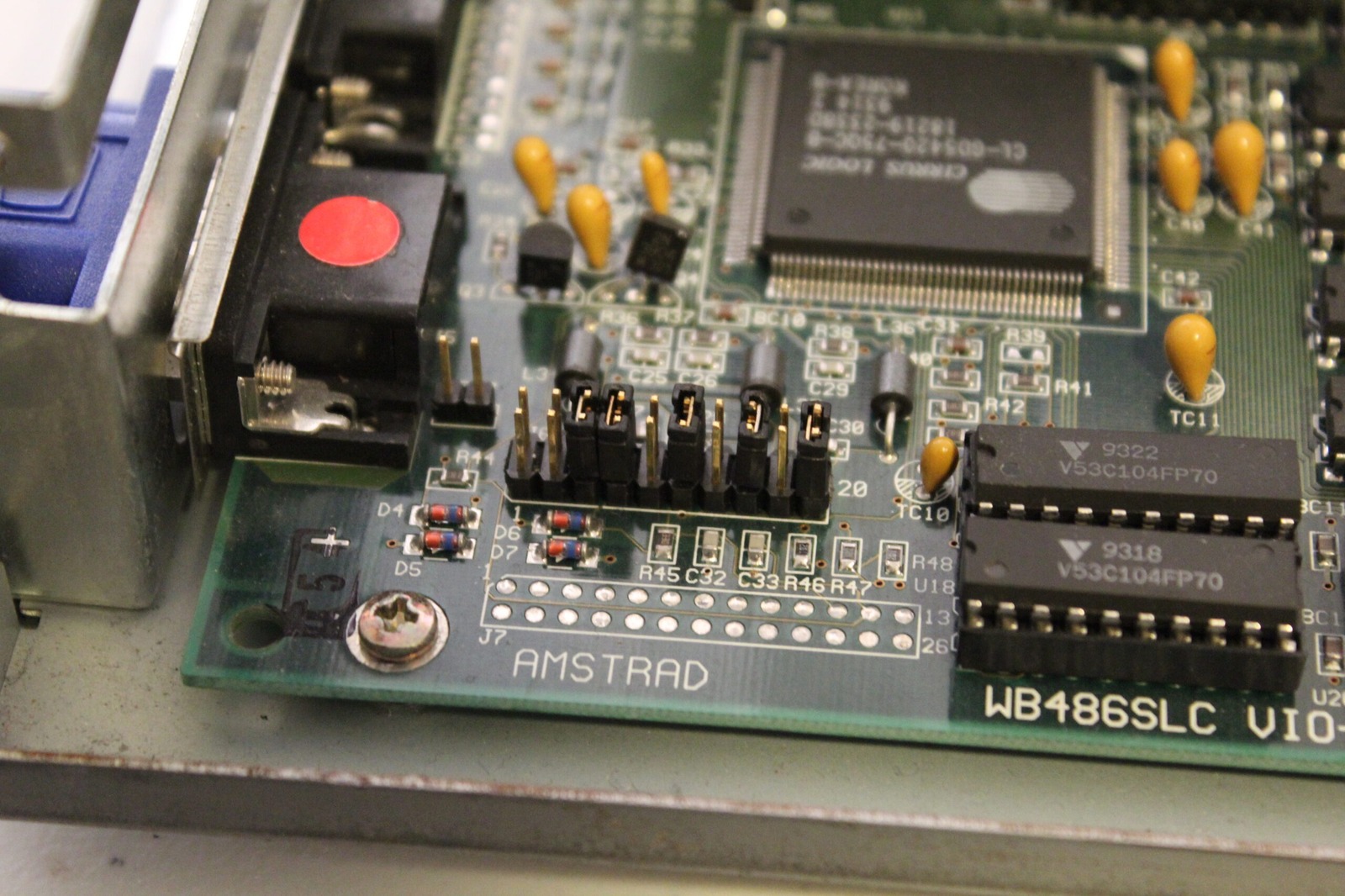
The TeraDrive contains a 10 MHz 80286 and I found a 20 MHz clock source nearby. That relationship makes sense because the 80286 uses a system clock at twice the processor’s internal frequency.
I also found a 14.31818 MHz reference clock. That frequency has been part of PC hardware since the original IBM PC, where it was used as a base timing frequency and divided down for other functions. It therefore should not be mistaken for the TeraDrive CPU’s direct clock source.
On the Mega PC boards, the likely CPU clock sources line up much more neatly: 50 MHz for the 25 MHz 386SX and 66 MHz for the 33 MHz 486SLC.
One terminology correction as well: those little DIP-4 metal cans are oscillator modules, not bare crystals.
So, what do I actually want to do?
A socketed CPU and socketed clock oscillator would make experimenting much easier. But changing the clock potentially affects much more than the CPU. The chipset, memory timing, expansion buses and coprocessor all have to remain happy as well.
For the TeraDrive, a socketed 286 experiment still looks tempting.
The Mega PC will need more thought because I already have the processors and boards I want to preserve.
In any case, I’ll start collecting the parts and eventually put some of these ideas into action.
You’ll know when it happens because I’ll almost certainly write far too much about it here.
Sources
- AMD Am80286 datasheet - documents the 80286 clock input running at twice the internal processor frequency.
- AMD Am386SX/SXL/SXLV Microprocessors Data Sheet - documents the Am386SX CLK2 relationship and distinguishes standard and low-voltage variants.
- Texas Instruments TI486 Microprocessor Reference Guide - documents TI486SLC/E clocking, 25 MHz and 33 MHz operation, and voltage variants.
- PCjs - IBM PC technical reference material - background on the IBM PC’s 14.31818 MHz base timing reference.
- Sega Hardware Archive - TeraDrive - official background on the TeraDrive and its IBM Japan collaboration.